Impulse response and transfer function can be visualized for async measurement, the options are very similar to Sync IR measurement. Options explanation are available in
Within the impulse response viewer it is possible to modify some parameters to improve the presentation of the IR and the relative transfer function.
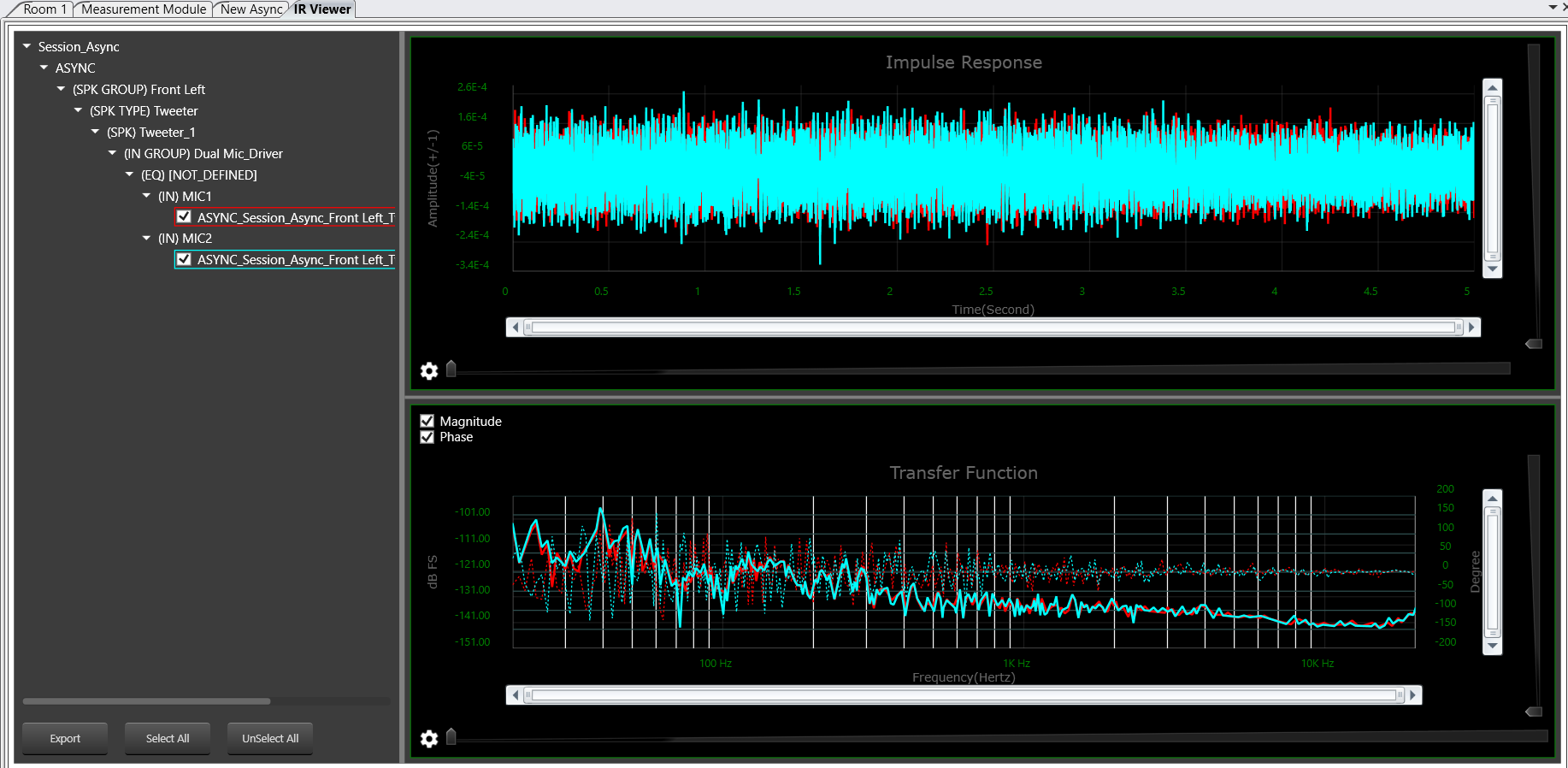
With the async viewer it is possible to inspect and analyze the recording as well
- select Recorded as signal type, length and windowing works as usual but are applied to the recording

- Two possible spectrum processings are available for recorded signals
-
- The Usual Power Spectrum
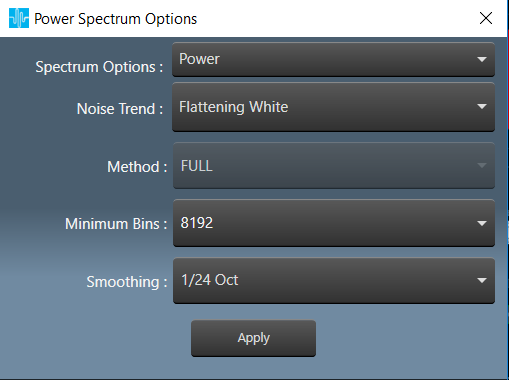
- The Usual Power Spectrum
- A Constant Q transform based on librosa
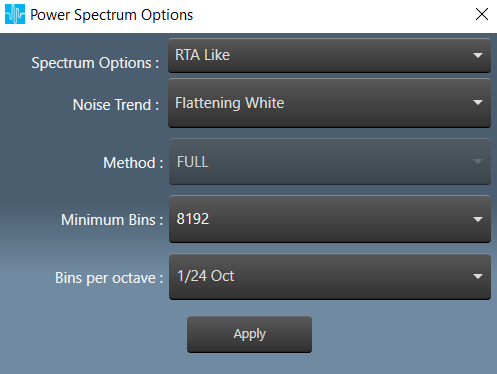
-
- Both can change the slope of pink noise (detrend)
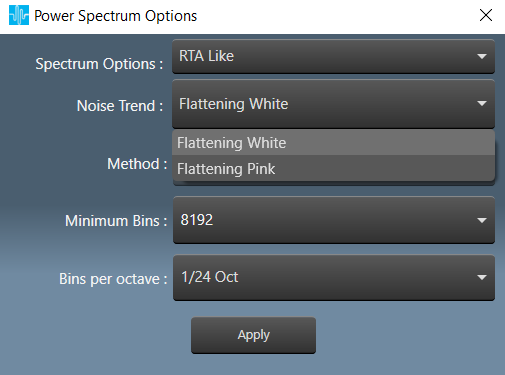
- WHITE FLAT (default, the power spectrum shows white noise as flat)

- PINK FLAT compensates the -3dB/oct behavior of ordinary pink noise (the same noise is detrended in the image). The power of the two spectrums is preserved.

- WHITE FLAT (default, the power spectrum shows white noise as flat)
- Available Calibrations are:

- Digital Values: the compensation constant are not considered, the results and the units are in a.u. (arbitrary unit)
In MM this is called arbitrary unit a.u. and it is displayed as dBFS - Calibration Sound Pressure of the recording in Pa
- Digital Values: the compensation constant are not considered, the results and the units are in a.u. (arbitrary unit)