

1.Overview of Delay Based Effector
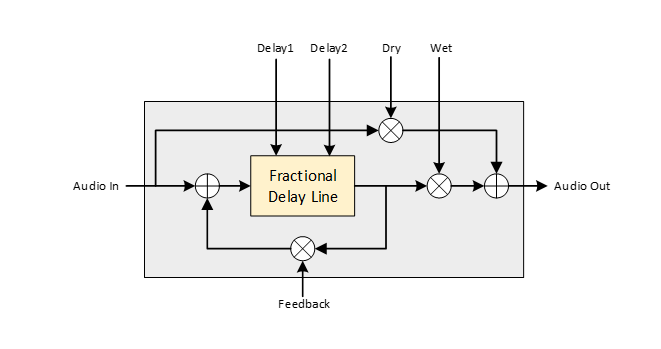
Delay is an audio signal processing technique that records an input signal to a storage medium and then plays it back after a period. A simple delay-based audio effect- echo, adds a delayed version of the signal to the original. More complex effects like vibrato, chorus and flanger, modulate the delayed version of the signal. Delay Based Effector audio object is to modulate the delayed version of the signal in different modes. Following are the modes available in this audio object,
- Echo
- Flanger
- Chorus
 Was this helpful?
2.Build design time parameters
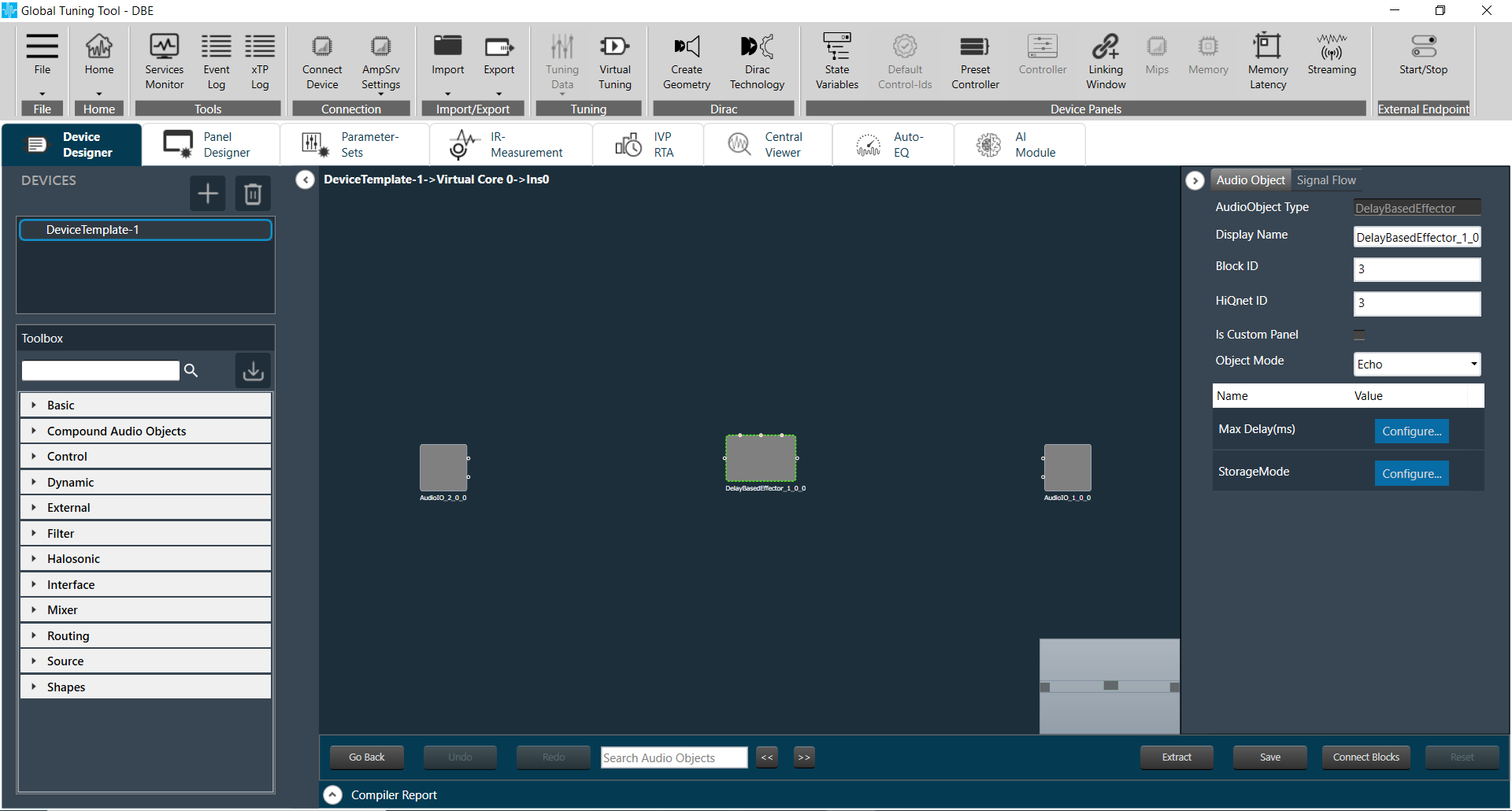
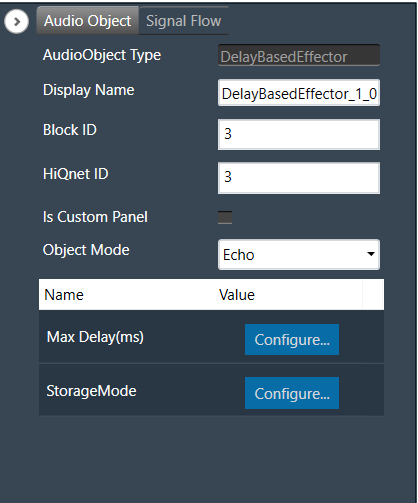
Following parameters can be configured during design time,
| Parameter | Unit | Note |
| Object Mode | – | Object mode selection: 0: Echo 1: Flanger 2: Chorus |
| Max Delay | ms | Maximum delay time in millisecond, range: 0 to 2000 ms. Under Flanger or Chorus mode, Max Delay is limited to the range of 0 to 50 ms, even if it is set to a value greater than 50. |
| Storage Mode | – | To set storage mode to float 32 or float 16, 0: Implements the delay module using float 32 1: Implements the delay module using float 16 |
3.Delay Based Effector Panel
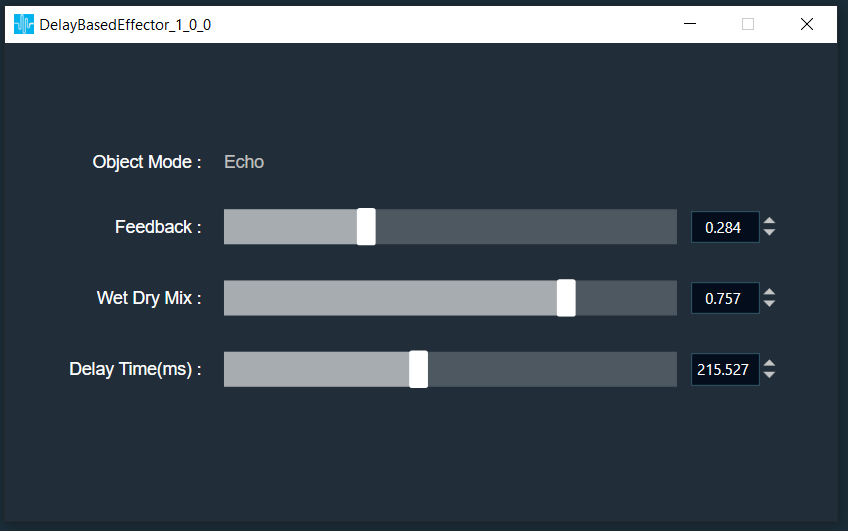
Delay Based Effector native panel is to configure the tuning parameters such as Feedback, Wet Dry Mix and Delay Time. Panel can be launched by double clicking the audio object in signal flow designer. This panel can be configured in custom panel, using “Launch Native Panel” and “Mount Native Panel” options.
The object mode of Delay based Effector will be shown in panel. The tuning parameters can vary based on selected object mode. User can configure following parameters in the panel if object mode is Echo or Flanger,
| Parameter | Unit | Range | Default Value | Note |
| Feedback | – | 0 to 0.9 | 0 | Feedback gain applied to delay line |
| Wet Dry Mix | – | 0 to 1 | 0 | Determines the ratio of wet signal added to dry signal |
| Delay Time | ms | 0 to Max Delay | 0 | Specifies delay times applied to audio signal |
User can configure following parameters in the panel if object mode is Chorus,
| Parameter | Unit | Range | Default Value | Note |
| Feedback | – | 0 to 0.9 | 0 | Feedback gain applied to delay line |
| Wet Dry Mix | – | 0 to 1 | 0 | Determines the ratio of wet signal added to dry signal |
| Delay Time 1 | ms | 0 to Max Delay | 0 | Specifies delay times applied to audio signal |
| Delay Time 2 | ms | 0 to Max Delay | 0 | Specifies delay times applied to audio signal, available only in Chorus mode. |
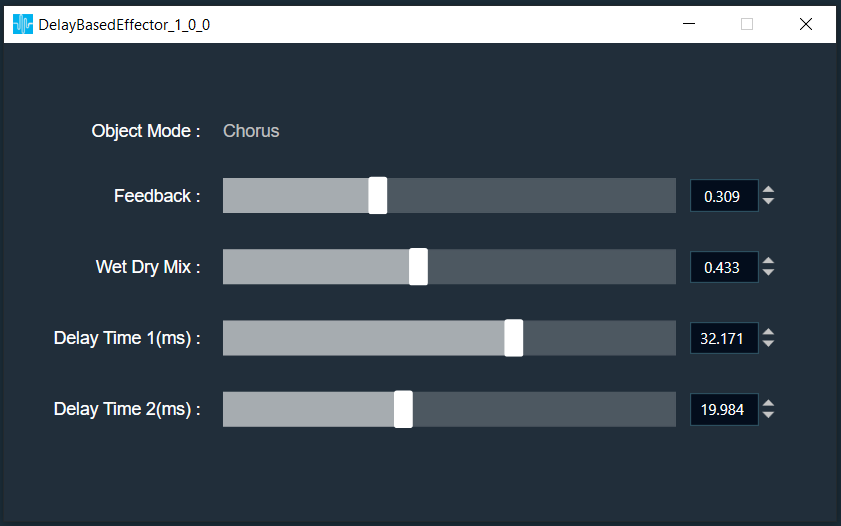
Value of dynamic additional parameter “Max Delay” is the maximum value of Delay Time 1 and Delay Time 2