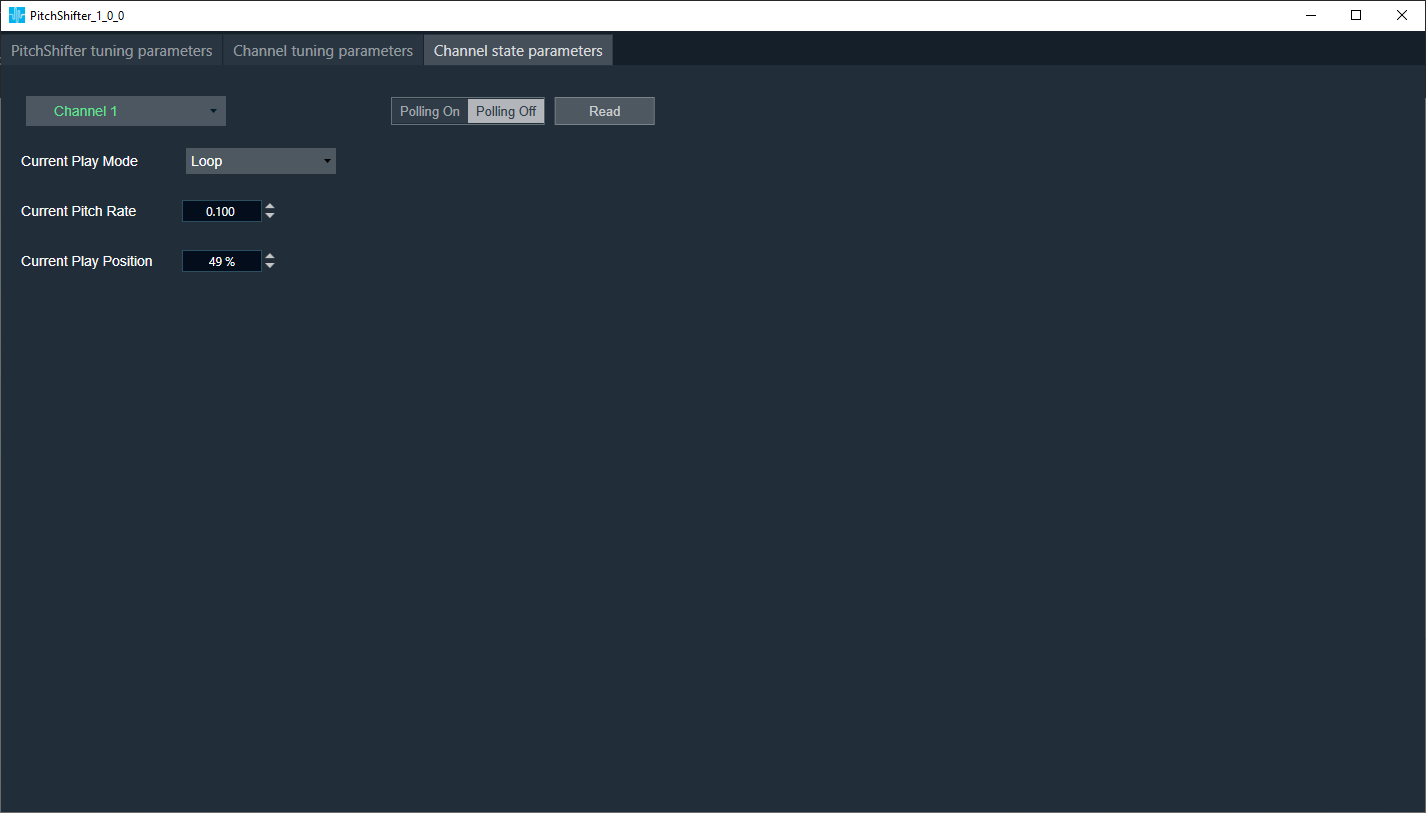
1.Build time parameters
Pitch Shifter can be launched from native panel from SFD and from systemFunction.
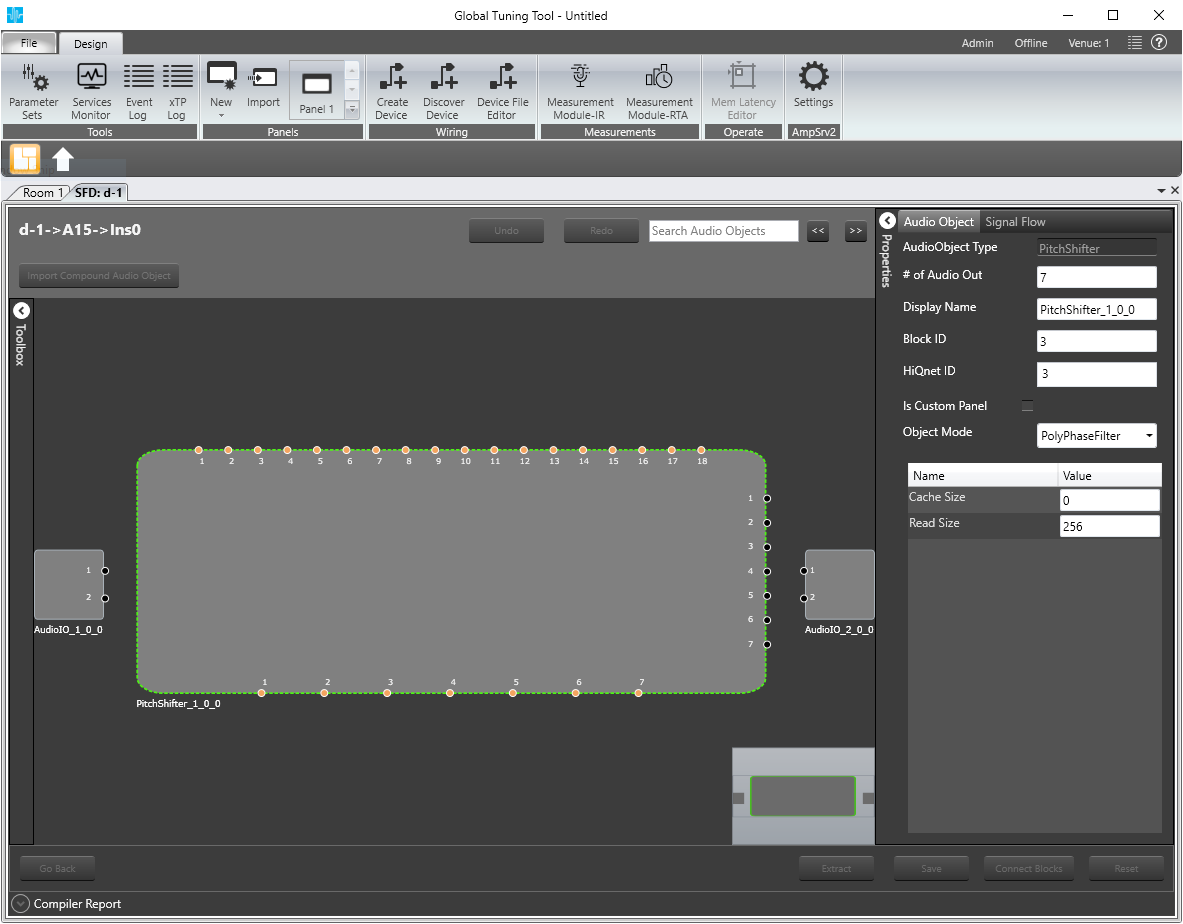
2.Channel Tuning Parameters tab
On this tab user can set parameters for selected channel:
- stream play mode
- fade in type
- fade out type
- pitch ramp type
- stream start position (%)
- interval time (ms)
- fade in time (ms)
- fade out time (ms)
- pitch ramp time (ms)
- fade out delay (ms)
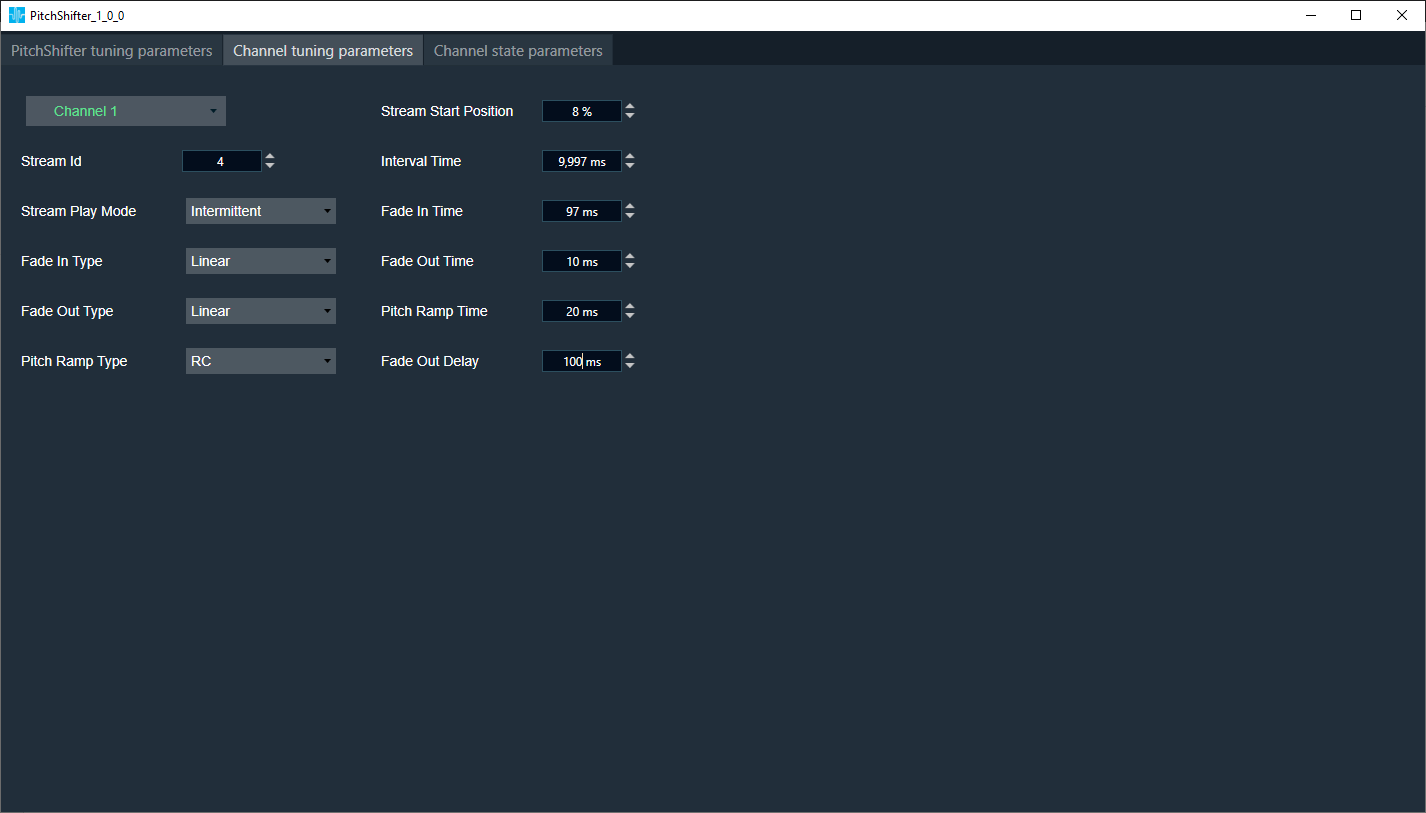
3.Tuning Parameters Tab
View of this tab depends on which mode is selected in design time.
- In linear mode, only Quick Fade In time slider is avaiable. User can change value using textbox.
- In polypshase filter mode, Quick Fade In time slider is avaiable and additionally FIR panel view is added to the tab.

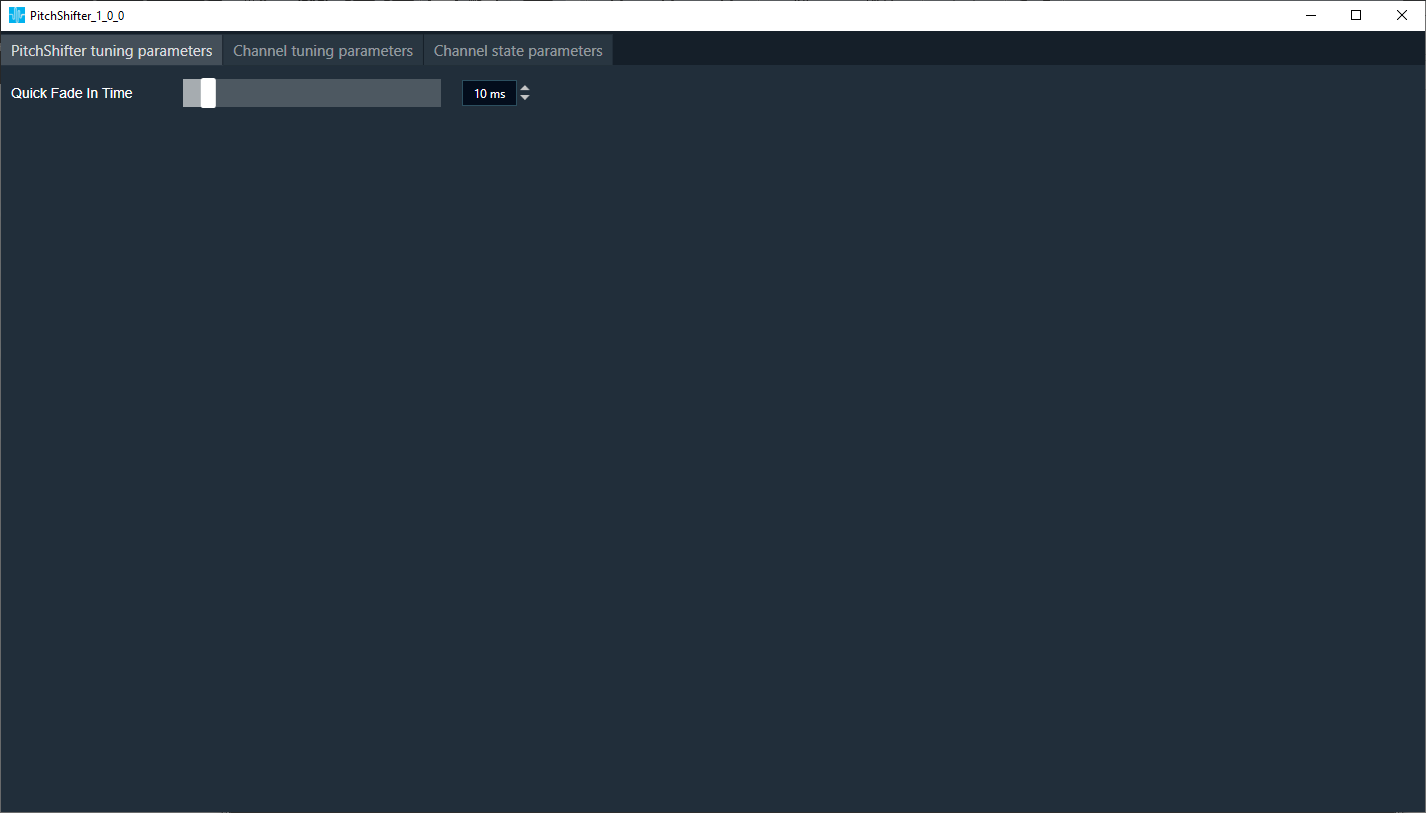
4.Channel State Parameters tab
On this tab user can read parameters for selected channel:
- current play mode
- current pitch rate
- current play position
Using polling button (toggle button) user can turn off/on refreshing data (every 100 ms). When polling is off user can click read button to read current parameters.