Passing pin labels to native panels
After assigning pin labels to an audio object in SFD, the corresponding names should be visible by the channel names on the native panels. This feature concerns listed native panels:
- Delay
- Gain
- EQ/Biquad
- FIR, FIRMIMO, FastConv
- Limiter
- Mixer
- Router
On the Router panel first three characters of the out pin labels will be displayed as a channel out names
Look-up Table (LUT) panel has a separate mechanism to change the names of the channel
To change the channel names, you have to change pin labels what is described on the Pin Labeling section.
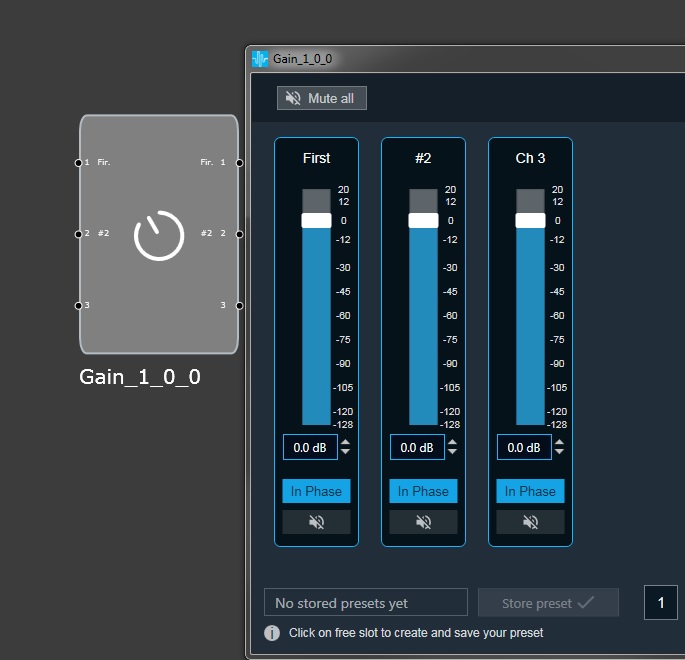
In the below illustration, the first and second channel names of the Gain Panel has changed, while the third channel name has a default name: Ch 3
Editing labels in native panels
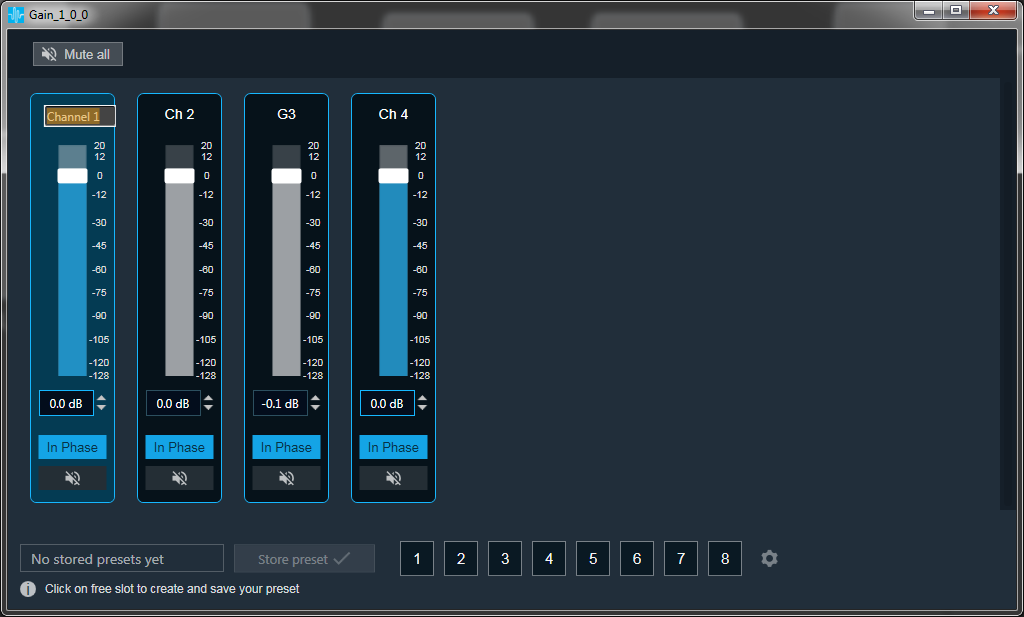
It is possible to modify pin labels from native panels. After double click on label, text box will appear and allow to input new name. Provided name will be updated on panel and also pin in SFD will be updated.
For audio objects which have configurable number of channels new value will be set for input and output pin. For other value will be updated separately for input and output.
Depends on panel, displayed text can be trimmed if it will be longer then available space for it.
This feature works for all native panels except Biquad panel and LUT panel.