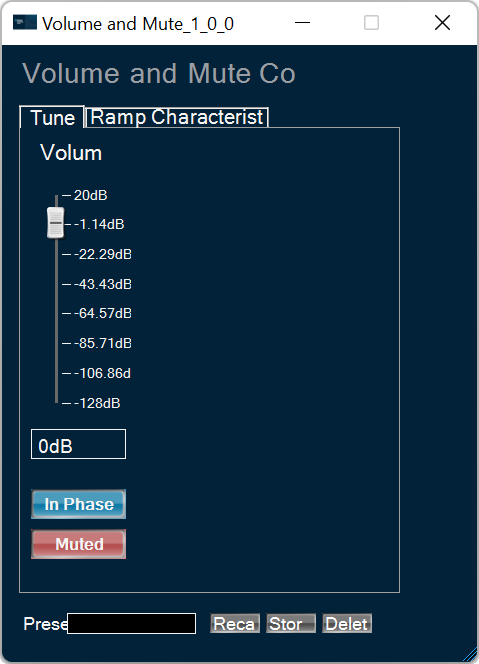
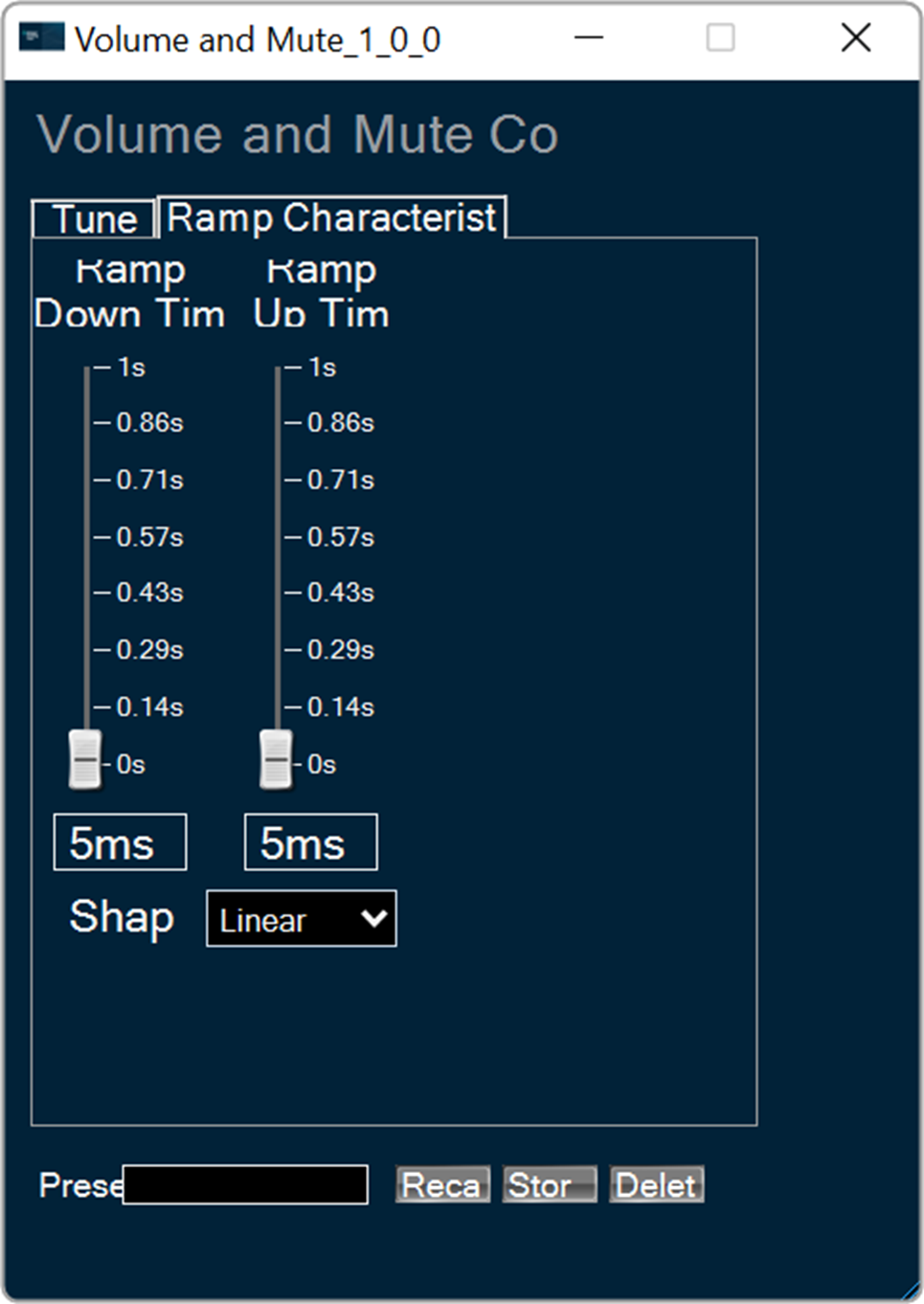
The Volume and Mute audio object is used in the audio pipeline within the xAF framework. The purpose of the Volume and Mute audio object is to control the volume or mute in the audio pipeline.
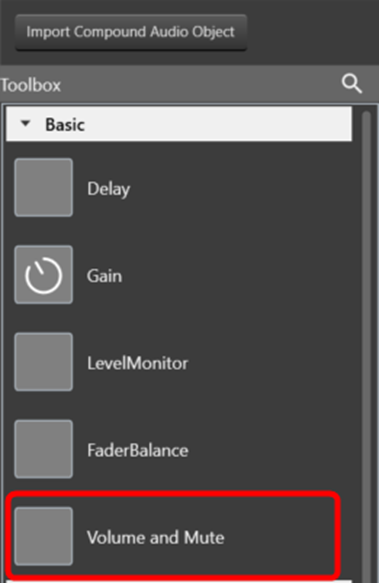
Use a custom native panel to change the Volume and Mute audio object parameters. The mode and tune type may also be selected at design time from within SFD.
The AO supports in-place computation based on the core type.
Volume and Mute Properties and Functionality
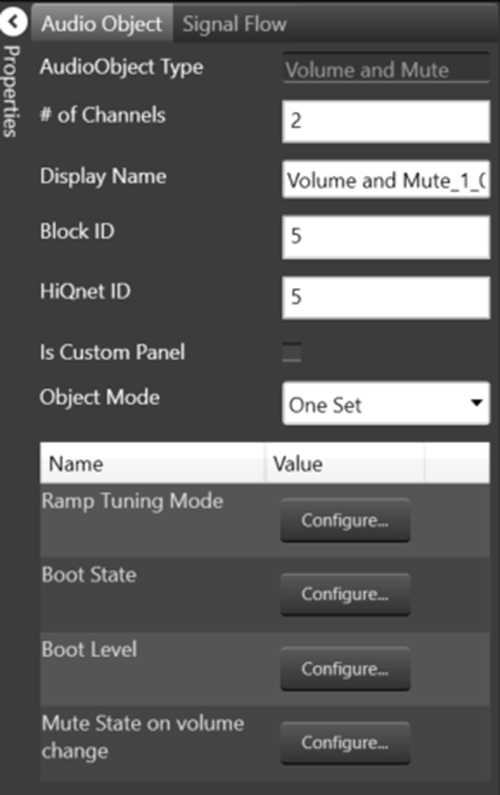
| Properties | Descriptions |
| # of Channels | Enter the number of channels.
In SFD, the number of channels is specified, and the number of input channels is equal to the number of output channels |
| Display Name | Enter the display name of the audio object. It can be changed based on the intended usage of the object. |
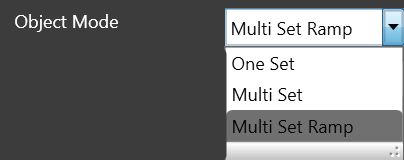
| Object Mode |
Volume object operates in one of the three modes.
One Set: In this mode, the volume object exposes these six values.
These values are applied across all channels of the module. The ramping variables are only available via parameter tuning in this mode. Multi Set: In this mode, Volume, Mute, and Invert values are available per channel. One set of ramp rates and shape however is applied to all channels. The ramping variables are only available via parameter tuning. Multi Set Ramp: In this mode, Volume, Mute, Invert, Ramp Up rate, Ramp Down Rate, and Ramp shape values are all available per channel. |
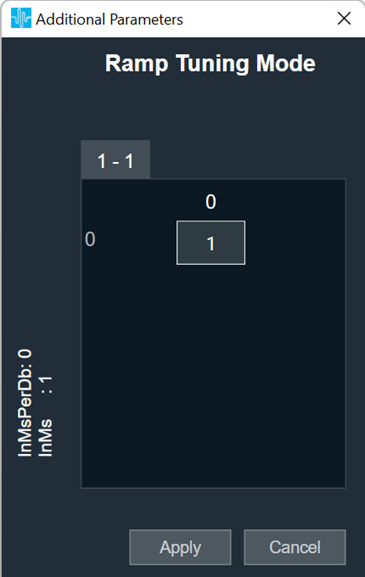
| Ramp Tuning Mode |
Ramping is applied when a transition or change occurs and is specified in terms of rate (ms/dB) or time (ms).
|
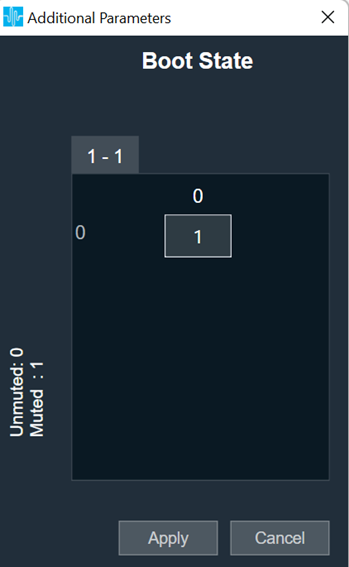
| Boot State |
The boot-up or start-up state of the Volume AO can be specified in 0 or 1
|
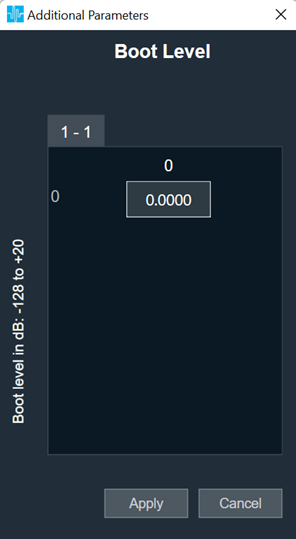
| Boot Level |
The amplitude level of the Volume AO at boot-up or start-up time can be specified. This can range from -128 dB to + 20 dB. The default value shall be 0 dB.
|
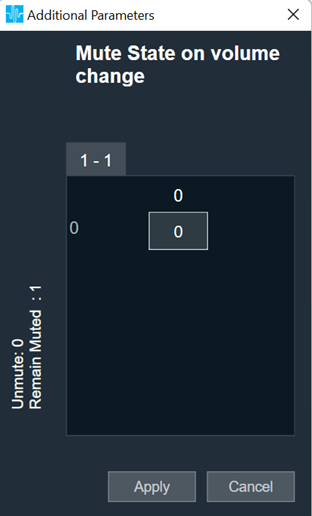
| Mute state on volume change |
The desired state of the AO when the volume parameter is changed while the object is in Mute state is specified here.
|
Native Panel
Volume and Mute audio object support the native panel. The native panel window consists of channel slider bars. The number of slider bars depends on the # of Channels property value.
To open the native panel, double-click on the delay object in the SFD. Move the slider bars to configure the Volume and Ramp characteristic. The default value shall be 0 dB and the range is from -128 dB to + 20 dB.
For more information about the FaderBalance native panel check the link.