Engineers use Volume and Mute audio object when they require volume or mute control in their audio pipeline. To be able to change Volume and Mute audio object parameters present custom native panel is used. This audio object has 3 possible modes and 2 tuning types. Possible configuration and its effects are shown in the table below:
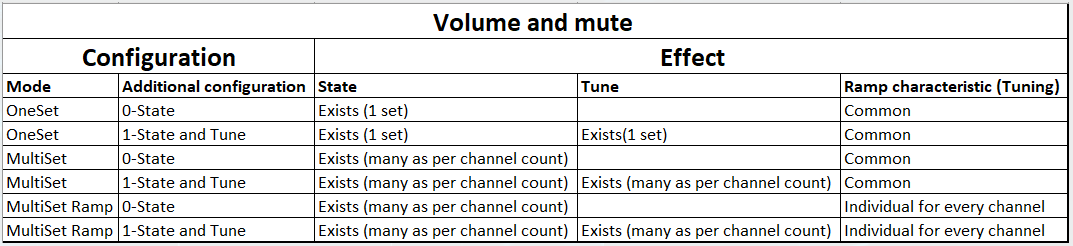
Due to that fact that configuration can very user interface of present panel also changes to handle all controls for audio object.
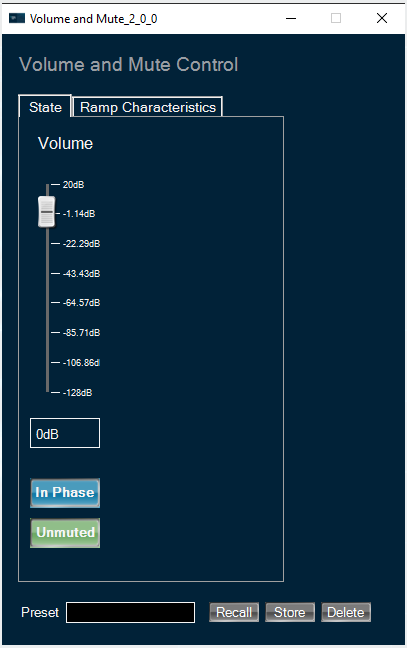
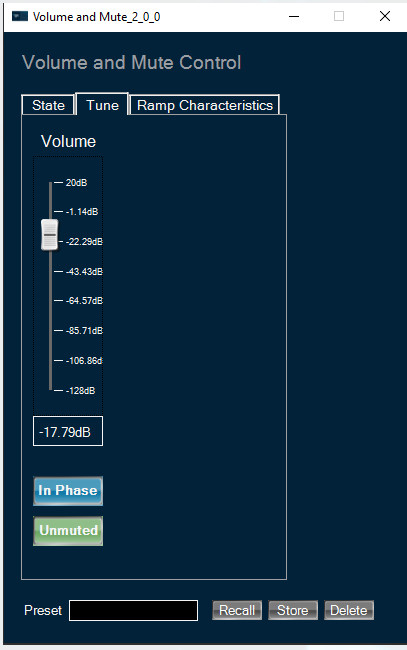
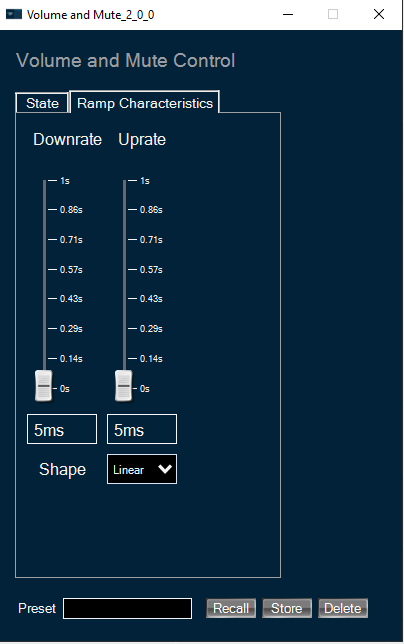
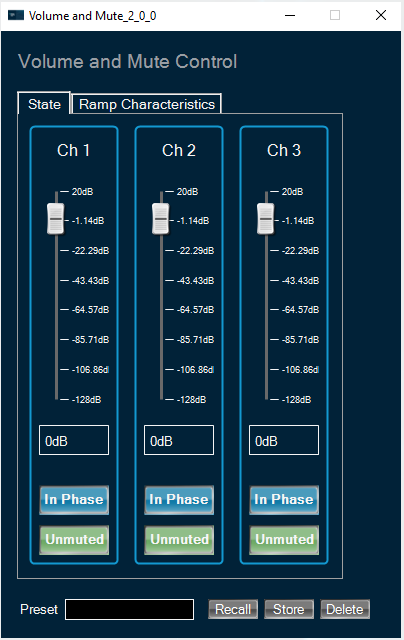
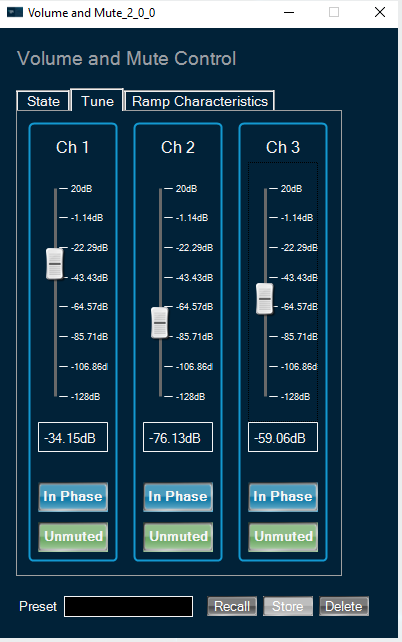
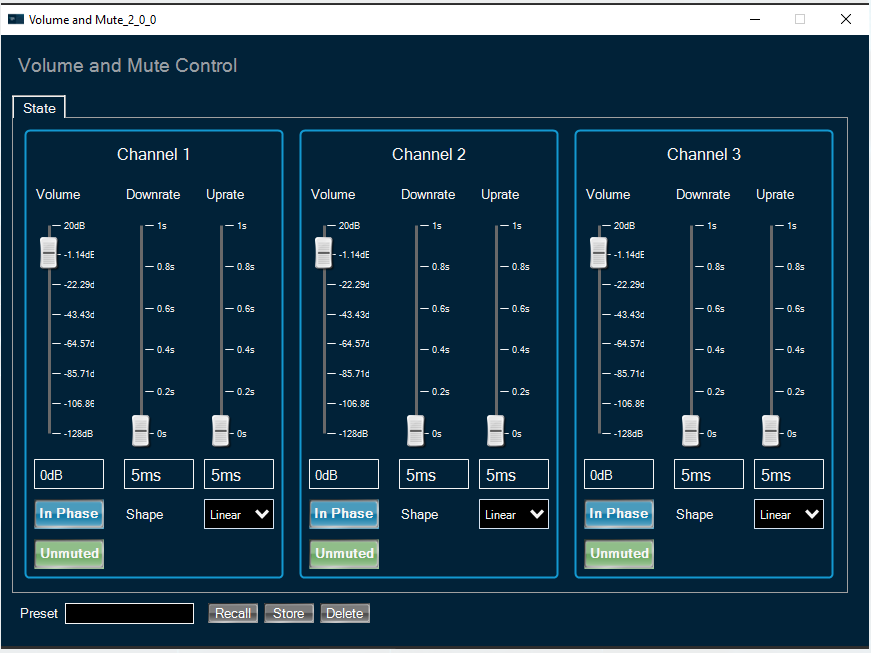
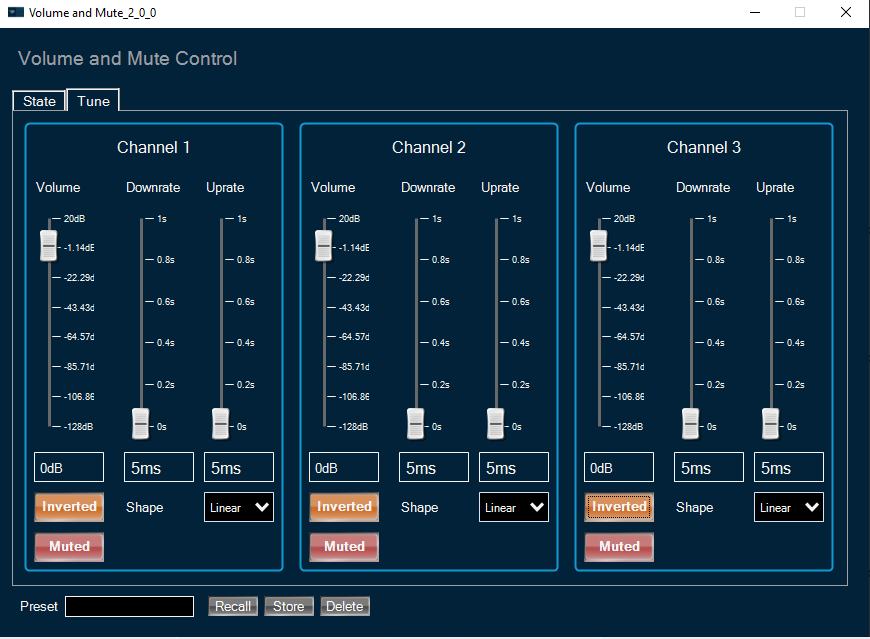
When tune type is “State Only” Tune tab is not available for user. In other cases user can modify any available state variables.
To change volume, down or up ramp rate please use vertical faders or textboxes under them.
User can mute particular channel in “Multi Set” modes or all channels in “Single Set” mode by clicking on “Muted/Unmuted” button.
User can shift phase in particular channel in “Multi Set” modes or in all channels in “Single Set” mode by clicking on “In Phase/Inverted” button.
For ramping parameters ramp shape can be set in one out of three shapes:
- Linear ramp shape
- Exponential ramp shape
- Jump ramp shape (volume increases immediately without any ramp shape)