The String LUT audio object supports native panel. The String LUT panel is used to view and edit string data. Double-click the String LUT audio object in the SFD to open the native panel.
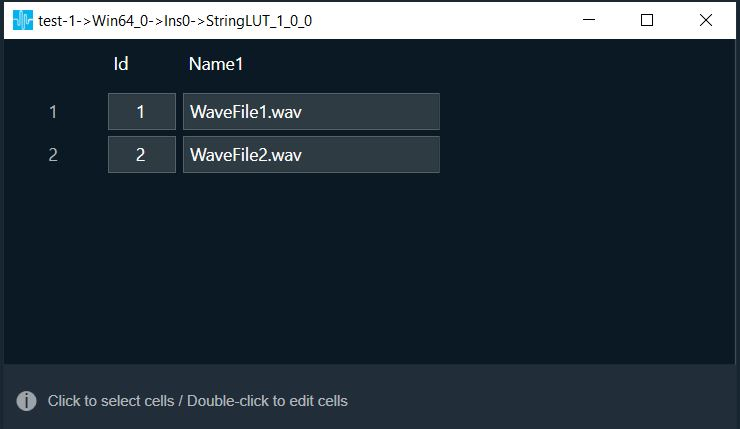
In the Name1 column (string column), you can enter a minimum of 5 characters and a maximum of 56 characters.
Using the string LUT audio object properties and additional parameters, you can set the number of columns, rows, and column sizes, refer String Lookup Table.
Double clicking on the row and column headers allows you to edit them.
By default, the panel has one string column (Name1) and two rows (1,2).
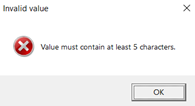
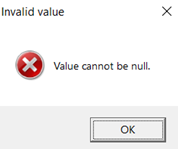
Following are the validation messages displayed, if you enter invalid value in the any string field.
- If number of characters in string column is less then minimum characters, then below message will be displayed.
- If you keep the string field blank, then below message will be displayed.
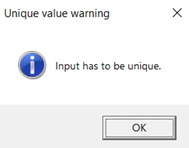
- If you enter duplicate name in header, then below message will be displayed.