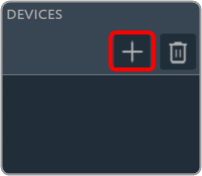
On the Device Designer tab, click on the (+) icon to open the Add Device window.
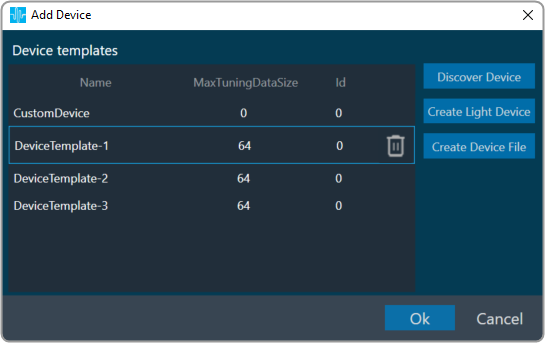
On the Add Device window. You can use any of the following options to create a device template.
- Discover Device: Click on the Discover Device option, if you have the pre-configured device template available.
In case of discovered device, we can make a connection (routing) adhering to defined rules. For more details refers to Device Routing. - Create Light Device: Click on the Create Light Device option, if you want to create a new template.
- Create Device File: Click on the Device file option, if you want to create a device file.