Coefficient biquad native panel is launched for the Coefficient biquad audio object. The panel has two modes: Coefficient and Parametric
Coefficient mode
Panel contains channel drop down and option to import and export coefficients. The panel has a chart that has only total amplitude and total phase graphs.
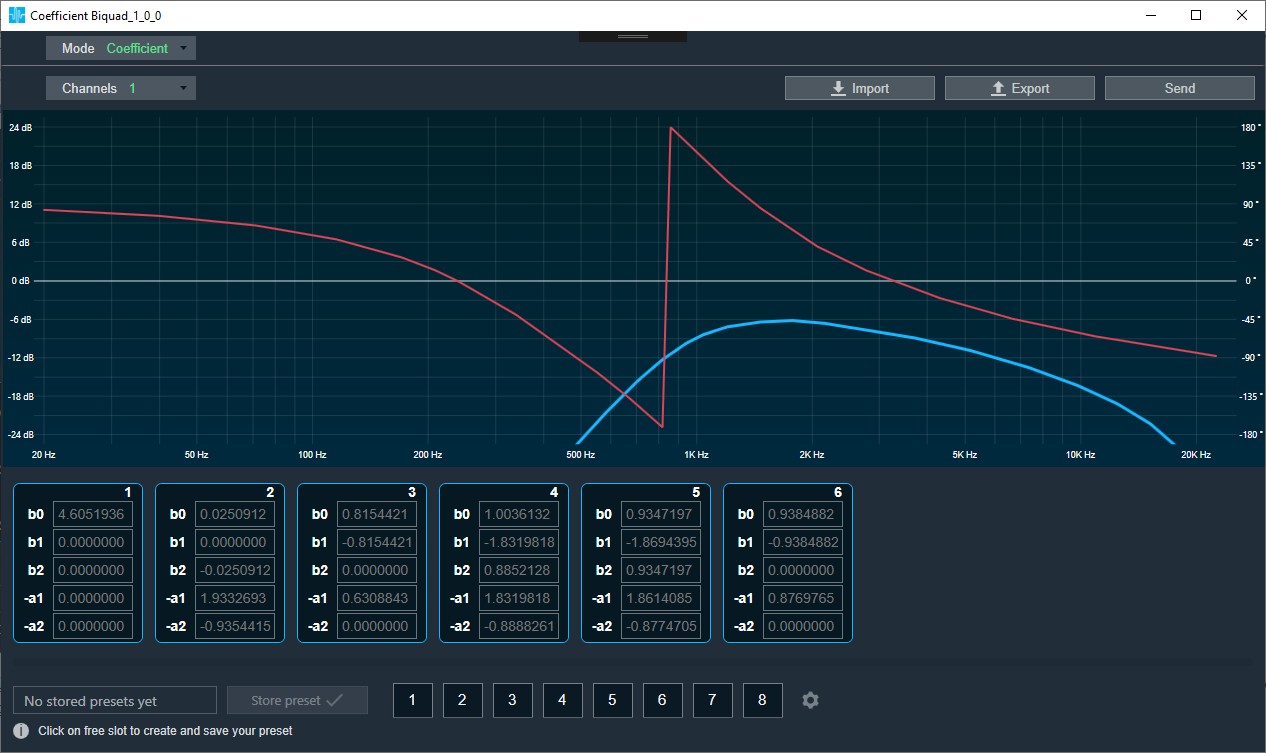
The Send button sends the biquad coefficients to the device. The biquads configured will show up with 5 coefficients each numbered 1 to n.
The coefficients will have default values 1,0,0,0,0.
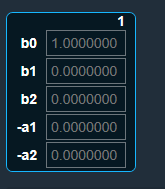
Coefficients cannot be edited. It can be filled only by importing coefficients from a csv file. The format of the file is shown below:
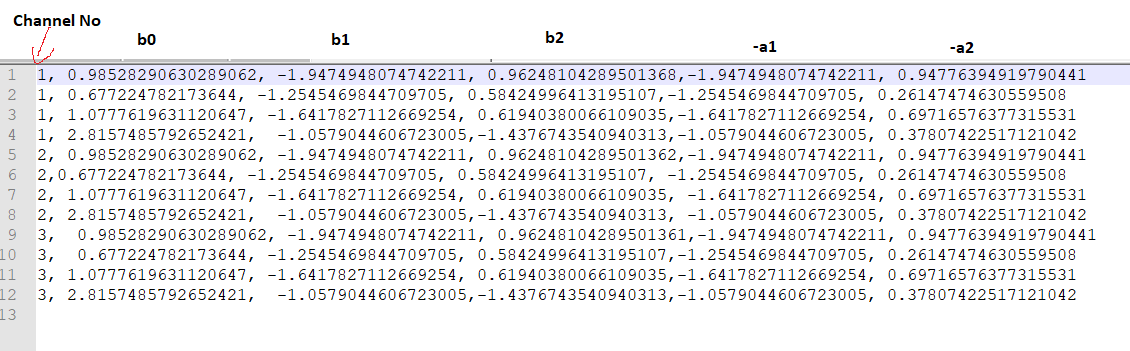
Note: The current implementation will import coefficients to the biquads that is configured and leave the biquads that is not listed in the import file untouched. Please make sure you add default values to the ones that does not have coefficients.
Presets at the bottom to save different coefficient values is supported like any other native panels.
Parameter mode
In this mode, user can set parameters using filters, just like in the EQ Panel. Parameters for all channels can be exported and imported.
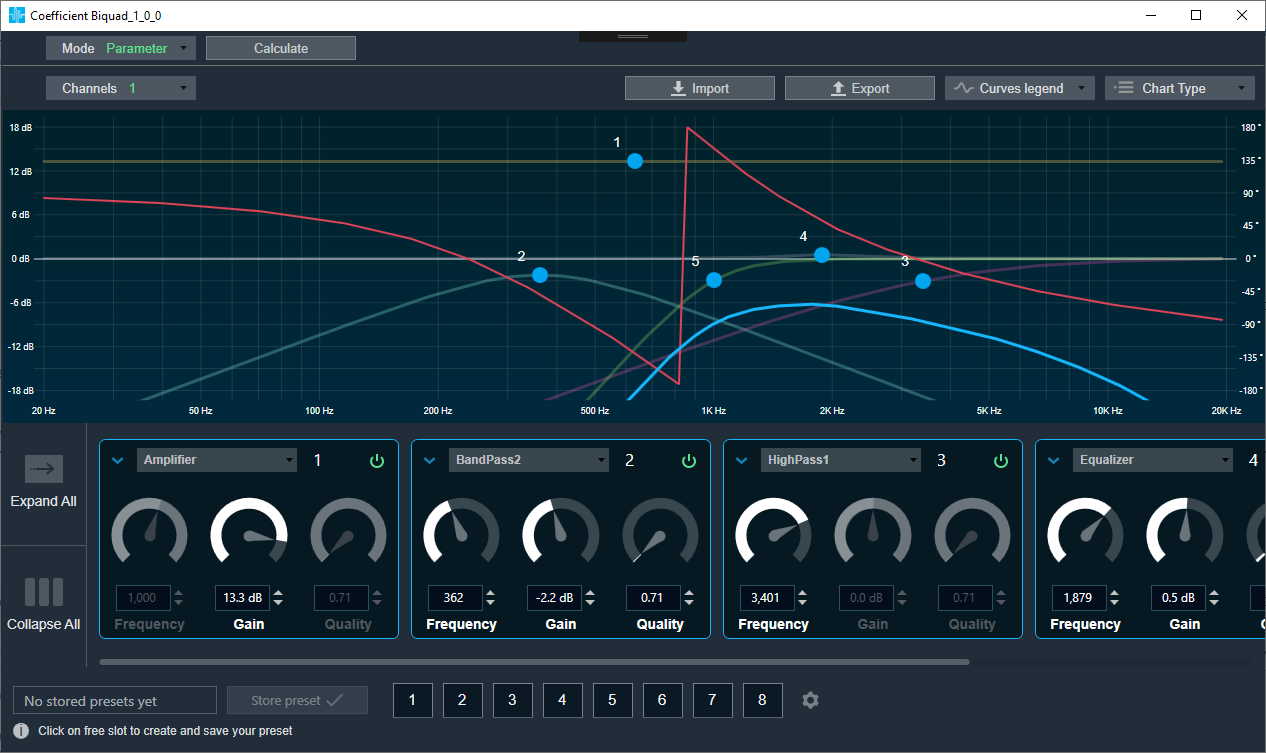
The Calculate button calculate all parameters to coefficients but does not send them to the device. It switches to Coefficient mode so that they can be checked and sent with the Send button.
Note: It is not possible to calculate coefficients to parameters , so it is possible that the coefficients will be different than the parameters. That is, the parameter mode may not reflect the state of the device/coefficients. In particular, it is possible after loading parameters sets, reading data from device or importing coefficients.