- User can create his own configuration and this information could be written on to the device.
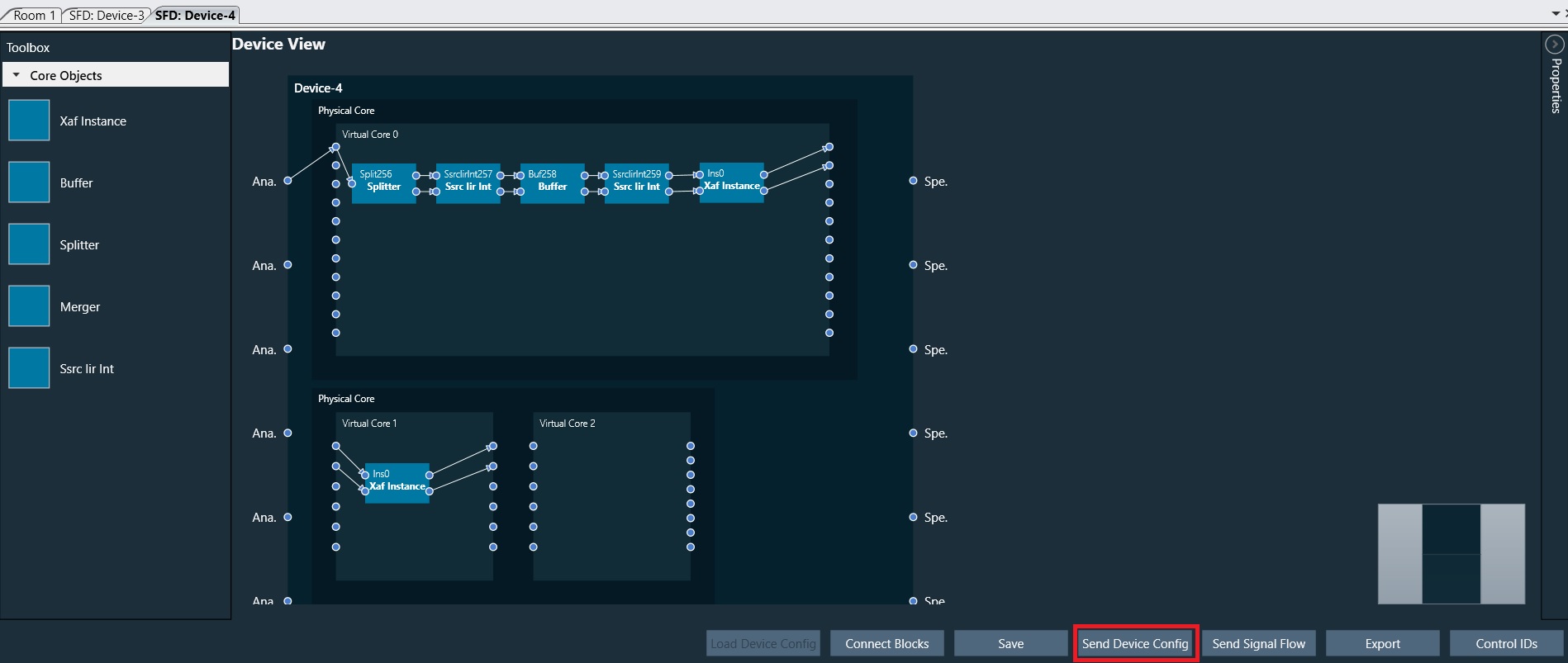
- Send Device Config button will send the above device configuration (i.e., Core Objects, Device Routing and Virtual Core routing) to the target device.
- All the input and output connection points of all core objects has to be connected before sending the Device configuration. An error message is shown in case if any of the pins is not connected.
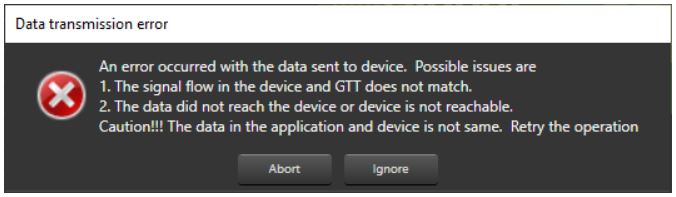
- The Device view (i.e., Num. of Cores, Physical Cores, Connection points, SampleRate and BlockLength) inside GTT and the data inside the Device.flash file on the target should match before Sending the Device configuration. If the data doesn’t match then the below transmission error is seen
Send device config has to be done before sending the signal flow if any change is done in the configuration.
Device identification feature is enabled for audio libraries version 13 and greater.