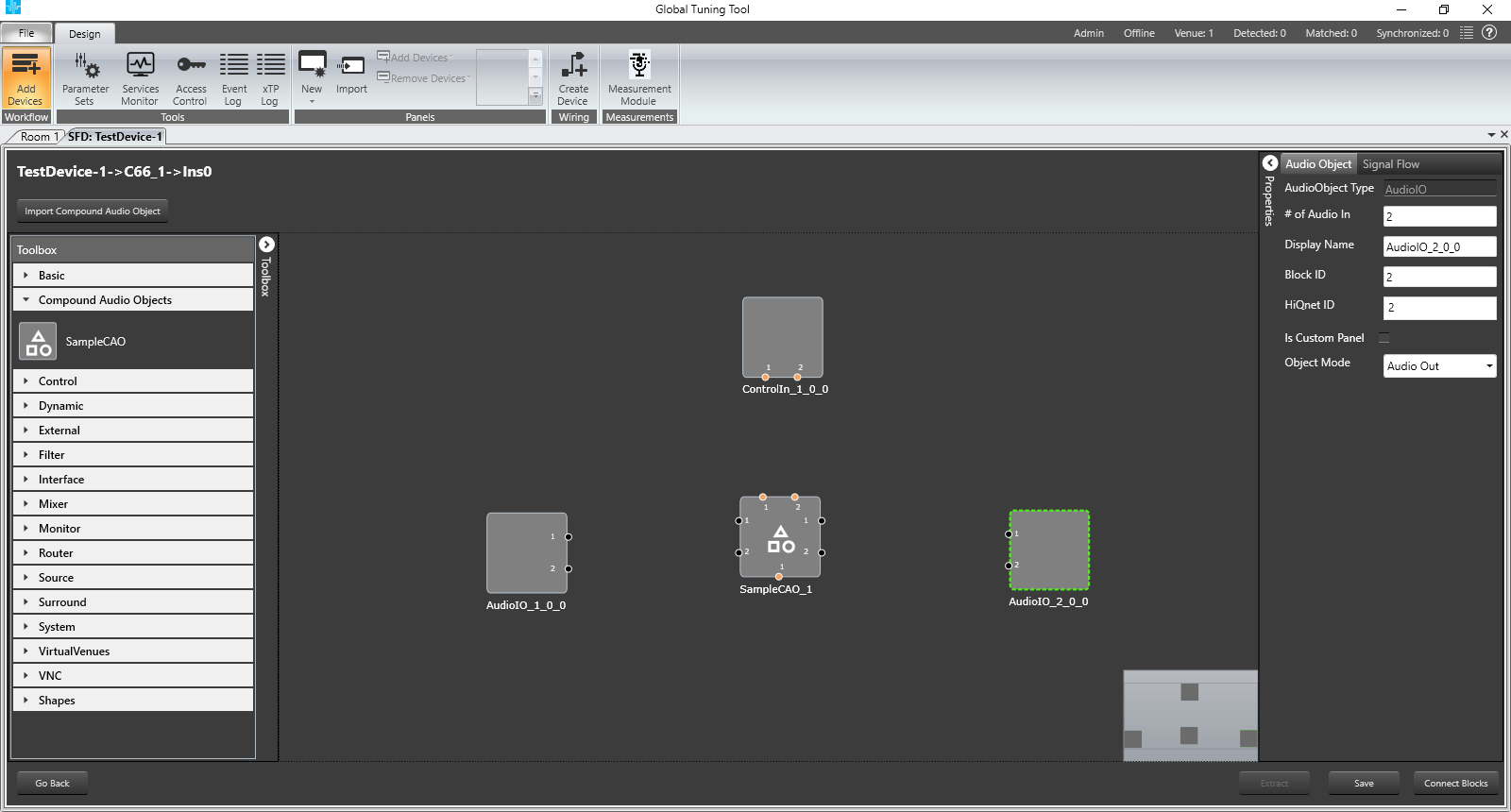
To create Compound Audio Object,
Select the audio objects in the saved Signal Flow and click on Extract button
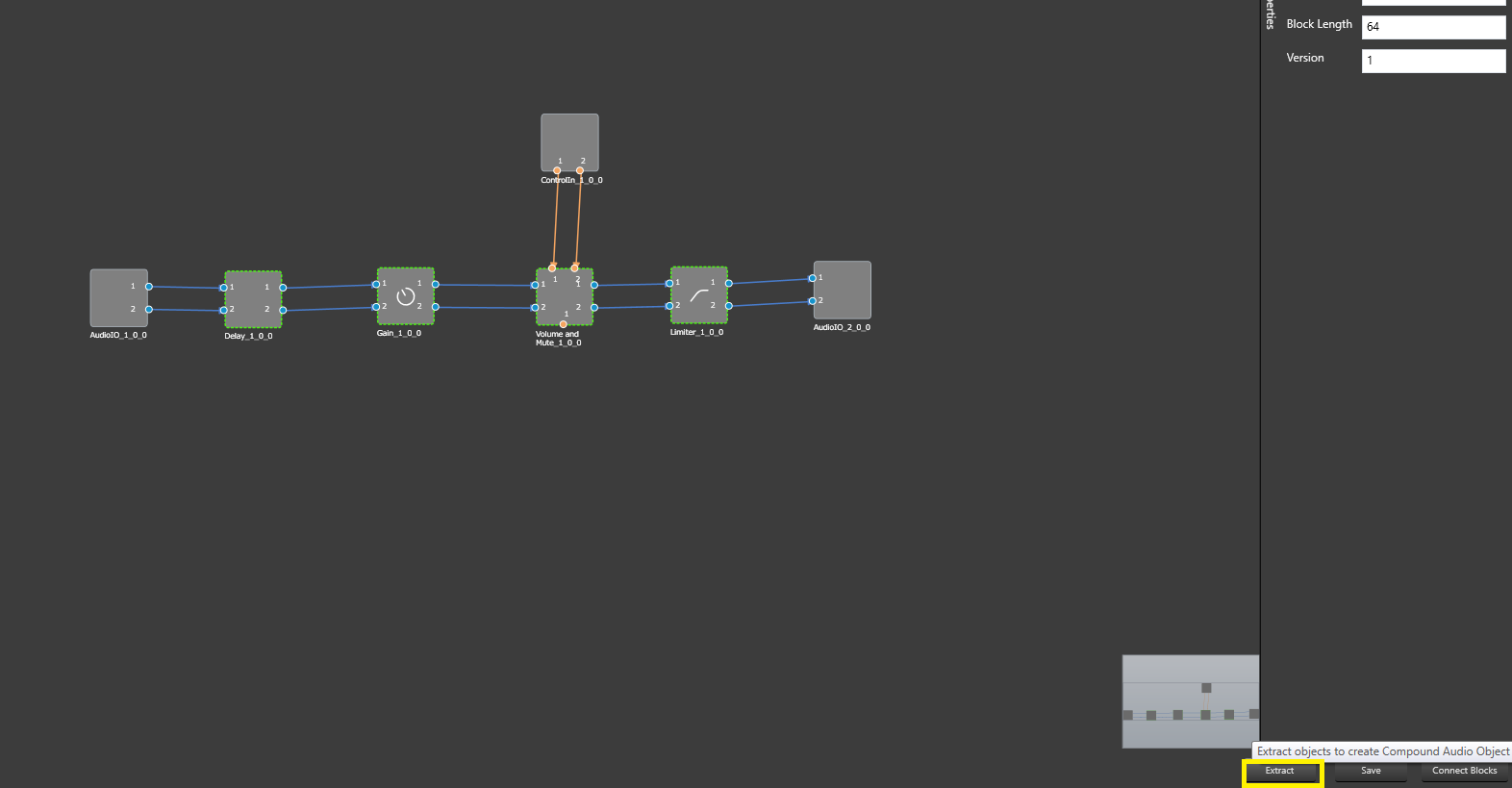
Note: Extract can be performed only when valid audio objects are selected. Currently FIR MIMO, EOC, RNC, Audio IO, Control IN, Compound Audio Object doesn’t support extraction.
Extract will be enabled only if Signal Flow is saved.
On Extract the selected objects will be surrounded with the interface objects (AudioIO, Control IO)
Interface objects can be used to configure Compound Audio Object’s AudioIO, ControlIO pins
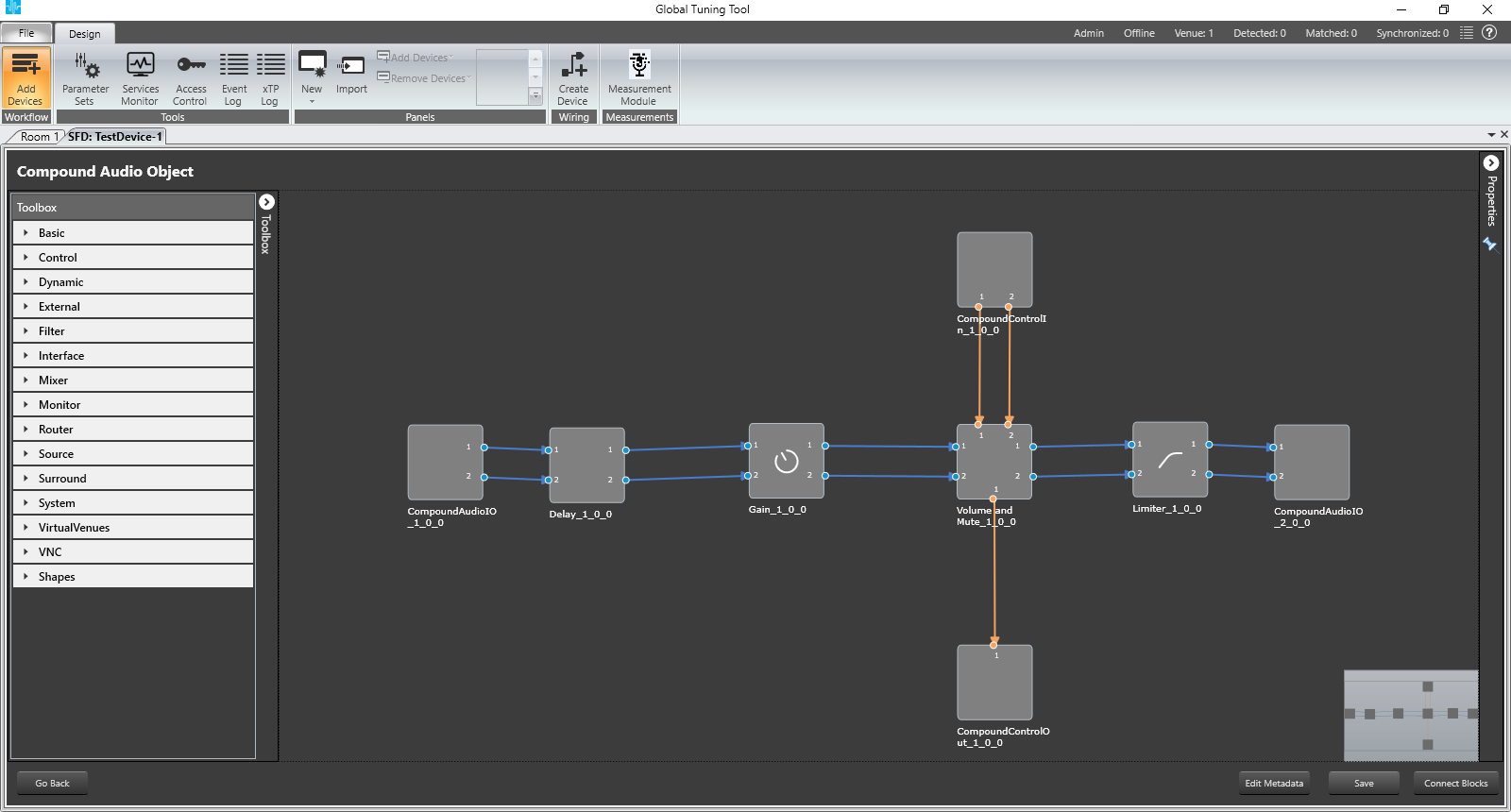
User can configure, tune inner audio objects just like basic audio objects
Once configuration is done, user can Save by providing the Name and Description
After creation of Compound Audio Object, click on Go Back to navigate to Device Signal Flow
The selected audio objects will be replaced with the newly created Compound Audio Object and same will be listed under Compound Audio Object Category in the Tool Box