The Diagnostics tab shows diagnostic parameters.

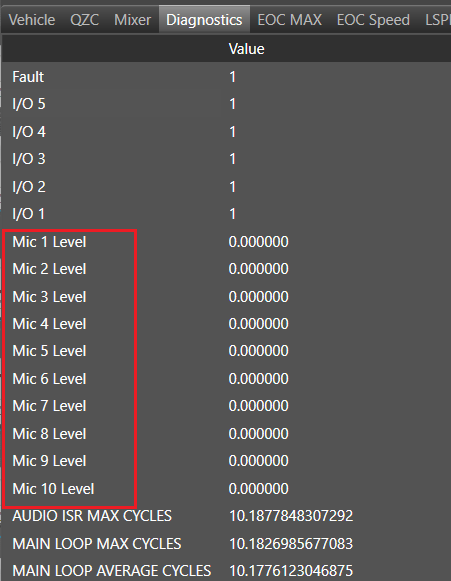
Make sure the number of microphones for mic levels in the Diagnostics tab is equal to m_NumElements(# of Mics:)
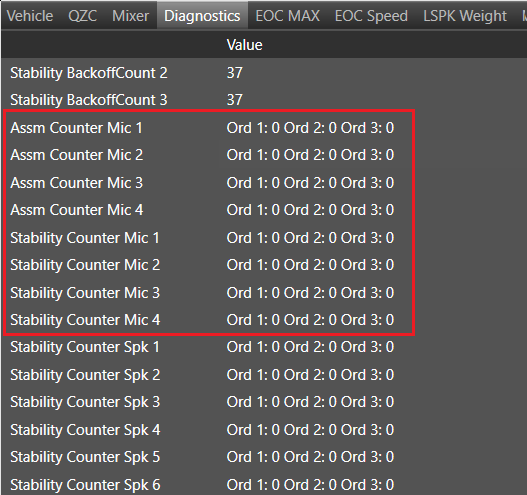
Make sure the number of microphones for ‘Assm Counter Mic’ and ‘Stability Counter Mic’ in the Diagnostics tab is equal to m_TuneMicNum. If Vm Config is disable then m_TuneMicNum is equal to m_NumElement(# of Mic:) and if Vm Config is enable then m_TuneMicNum is equal to Num of Virtual Mics(from Additional Parameter section).
Below are number of mics when Num of Virtual Mics =4.
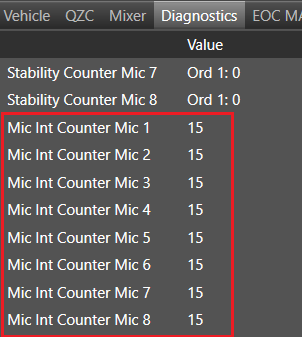
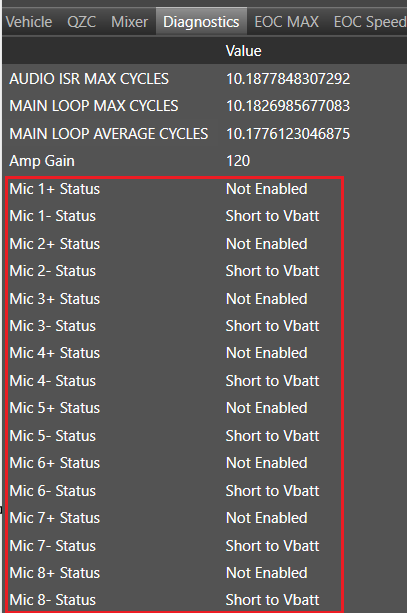
Section ‘Mic Int Counter Mic’ and ‘Mic Status’ will not be seen if VM Config is available.
Start Polling: Start refreshing diagnostic parameters (Interval polling time – 500ms).
Stop Polling: Stop refreshing diagnostic parameters.
Clear Diagnostics: Clear diagnostic parameters list.
Export: Exports diagnostics data to the *.csv file.