Description:
The aim of Ducker is to attenuate the level of one audio signal in the presence of another signal. The ducker algorithm is primarily used for reducing the level of the background music track during announcement. This block works in tandem with a level detector block or a different Control Input. A very simple reference implementation of a peak level detector is included (EconomyLevel).
Two Additional configuration variables are there for ducker AO
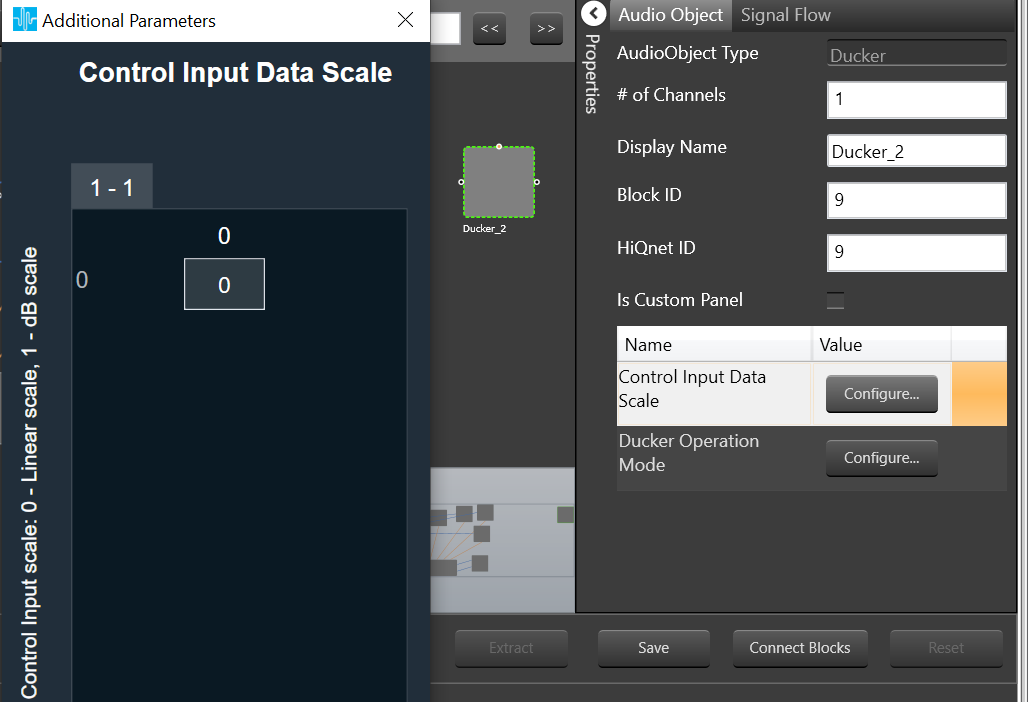
The control input(sidechain) can be either in linear scale or dB scale which can be selected during design time using the Control Input Data Scale additional configuration.
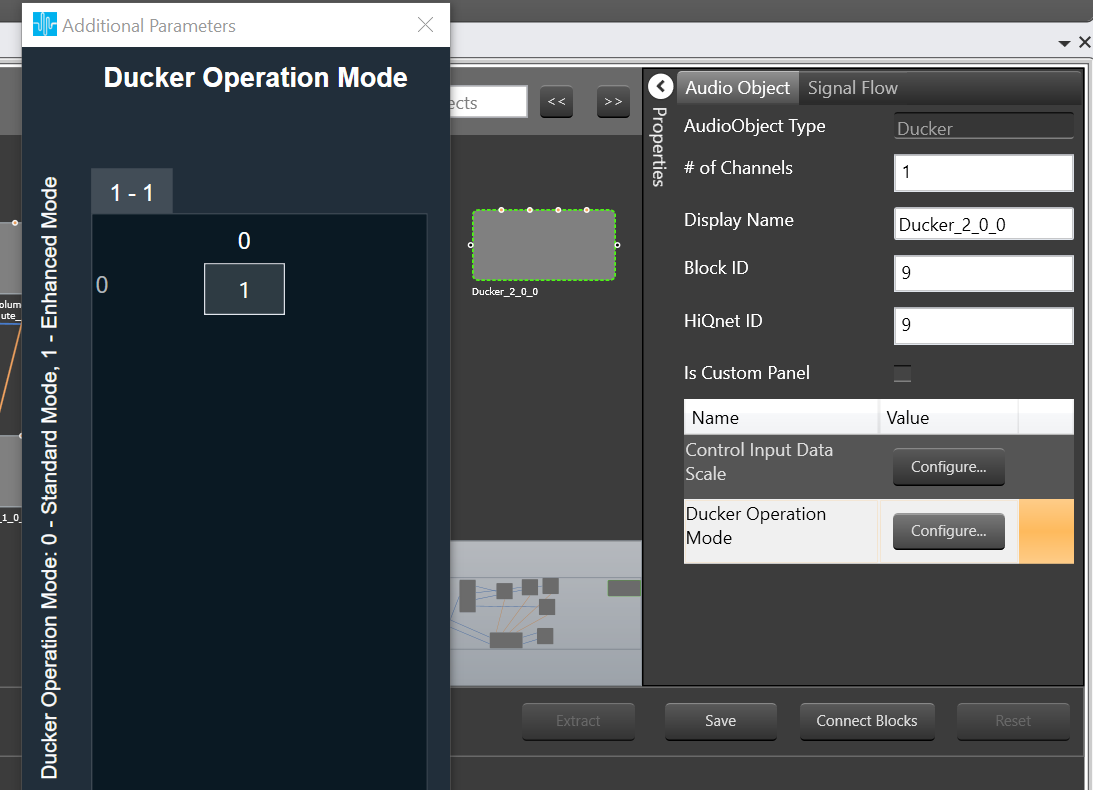
The Ducker AO operates in two modes and the mode can be selected using an additional configuration “Ducker Operation Mode”. The supported modes are standard and enhanced modes and standard mode is the default.
Standard mode exposes one control input(sidechain) and enhanced mode exposes four control inputs(sidechain, threshold, Attenuation and bypass).
The AO supports in-place computation based on the core type.
Tuning Parameters:
| Parameter | Data Type | Default Value | Range | Note |
| Threshold | Float | -30 dB | -128 to 0 dB | minimal value of the incoming level parameter to trigger ducking |
| Attenuation | Float | -20 dB | -128 to 0 dB | How much the signal will be attenuated when ducking is active |
| Attack time | Float | 1 s | 0.01 to 3 s | The time it’ll take for the signal to transition from the full level (0dB) to the ducking level. |
| Release time | Float | 1 s | 0.01 to 10 s | The time it’ll take for the signal to transition from the ducking level back to the full level (0dB) after the ducking condition expires |
| Hold time | Float | 1 s | 0.01 to 3 s | The minimum amount of time from the start of the ducking or from the detection of incoming level above threshold (whichever is greater) for the ducking to start releasing |
| Bypass | ULong | 0 | o and 1 | Whether the processing should be bypassed |
Streaming:
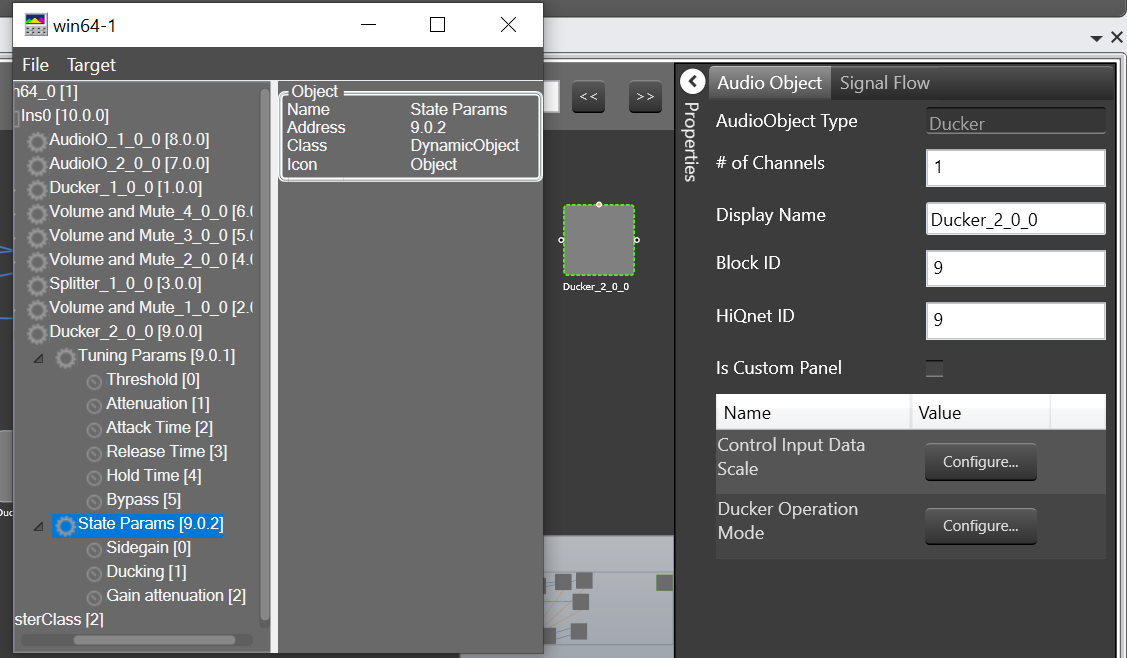
Ducker exposes the following state parameters to indicate the status of the AO and these are streamable.
| Parameter | Data Type | Default Value | Range | Note |
| Sidegain | Float | 0 dB | -120 to 0 dB | The control input amplitude value in dB |
| Ducking status | Float | 0 | 0 to 1 | The ducking process is applied or not |
| Gain attenuation | Float | 0 dB | -120 to 0 dB | The amplitude difference between input and output audio in dB |
This audio object is targeted at Professional Audio usage, specifically.