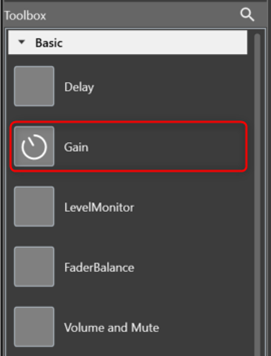
The Gain audio object is used in the audio pipeline within the xAF framework. The purpose of the Gain audio object is to tune gain, invert, and mute parameters for each channel in Signal Flow Designer.
The AO supports in-place computation based on the core type.
Parameters
The following are the paraments you can tune in to GTT.
| Parameter | Description | Range |
| Gain | Applied on the input channel. | [-128, 20] dB |
| Invert |
If set to 1, the input value is multiplied by -1. If set to 0, the input value is multiplied by 1. |
0 or 1 |
| Mute |
If set to 1, the output is muted. If set to 0, the output is not muted. |
0 or 1 |
Gain Properties and Functionality
Details about the Gain audio object properties and functionality.
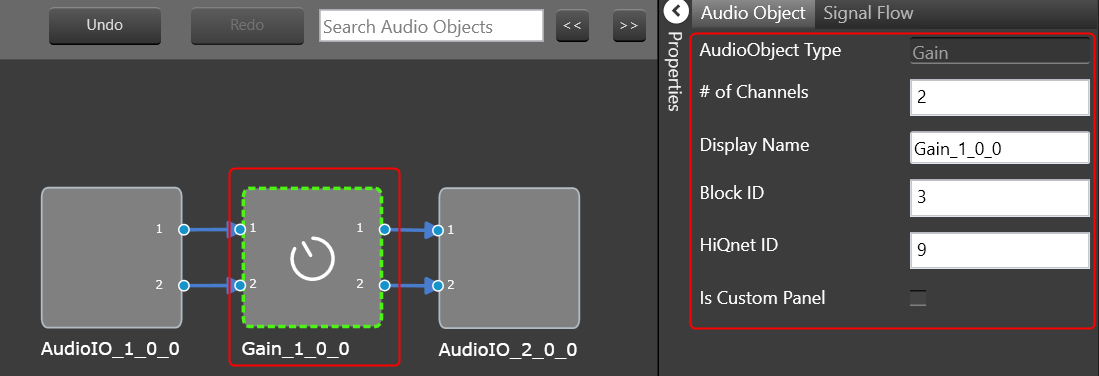
| Properties | Descriptions |
| # of Channels | Enter the number of channels. |
| Display Name | Name of the Gain audio object. It can be changed based on the intended usage of the object. |
Native Panel
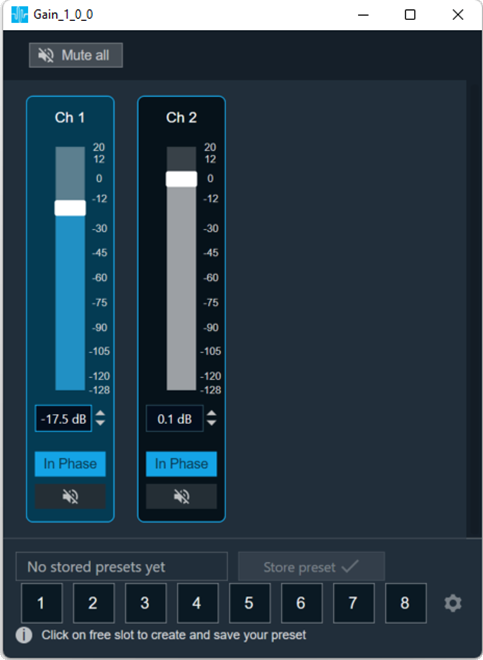
Gain object supports native panel. The native panel window consists of channel slider bars. The number of slider bars depends on the # of Channels property value.
To open the native panel, double-click on the gain object in the SFD. Move the slider bars to change the gain.
For more information about the Gain native panel check the link.