AmpSrv2 is a HARMAN program developed to handle the communications between tools and amplifiers. For the purposes of this document, there are only a couple options that need to be reviewed. To access these options:
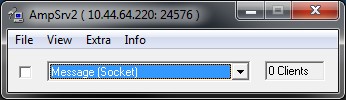
Select Message (Socket) from the combobox, as shown below.
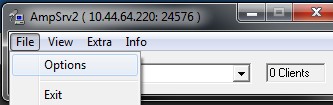
Select File Options from the Menu bar.
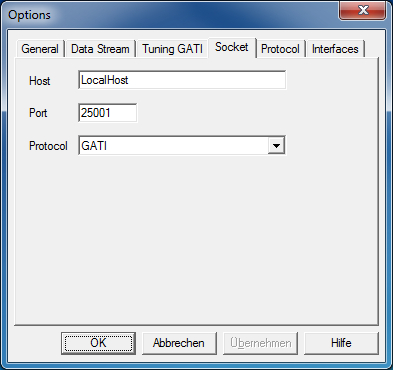
The Options window will display as shown below. You need to review two tabs, “Socket” and “Tuning GATI”. Make sure the Port number is matching the one specified in the PluginHost settings for the selected device.
In the Socket tab – be sure GATI is in the Protocol.
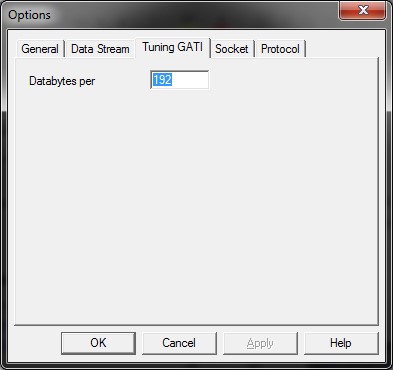
In Tuning GATI tab – be sure 192 is in the Databytes per field.