To open existing project:
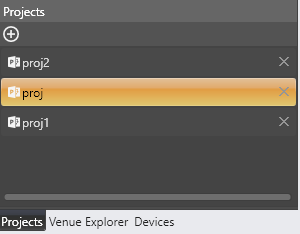
Go to the Projects tab and double click on the project to be opened.
If there is version mismatch between the current audio library version and version stored in the project (device specific), then a warning pop up appears.
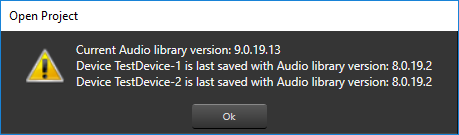
Click Ok then the project gets opened.
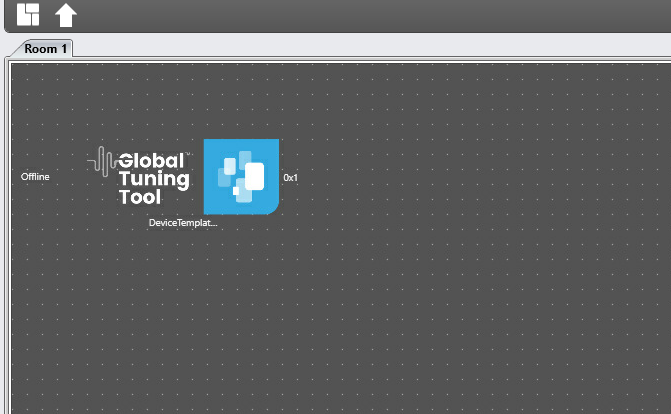
Go to room and double click on device to open device design view with instances.
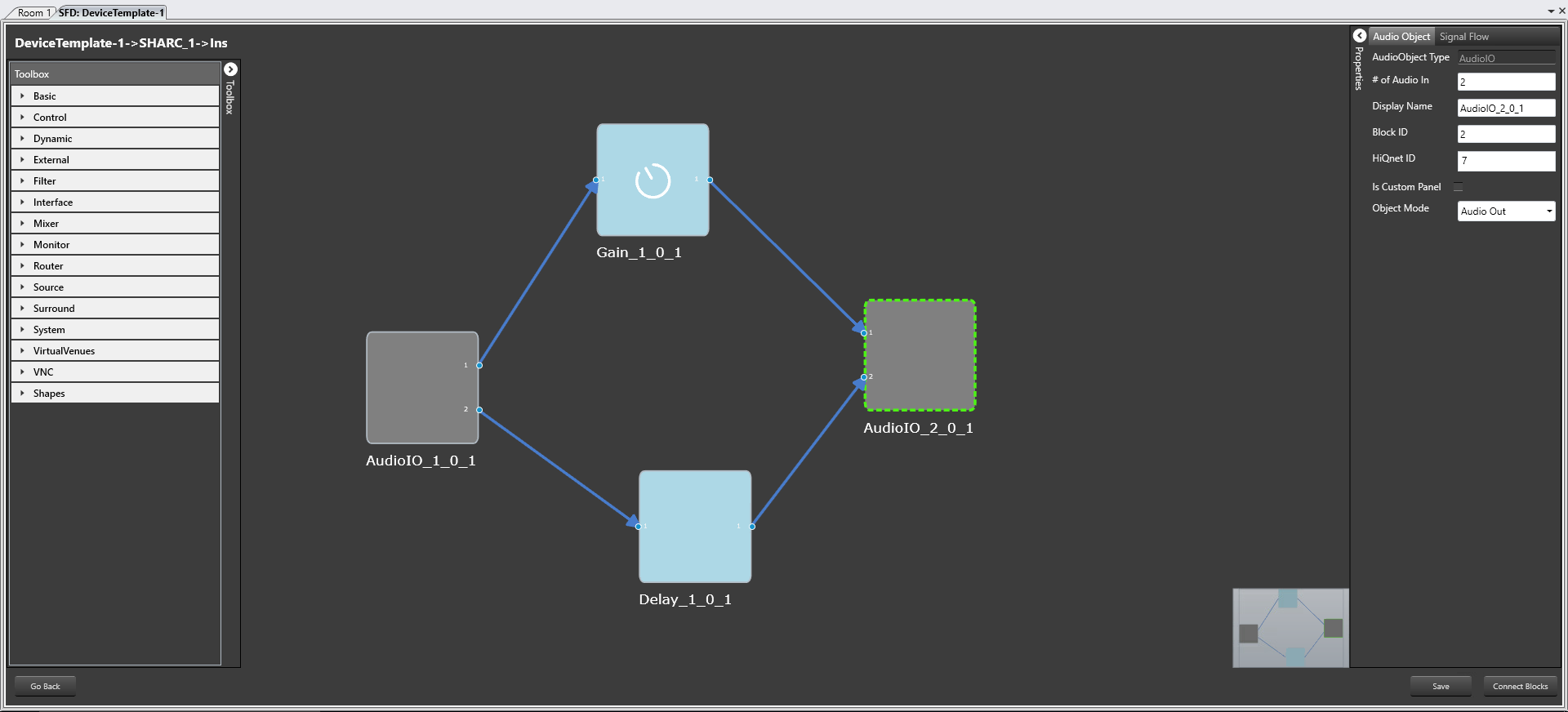
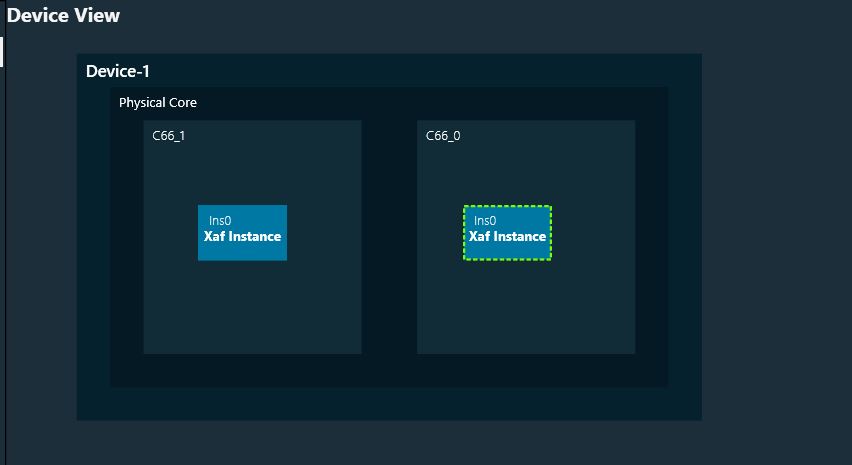
Click on a instance to open signal flow.
The audio objects inside signal flow designer are filtered based on Data Format of the core. For more information related to Data format of the core, please check the below Create Device Template documentation.
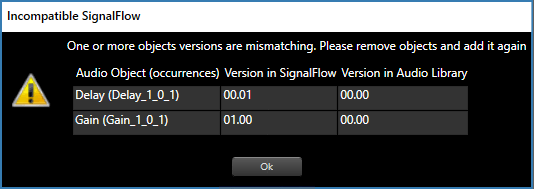
if there is Tuning version mismatch between Audio objects of signal flow and audio objects in tool box then warning message pops up showing tuning version differences and those audio objects are shown in blue color.