By default, File Format used for recording will be set to Log in csv.
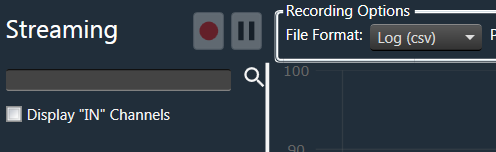
This format of logging is supported by both polling and streaming state variables.
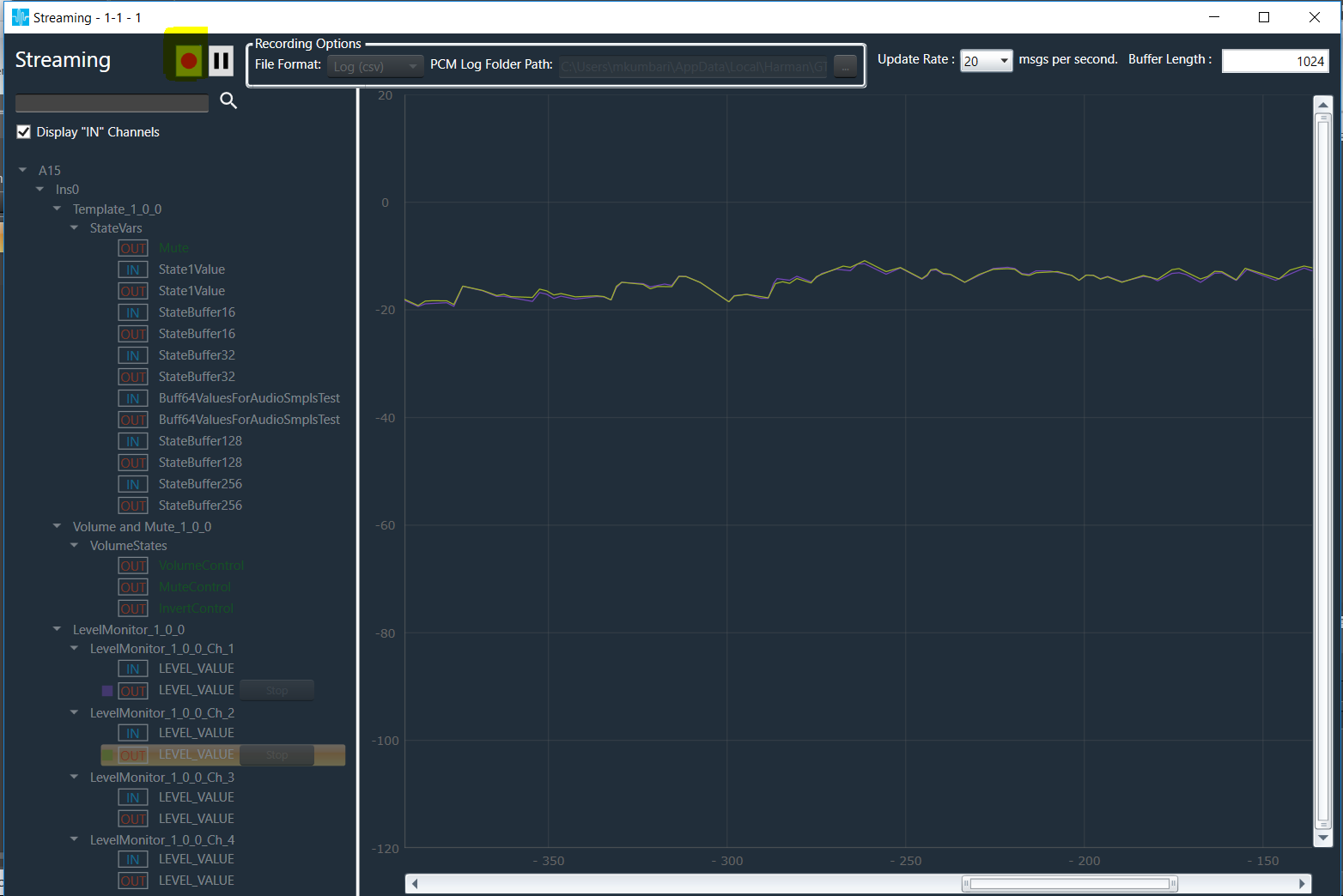
The streaming data can be recorded and stored in a file using record button available on the top of object tree. Once record button is clicked it opens file explorer to choose the file path and file name to store streaming data.
When recording is going on the button will be continuously blinking to indicate that streaming is recording and recording can be stopped using same button.
While recording adding or stopping streaming is not allowed (The below image indicates the tree on left side is disabled).
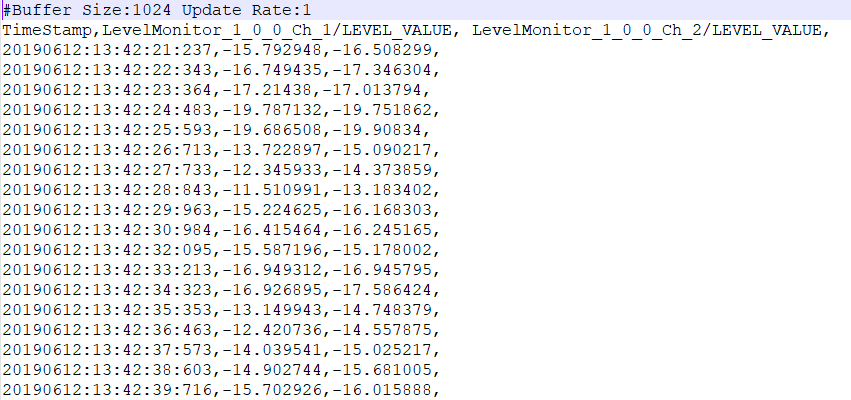
The streaming data stored in file contains below information:
- Buffer Size and Update Rate
- Streaming variables names with comma (,) separator
- Streaming variable data with comma (,) separator and if any variables has array of data it is separated by spaces.