Navigate to [Your installation path]\HarmanAudioworX\tools\GTT\Devices\CustomDevice.
The directory will contain the file Device.ddf.
Replace this file with your own custom device file.
In GTT, find your custom device in the Devices section under Automotive.
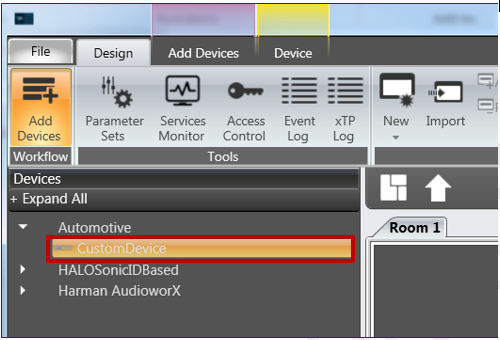
Drag and drop your custom device to the Room.
Now you can operate your custom device.