Start installation wizard
Right-click AudioworX installation setup file and Run as administrator.
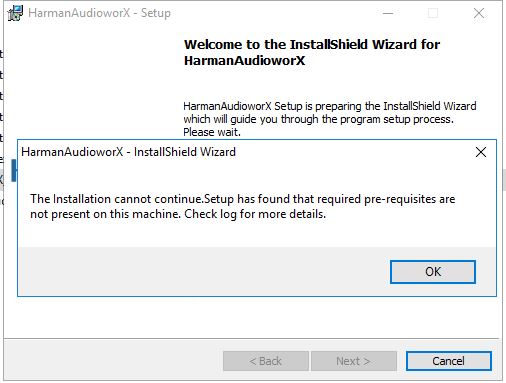
A pop-up dialog stating prerequisites missing from the system (if not present) will be displayed.
The screen below only shows that prerequisites are not available on your computer.To install Pre-requisites check Prerequisites section.
Go through the installation wizard
Click Install.
The setup launch will be displayed if required prerequisites are being installed. The splash image is displayed along with the extracting progress bar.
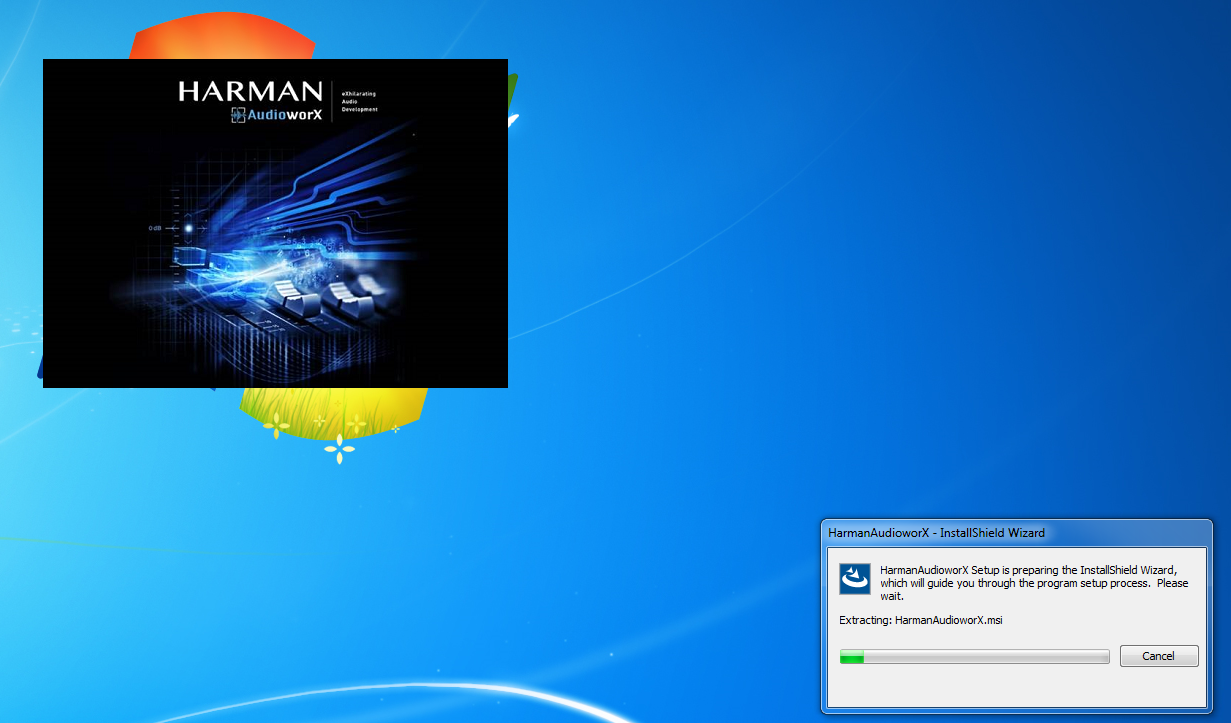
The setup launch can take up to 20 minutes depending on the required items being installed.
Proceed as soon as the Installation Wizard below is displayed.
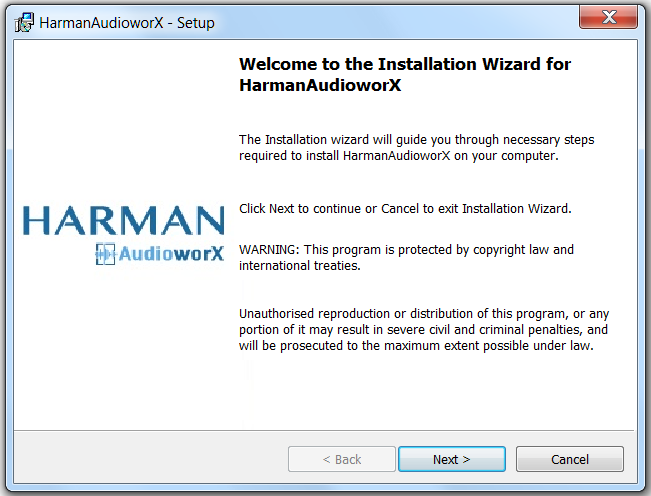
Click Next >.
The License Agreement dialog will be displayed.
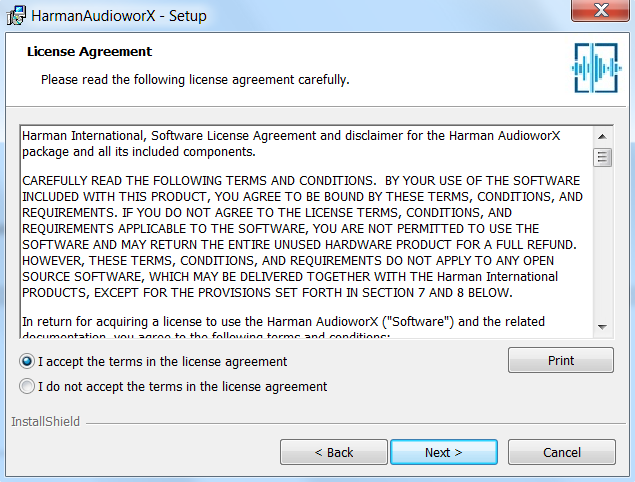
Read the license agreement carefully.
Accept the license agreement and click Next >.
The Choose Install Location dialog will be displayed. It will provide the path of the installation directory. You can change the default installation directory and install the application to any custom location.
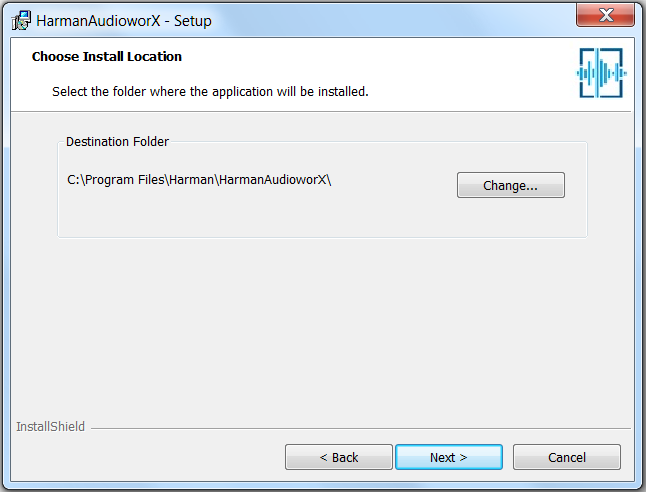
Click Next>.
The Database Server dialog will be displayed. By default, you will be connecting to the local server.
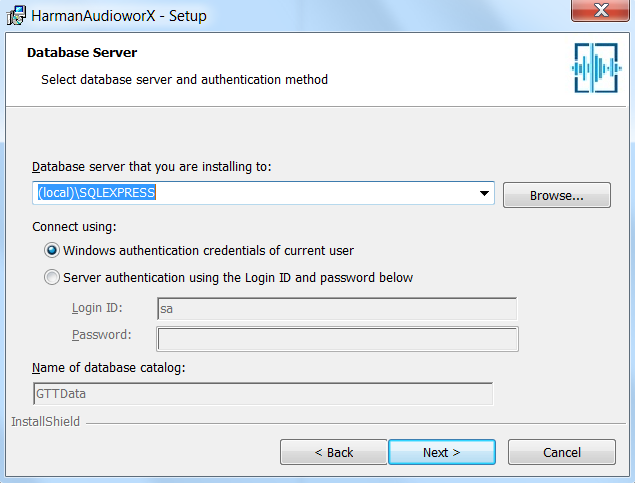
Select one of the following two options:
Select Windows authentication […] to connect as current user.
if a server is already available on the computer and you have login ID and password: Select Server authentication […] and fill in the text fields “Login ID” and “Password”.
Click Next>.
The Ready to Install the Program dialog will be displayed.
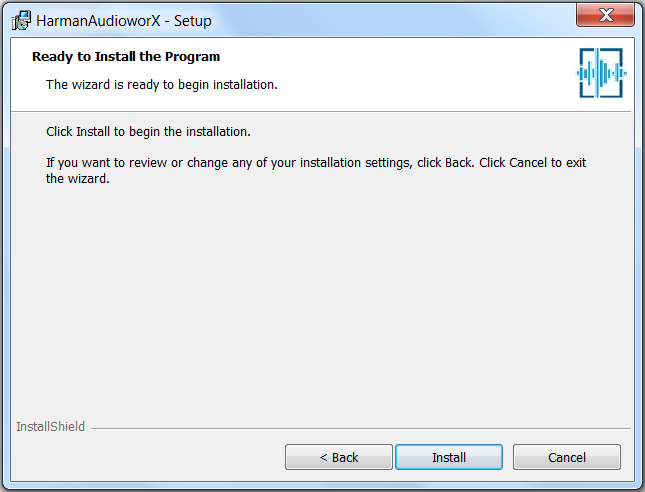
Click Install to install HarmanAudioworX.
The Installing HarmanAudioworX dialog will be displayed. It will show the status of installation.
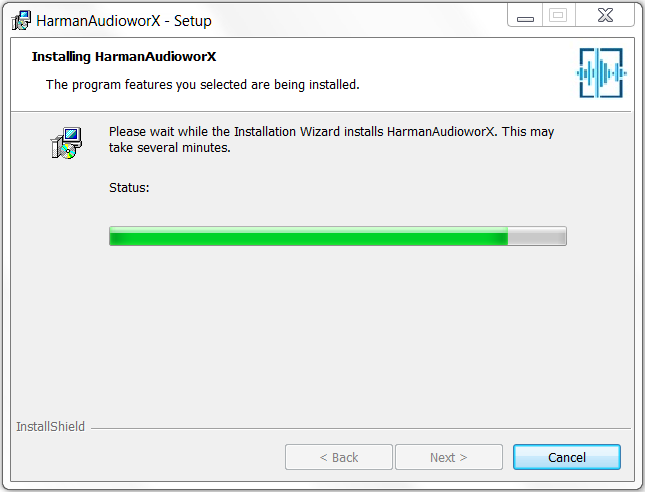
Upon completion of the installation the dialog below will be displayed.
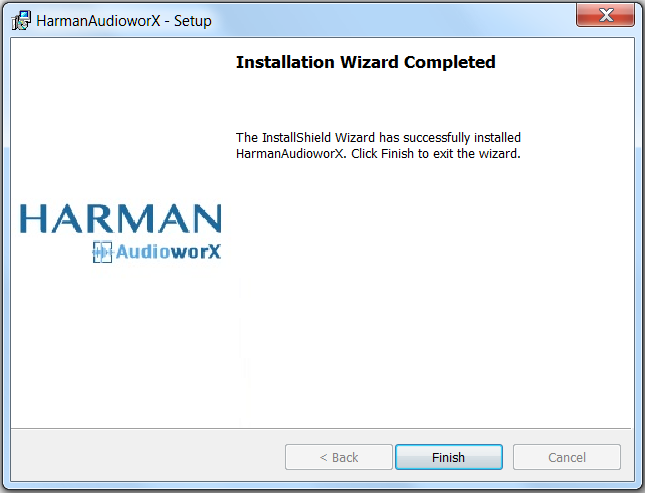
Click Finish.