Add a device to the Room.
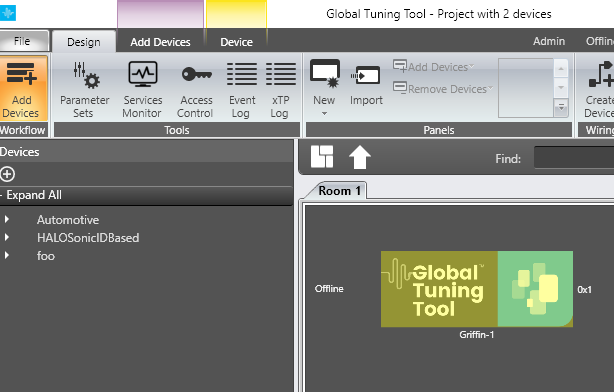
Click on the Parameter Sets.
One Set Group will be created.
To create new set groups, click on New Set Group on the top left.
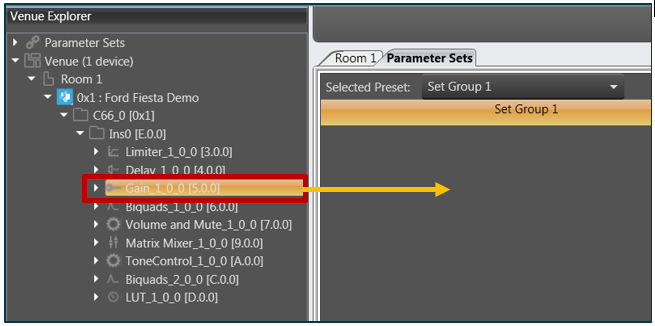
Drag and drop the required AOs from the explorer tree to the parameter set group.
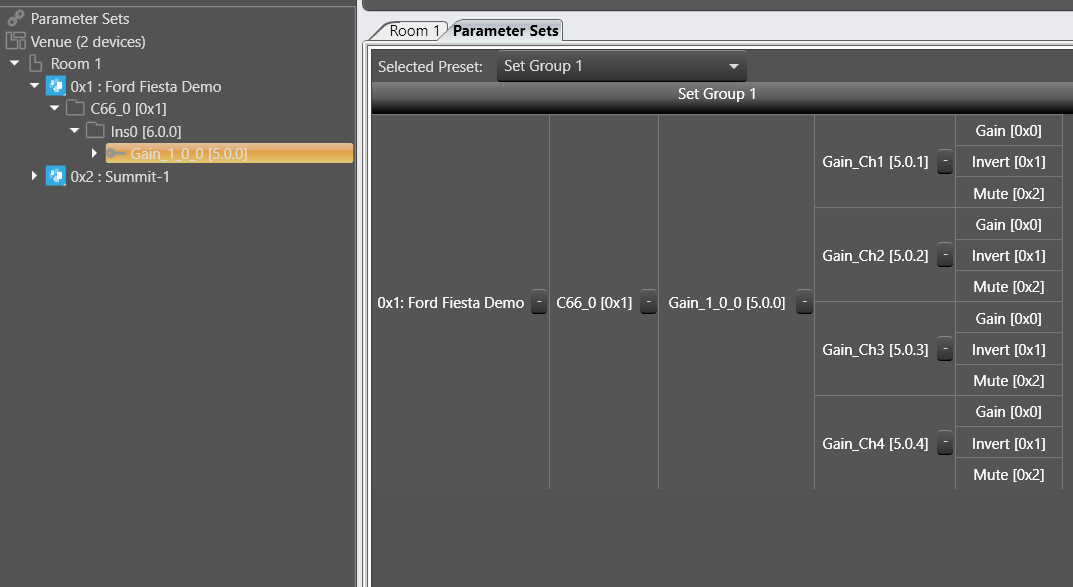
The AO will be displayed in a table form.
To add a new set to this set group, click New Set.
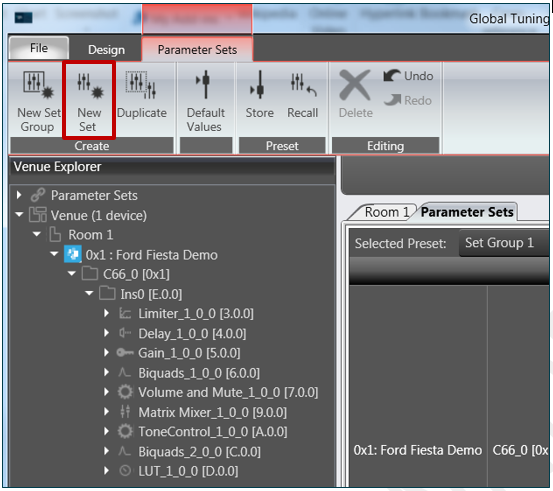
A new set will be displayed in the Set Group
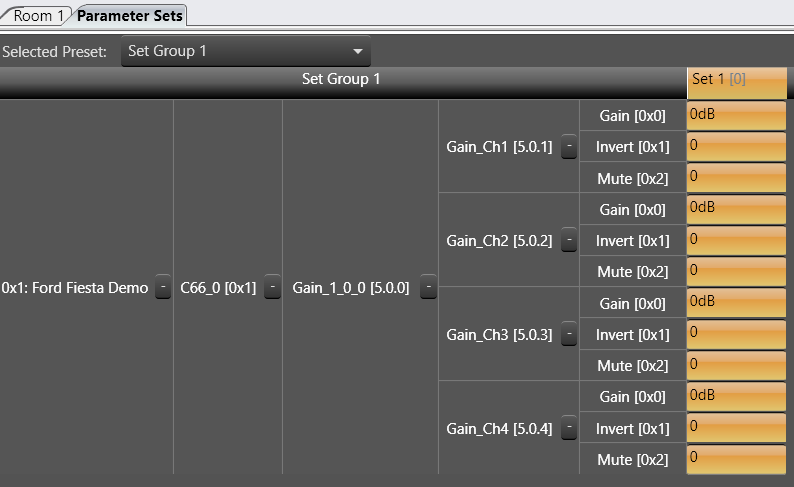
You can create multiple set groups and multiple sets for one set group.