Open GTT for the first time
User registration form is displayed.
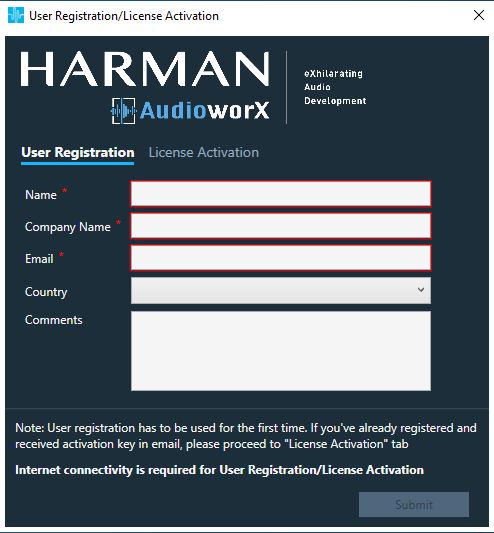
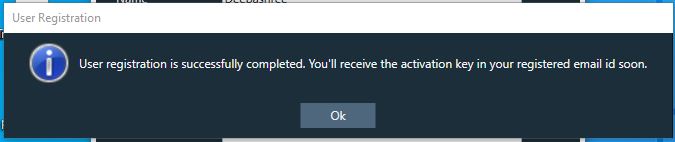
Enter mandatory details and register. On successful registration, message will be displayed as below.
Once you receive activation key, enter the key in activation tab
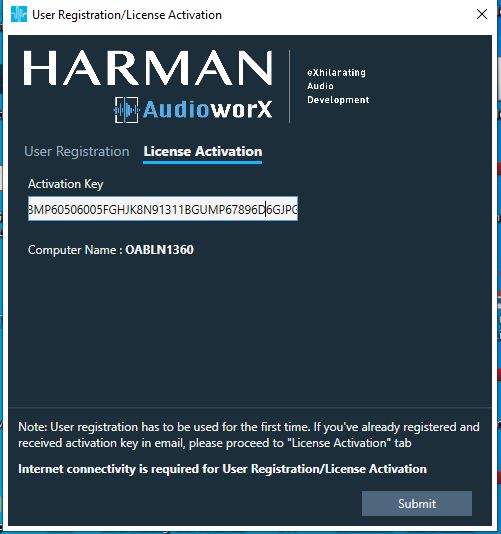
On successful activation GTT opens.
The GTT surface will be displayed.
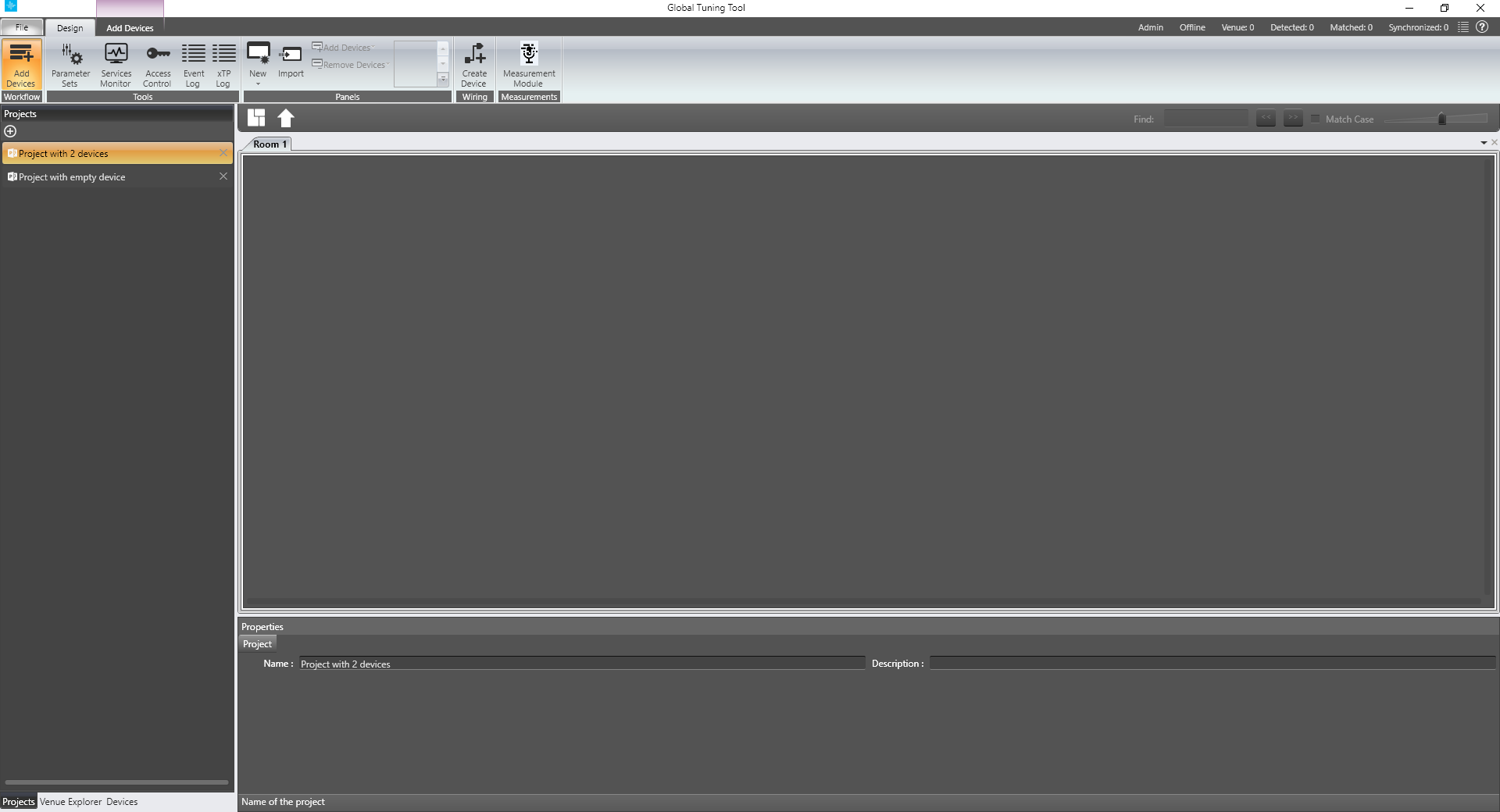
When you open the GTT for the first time, the messages below will be displayed.
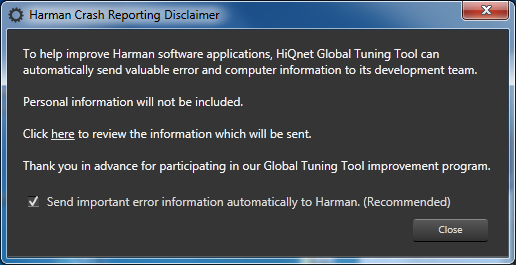
Click Close.
The Add Network Connection dialog will be displayed.
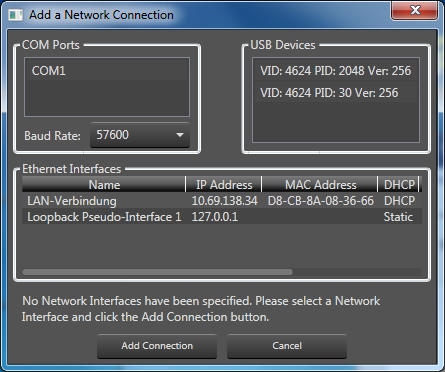
Click Cancel.
The Applications Options dialog will be displayed.
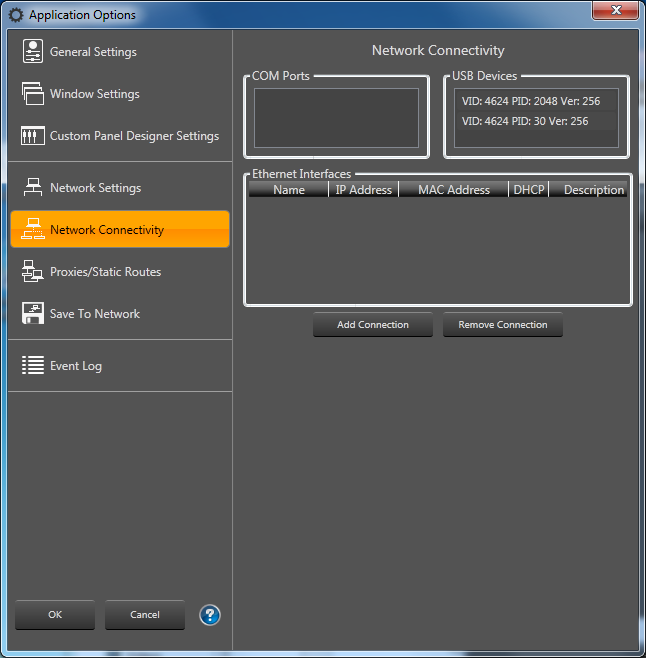
Click Cancel.