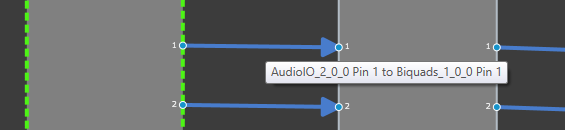
There are tooltips available that will provide more detailed information on the connection between AOs, showing the affected Audio Object’s names and the respective pins used.
In order to see these tooltips you need to
Connect any two audio objects
Hover your mouse over the connection presenter (Arrow)
A tooltip is shown for the connection, displaying the Audio Object Name, Pin No., Labels (if exists) for the connected objects.