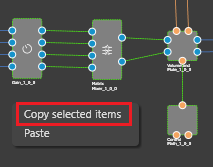
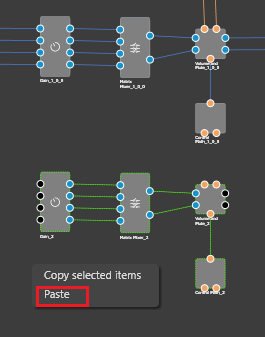
Copy and paste is another convenient feature of the signal flow designer, which speeds up the design process.
Select an object and press CTRL+C or right-click the designer area and then click the Copy selected objects context menu item.
Paste the object into the same or a different framework instance by pressing CTRL+V or clicking the Paste context menu item.