By default, the xAF framework supports only one core and one instance running on that core. However, it is possible to create a customized xAFVirtualAmp build that supports multiple framework instances, spread across multiple cores. Currently, it’s done by the means of hardcoding the audio routing between cores at the device level and between instances at the core level. In the future, it will be possible to provide the routing configuration using GTT. For now, the tool makes it possible to build signal flows consisting of multiple cores and framework instances, as well as to generate device descriptions for such setups. However, a user must know the audio routing hardcoded in the xAFVirtualAmp library up front and respect its limitation when creating a multi-core, multi-instance layout.
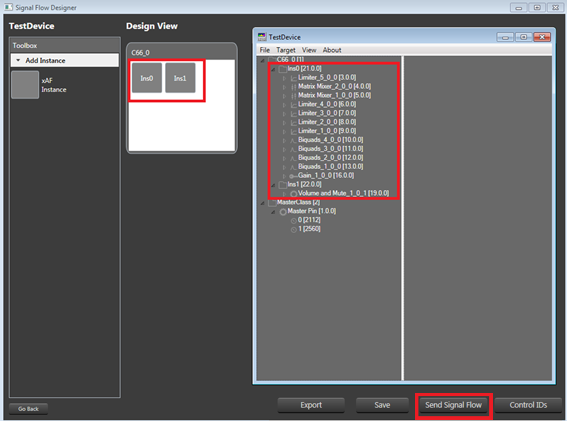
Once the design is done, you can send a complete configuration (control configuration for a device and signal flow configurations for each framework instance) to a real or virtual device. In order to do so:
Go to the Device Designer view in Signal Flow Designer and press the Send Signal Flow button in the bottom-right corner of the designer window.