FIR MIMO object is a special type of object which has own configuration panel. Number of inputs and outputs can be configured in AO properties.
In order to launch the Configuration Panel
Select the audio object
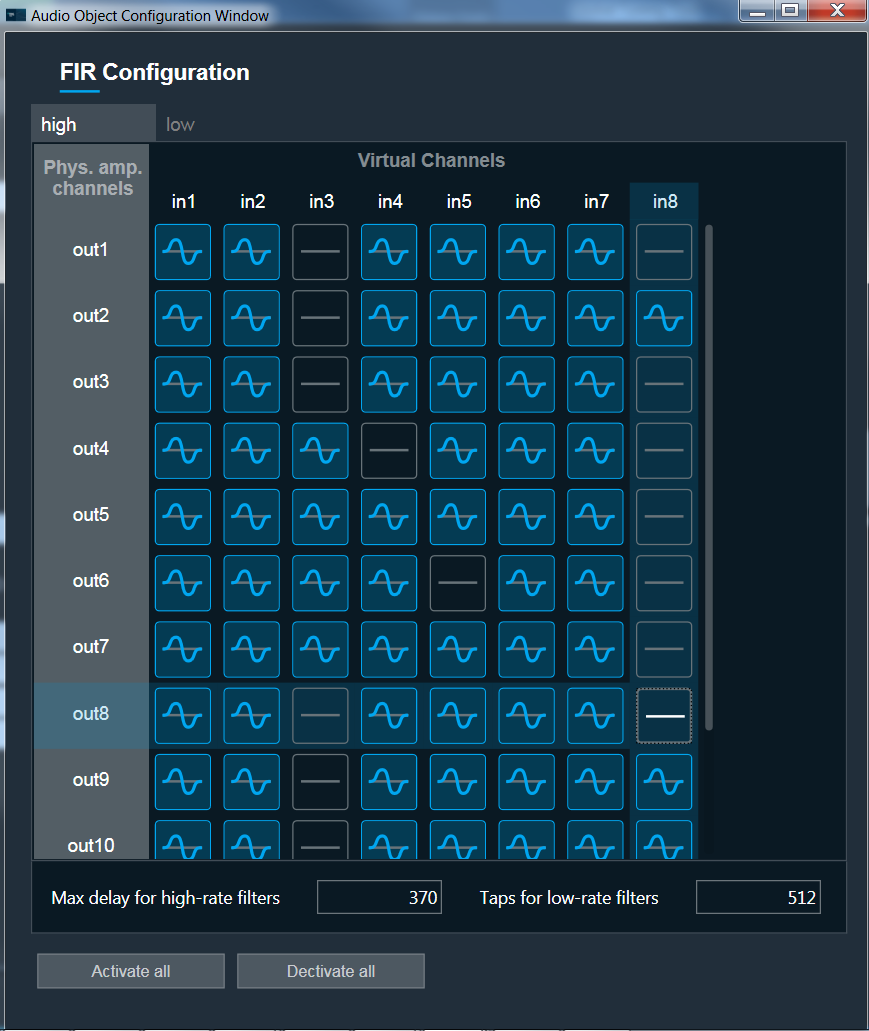
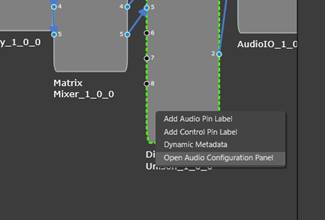
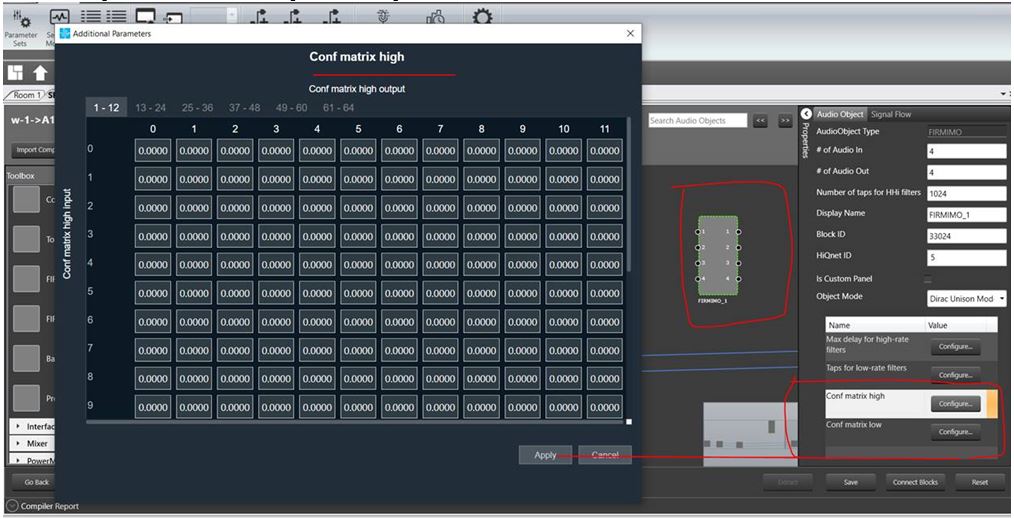
Right click on the audio object and select “Open Audio Configuration Panel”. This option is available for the Devices till V15. Starting V16, the configuration should be done via the Additional parameters window available on the right side in the Signal flow designer.
Configuration Panel pops up
Each filter has two states:
 ON
ON
 OFF
OFF
Status of single filter can be changed by clicking on it.
Below the matrix are two buttons which activate or deactivate all filter. Each action applies changes only to the selected tab. So, if you want to activate all filters for High and Low then it is necessary to do this on both tab.
Note: Block Id of the FIR MIMO object should be in the range – 33024-65280