In order to enable SFD metering for each core, Streaming needs to be enabled for the core using Streaming Checkbox in device view- core properties section. The number of level meters, which can be added in signal flow to monitor audio/control out connections can be configured in core properties section.
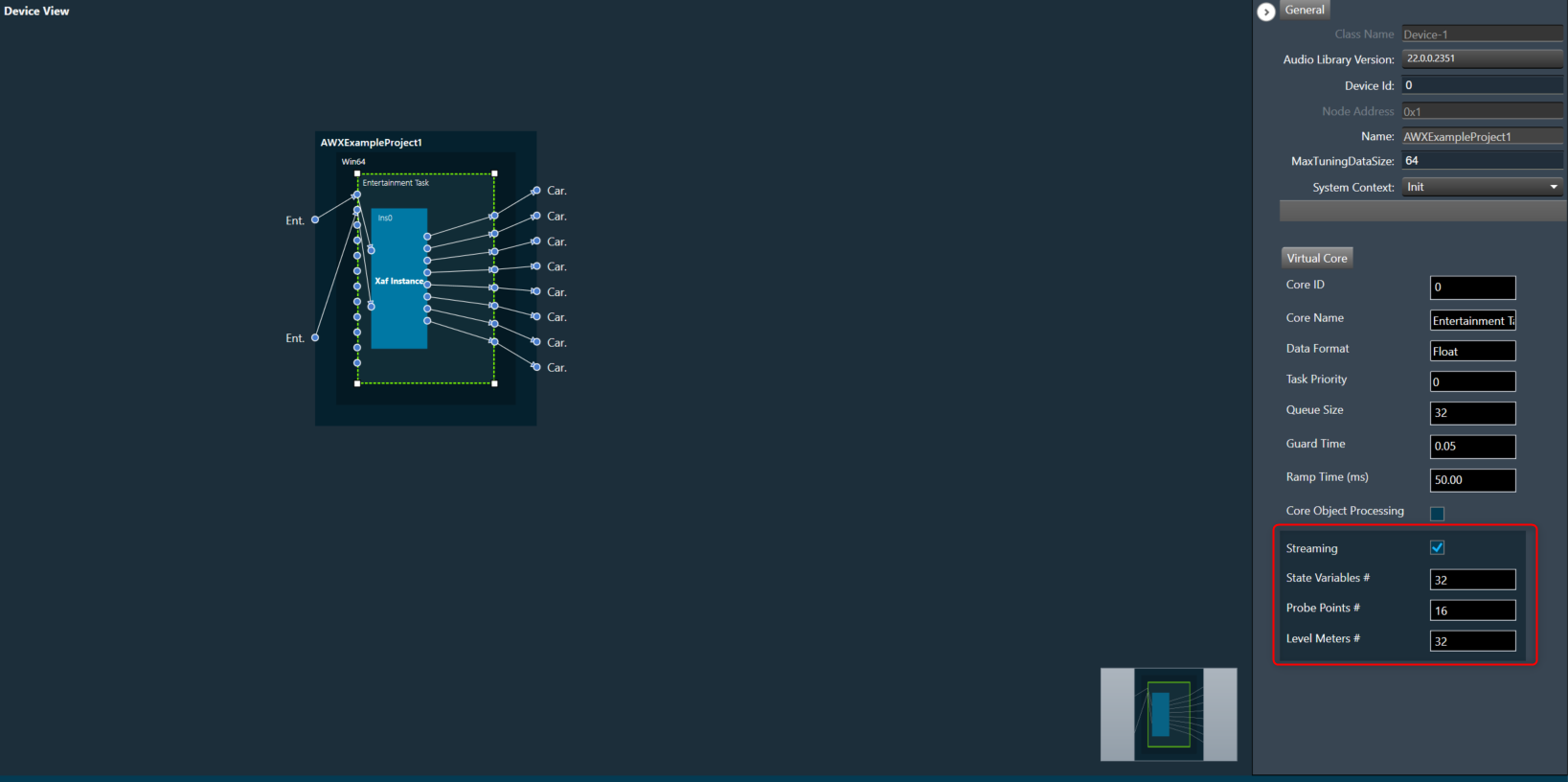
Maximum 32 level meters can be configured for a core and by default it is zero. These values will be sent to device while sending device configuration to allocate required memory for level meter streaming.
If you configure the number of level meters in device view which is less than total level meters added in a core, then all level meters under the core will get deleted.
If you modify any of these configurations, ensure to perform “Send Device Configuration” operation while connecting device.