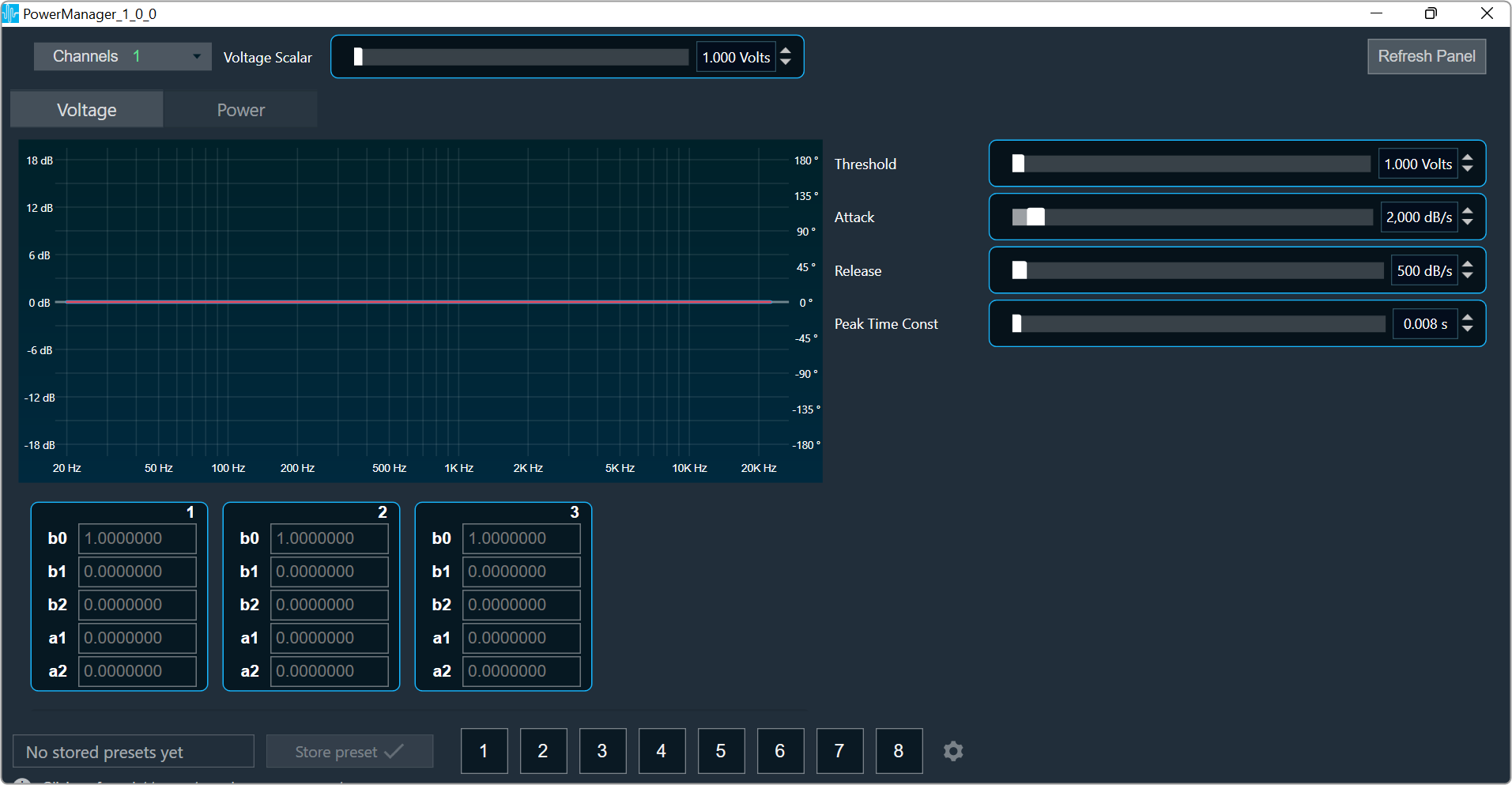
This panel is used to display voltage contour, admittance filter coefficients loaded in device. Tuning of power and voltage limiting for each channel can be performed using this panel.
Channel List
On the top left of the PowerManager, there is a list from which you can choose a channel for the current core. The current channel is marked with a green square and its details are displayed in the header of the channel list.

Tab selection
You can select Voltage or Power tab to view their specific chart and tuning parameters.
The Voltage tab is selected by default.

Refresh Panel
Refresh panel option is used to update coefficient filters data without relaunching panel.

Coefficient Chart
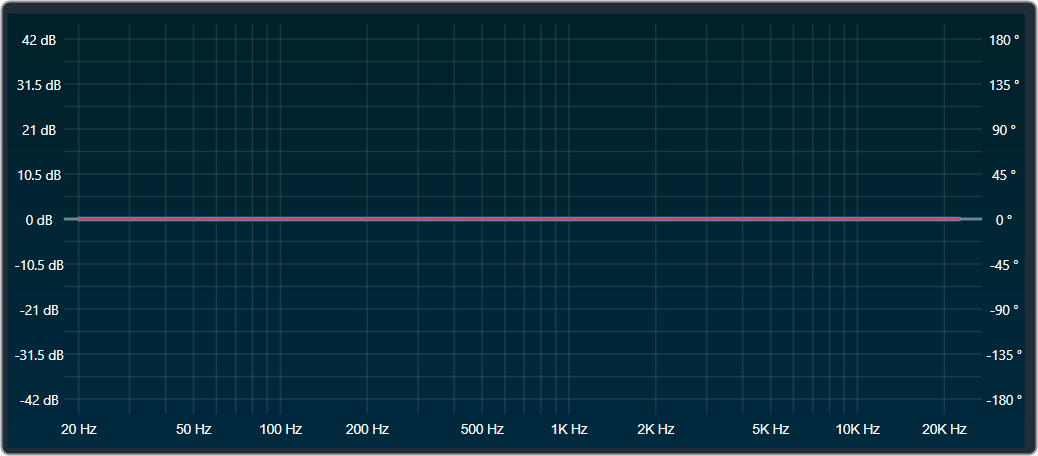
The panel has a chart that has only total amplitude and total phase graphs.
Contour Filter 1-3
Three separate bi-quadratic filters are used to model the frequency-dependent peak-voltage limit for the speaker.

Admittance Filter 1-3
Three separate bi-quadratic filters which are used to model the admittance of the speaker. These are used to calculate current consumption and in turn estimate power.

Tuning Parameters
Voltage limiting parameters
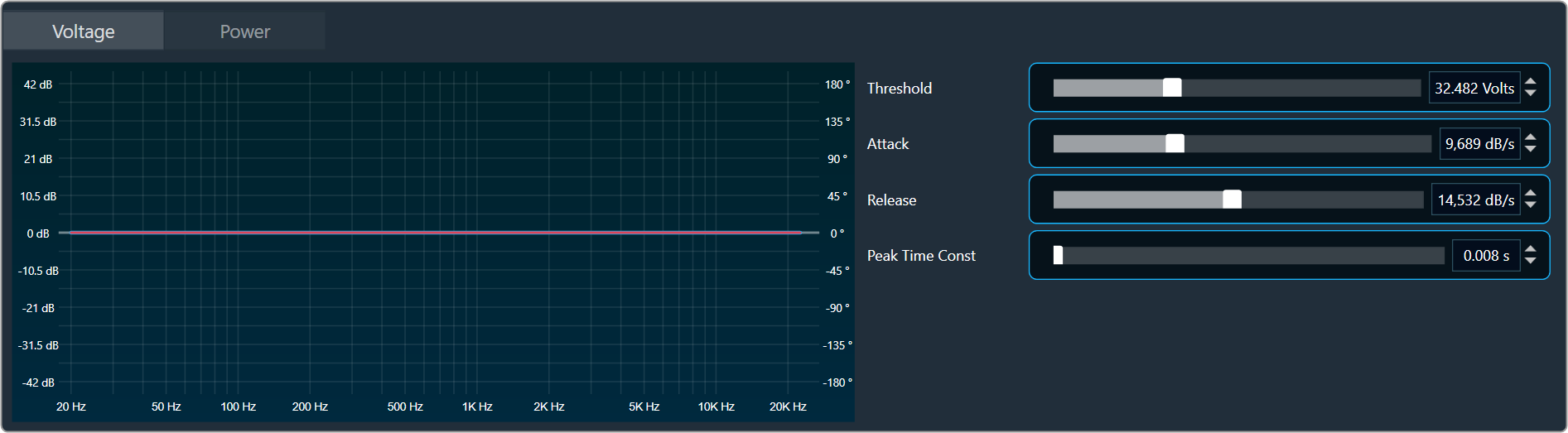
- Voltage Threshold Linear Scale: The reference threshold from which the contour filters bias the incoming signal.
- Voltage Attack Rate: The rate at which the peak-limiter reduces gain when the contoured threshold has been crossed.
- Voltage Release Rate: The rate at which the peak-limiter goes back to unity gain when the contoured threshold is not being crossed.
- Voltage-Peak Time-Constant: The tau-constant for the first-order averaging filter used in envelope detection. The envelope level will decay at this rate when the signal-peak is at a lower level.
Power limiting parameters

- Short-term Power Threshold: The power threshold over which the short-term power limiter will start reducing gain.
- Short-term Average Time: Averaging time-window for the short-term power limiter.
- Long-term Power Threshold: The power threshold over which the long-term power limiter will start reducing gain.
- Long-term Average Time: Averaging time-window for the long-term power limiter.
- Power Attack Rate: The rate at which any of the power limiters will reduce gain when the threshold is crossed.
- Power Release Rate: The rate at which any of the power limiters will go back to unity gain when the threshold is not being crossed.
- Power Depth: The maximum attenuation allowed for the power limiters.
Changing the parameter value
You can change the value in four ways:
- Using slider button: Select the slider to adjust the value.
- Using mouse scroll: Click on the respective column and use mouse scroll to adjust the value.
- Chaning the value in the text box: Select the respective column and enter the value within the specified minimum and maximum range. Once you’ve entered the value, press Enter, and the slider will automatically adjust based on the input.
- Using the increase and decrease buttons
 you can change delay by calculated.
Maximum/Minimum parameter value
Maximum and minimum parameter values are derived from corresponding state variable of power manager.