The DC blocker panel is used to change the corner frequency of filter for all channels.
This is a beta version of the panel and works only for a 1 channel use case in M release. Higher number of channels will be available in future releases.
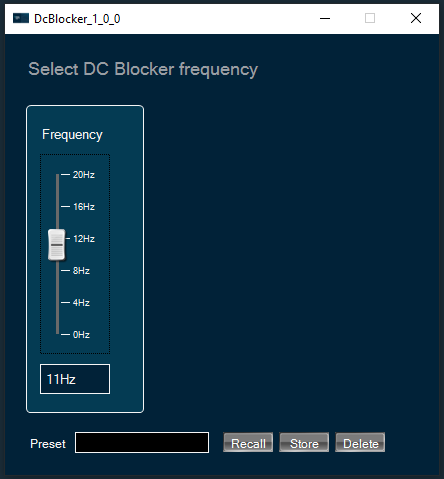
To change DC Blocker frequency
You can change the channel frequency by three ways:
- Using slider button: Select the slider to adjust the value.
- Using mouse scroll: Click on the respective column and use mouse scroll to adjust the value.
- Using text box: Enter the desired value into the text box located below the slider. The changes will be applied either by pressing the “Enter” key or by shifting the focus away from the text box.