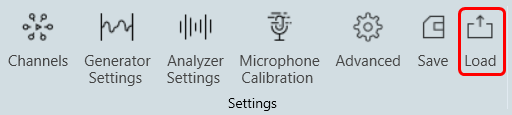
Upon clicking the “Load” button, a file open dialog box will be displayed. Locate the desired .rta file and click “Open” to restore the RTA settings stored in that file. The loaded settings will take effect immediately.
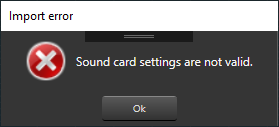
If the sound card settings are invalid when you load the settings, a settings window will be launched. You will need to fix the sound card settings issue before being able to proceed further.
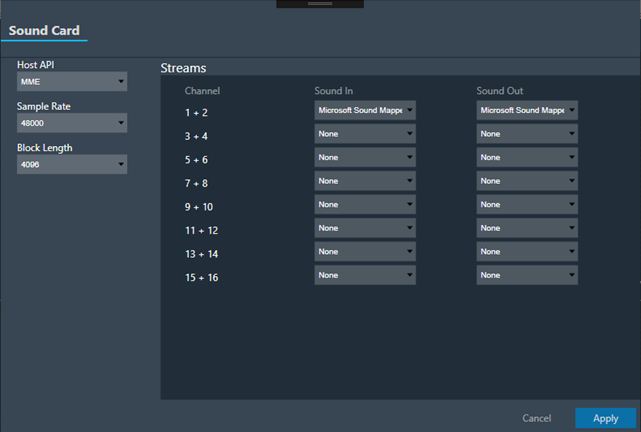
Upon clicking the “Apply” button, the sound card settings will be applied. Subsequently, you can modify other settings according to your preferences.
After importing the settings, it is necessary to reconnect the device.