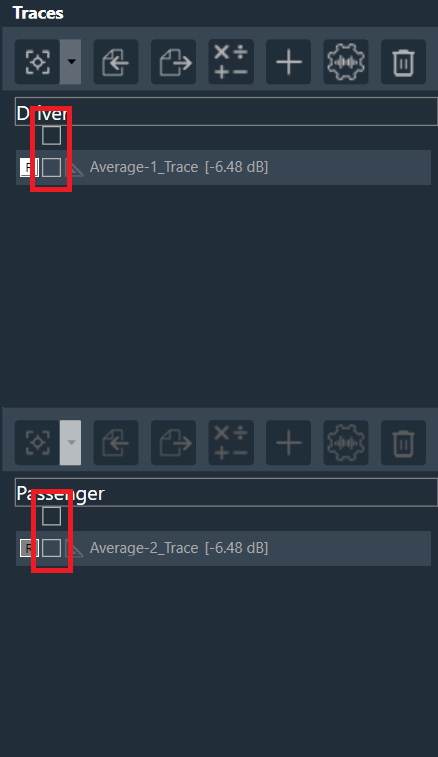
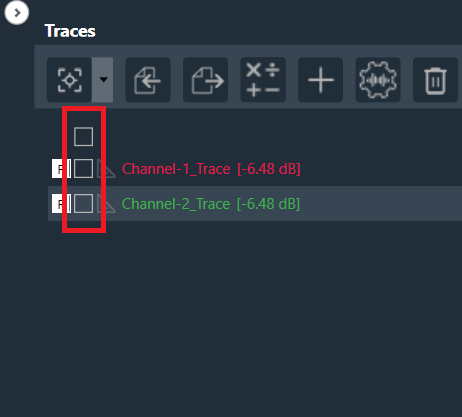
At the top of the list of traces in the Traces view, there is a checkbox that allows you to select or deselect all traces.
By selecting the checkbox at the top, all traces in the trace window are automatically selected.
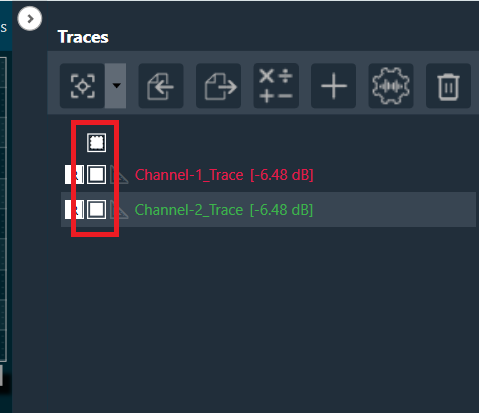
When the top checkbox is unselected, it unselects all the traces in the trace window.
When you are in linking mode and selects the top checkbox in the upper trace window, it automatically selects all the traces from both the upper and lower trace windows.
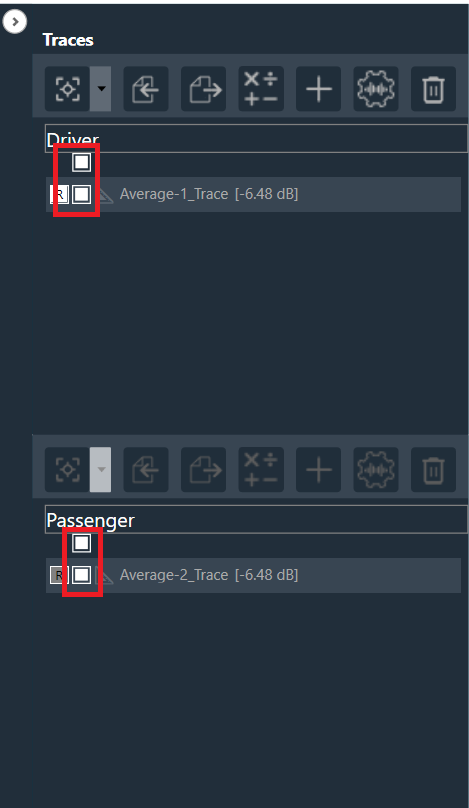
When you unselects the top checkbox in the upper trace window, it unselects all the traces from both the upper and lower trace windows.