The Compound Audio Object meta data could be updated by clicking Edit Metadata in Compound Audio Object view.
To Edit the Compound Audio Object Meta data:
- On the Signal Flow Designer window, select the compound audio object under the Compound Audio Object category in the toolbox and click Edit through the context menu. This opens Compound Audio Object edit view.
- On the Compound Audio Object editor, click Edit Metadata. This opens the Update Static Metadata dialog box.
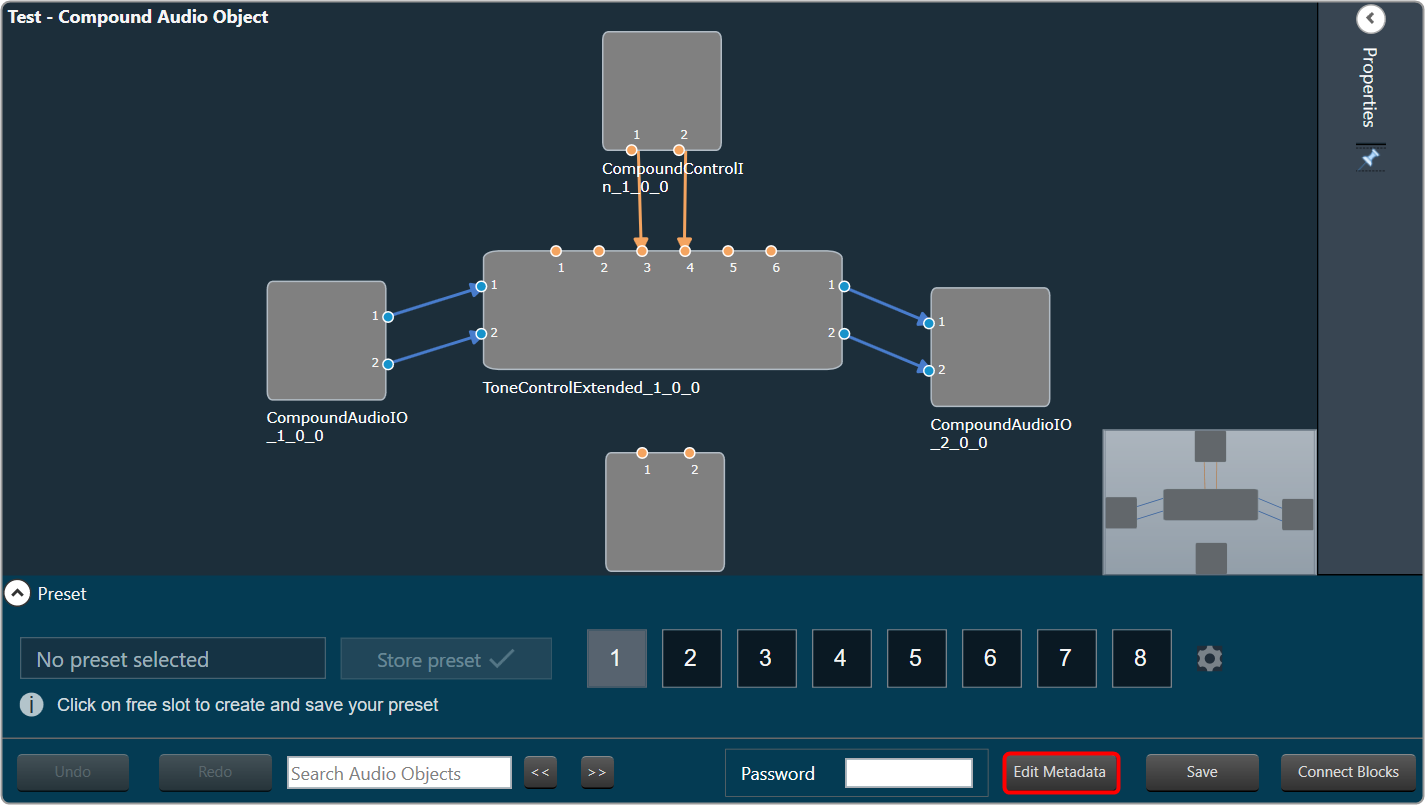
- Edit the Compound Audio Object Version or Tuning Version.

- Click Apply to update the changes.
During creation, the Compound Audio Object version and the Tuning version are set to 01.00.0 and 01.00 respectively.
When editing, you have the option to update the version of the Compound Audio Object or Tuning Version based on your needs, and this information will be recorded by GTT.
Auto increment always works with the latest version available before Save. This means, if the user edits the version before saving, the user updated version will be auto incremented based on the above criteria.