Follow the below steps to create parameter sets.
- Open the Parameter Sets tab.
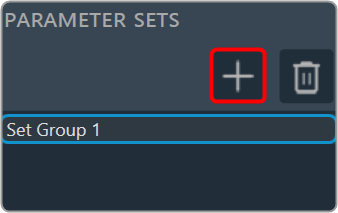
- Go to the Parameter Sets view and click on the (+) icon. This adds a new parameter group in the Parameter Sets view.
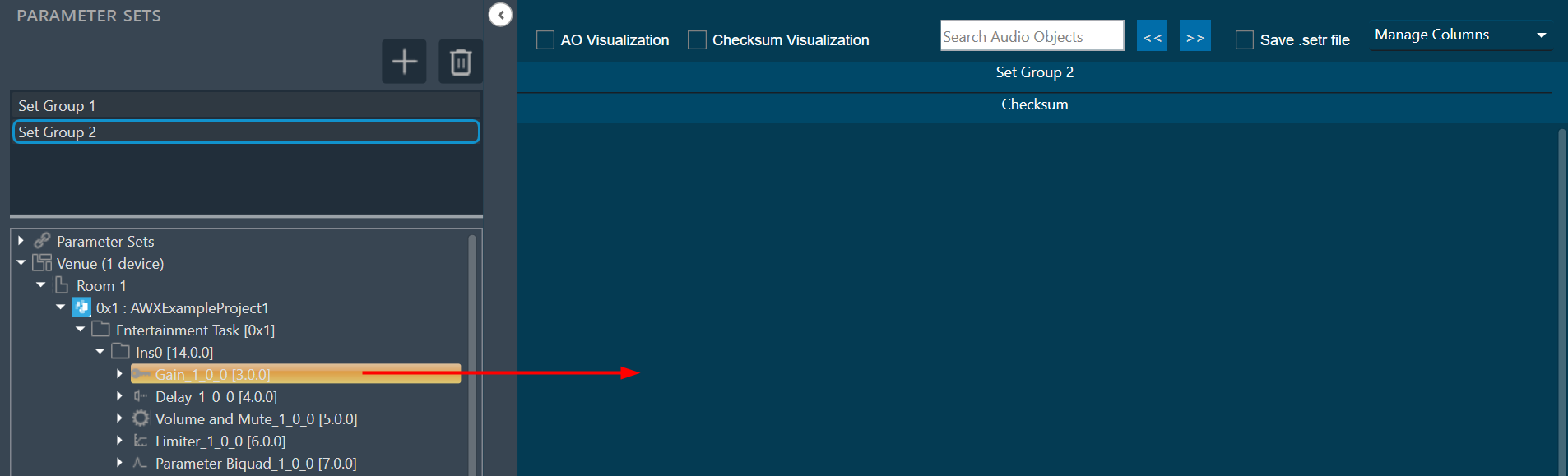
- Drag and drop the required AOs from the Explorer tree to the set group workspace.
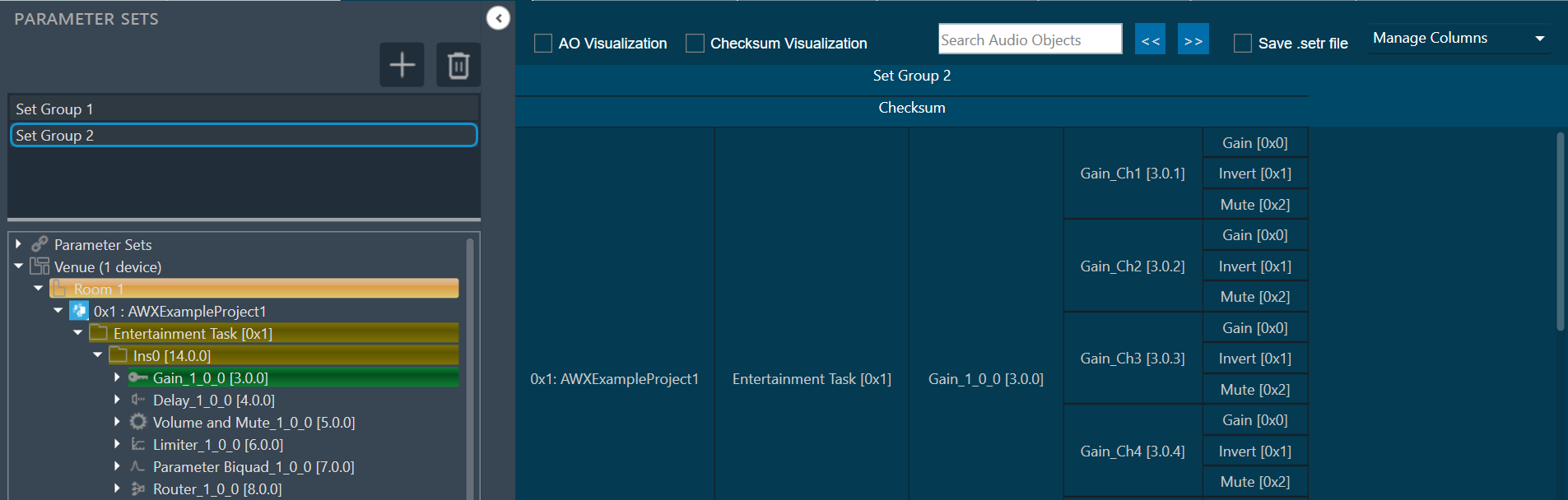
The AO will be displayed in a table form.
- Click New to add a new set to this set group. This adds a new set in the Set Group.
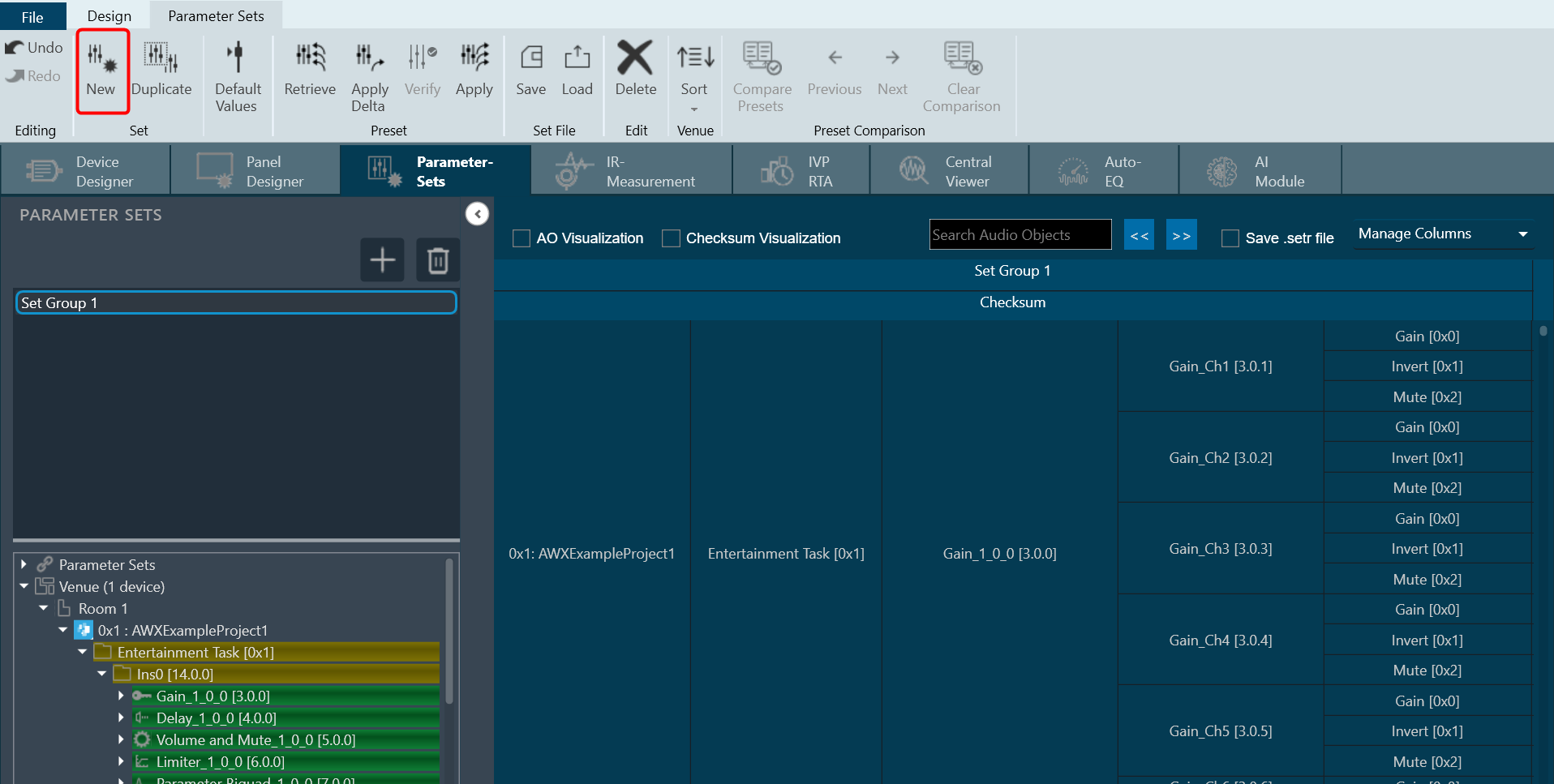
You can create multiple set groups and multiple sets for one set group.