When there are no core objects in the cores, the Load Device Config option is enabled. The Physical Cores and Virtual Cores (available within a Physical Core) as well as their connection points that were fetched from the target during device discovery are visible after the device has been loaded. Since they are read from the device, the number of virtual cores and their connection points cannot be changed.
You can connect core objects by dragging them onto the virtual cores. Alternatively, you can select the “Load Device Config” option, which will read the target’s device routing information as well as the layout and routing between core objects and display it on the GUI.
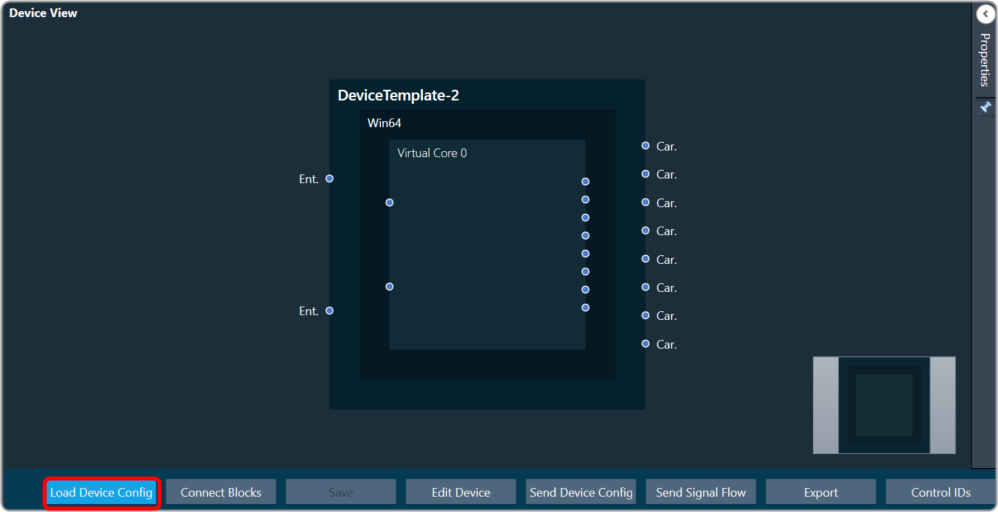
In the device view, a property section has been added to display and change the properties of chosen Core or Core Objects. When the virtual core or core object is selected, their respective properties are shown on the screen.
If you don’t clear the device view first, you won’t be able to save or access SFD.
The device identification feature is enabled for audio libraries version 13 and higher.