The Control IDs are used to configure Custom Control IDs. Users can add, edit, export, and import Custom Control IDs data.
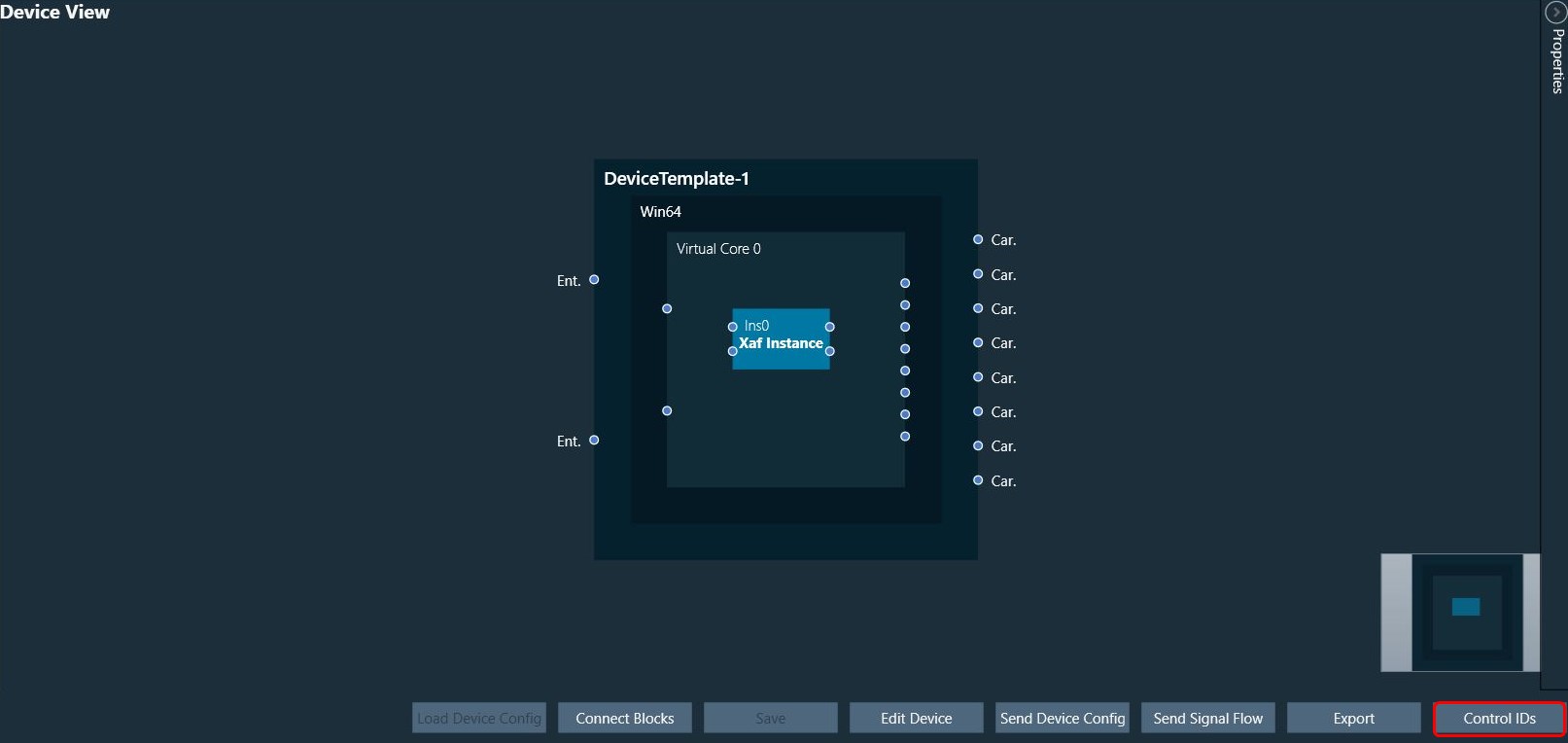
To open the Control IDs:
- Click on the Control IDs. This action opens the Custom Control IDs configuration window.
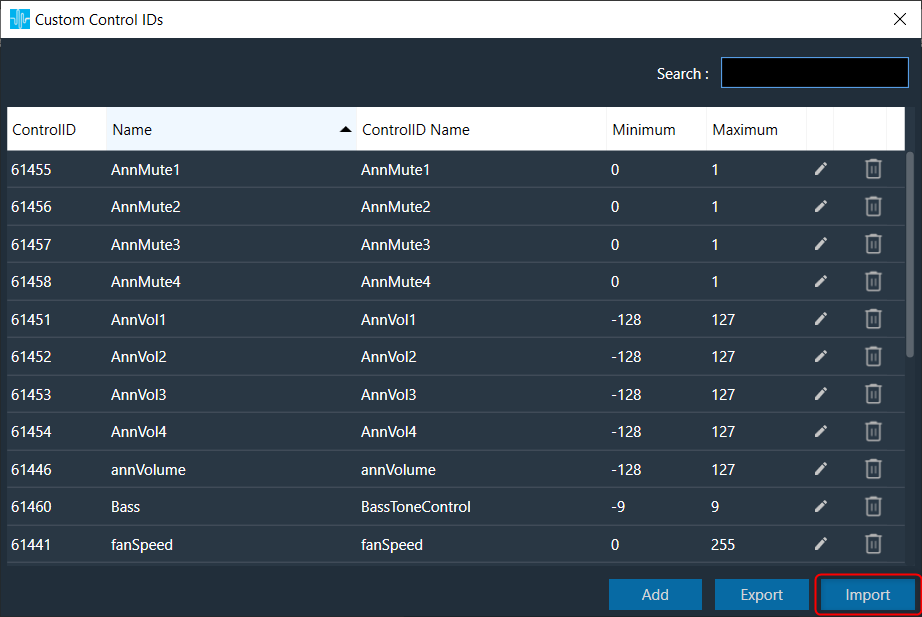
The Custom Control IDs window shows all the custom control ID details.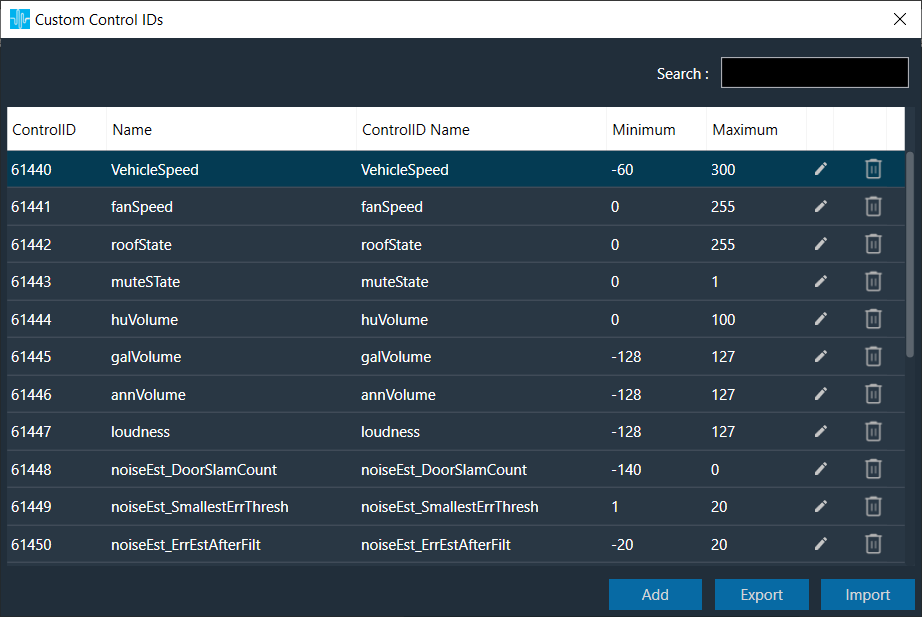
To add the custom control ID:
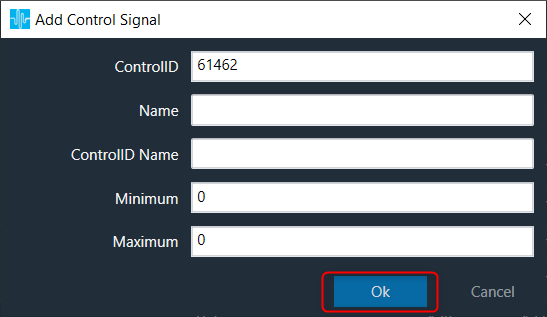
- Click on the Add. This action opens the Add Control Signal window, where the user can enter the details of the new custom control.
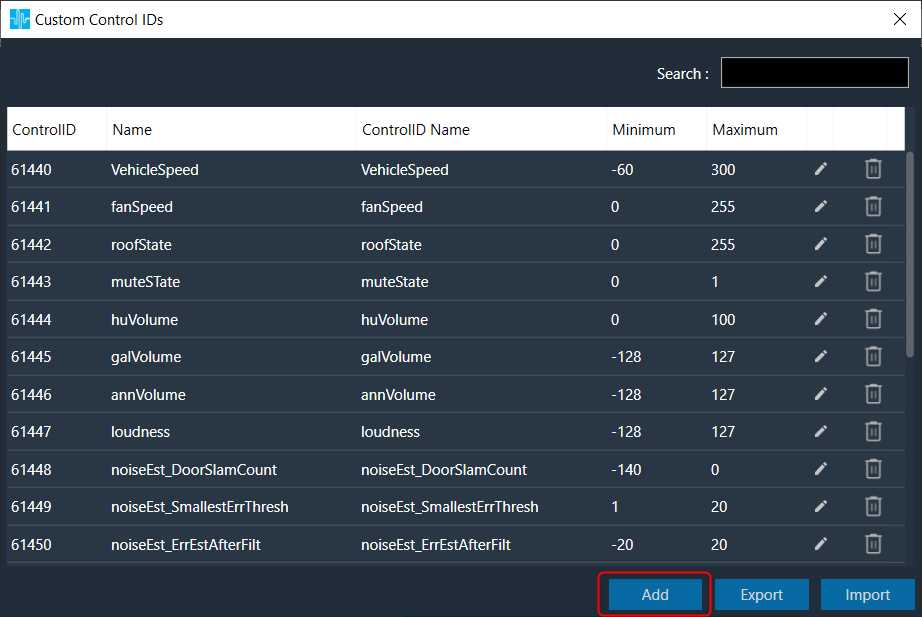
Users need to enter details in all fields. The maximum value of control should be greater than the minimum value.
The Control ID range should be between 61440 to 65535.
- Click OK to save the custom control id details
To edit the custom control ID:
- Click on the Edit icon. This action opens the Edit Control Signal window, where the user can update or change the custom control details.
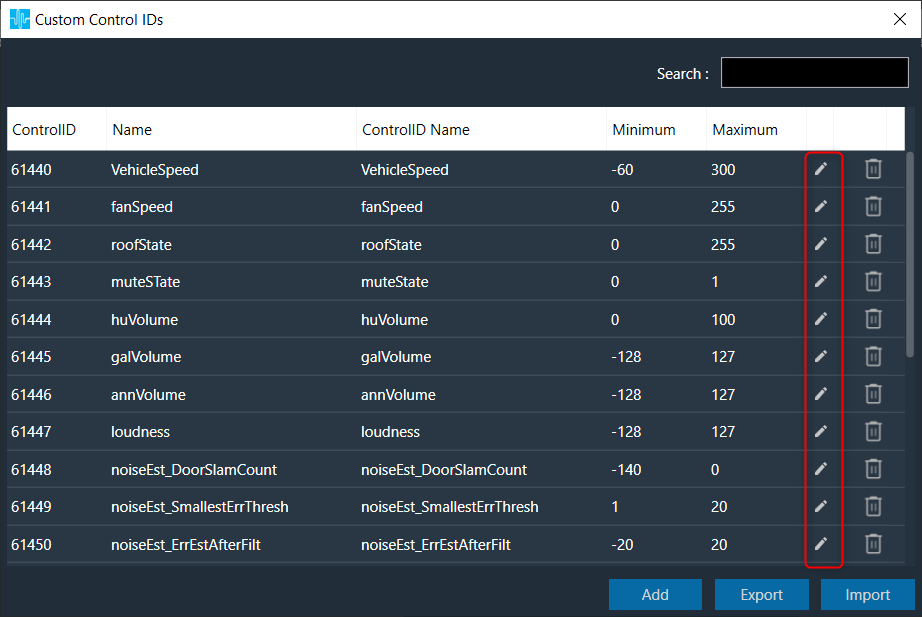
- Click OK to update the custom control id details.

To delete the custom control ID:
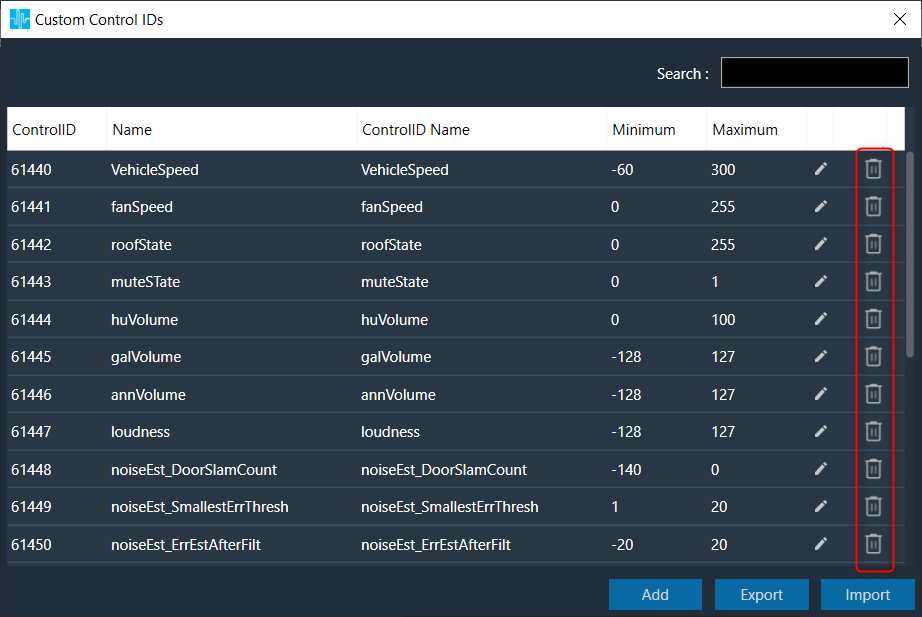
- Click on the Delete icon. This action deletes custom control and also removes its associated data.
To export the custom control ID:
Using the export option, all custom control data can be exported in the provided destination directory with the file extension *.csv.
- Click on the Export. This action opens the file directory.
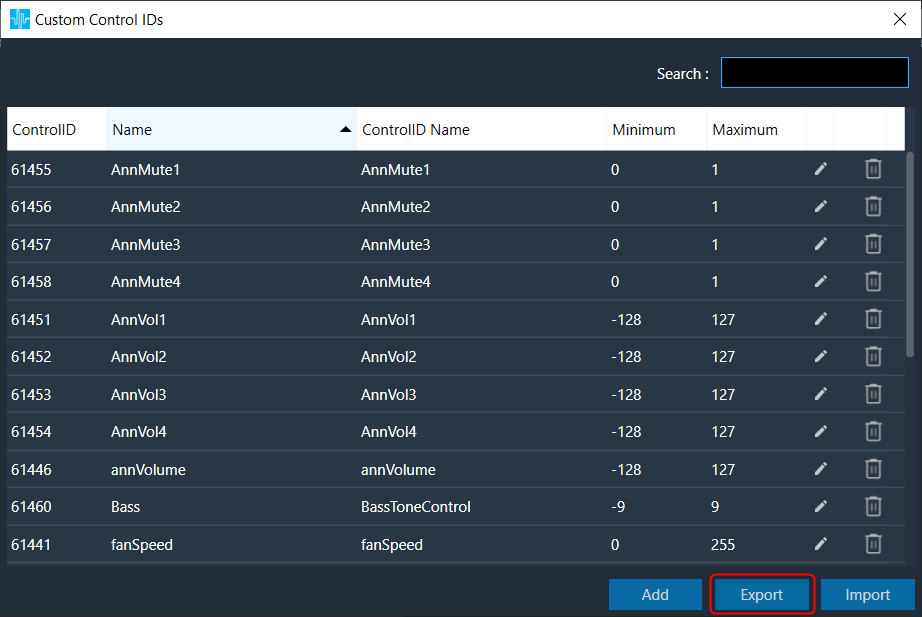
- Navigate to the desired location and click Save to export the file.
To import the custom control ID:
Using the import option, all the custom control data can be imported to GTT.
- Click on the Import. This action opens the file directory.
To search the custom control ID:
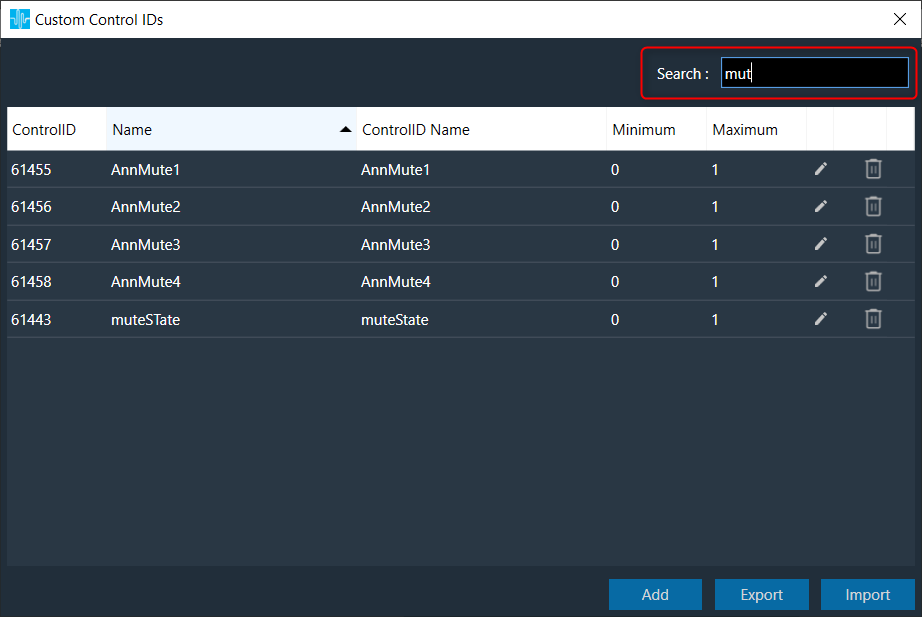
Use the Search text field to search and filter control ID.
To sort the custom control ID:
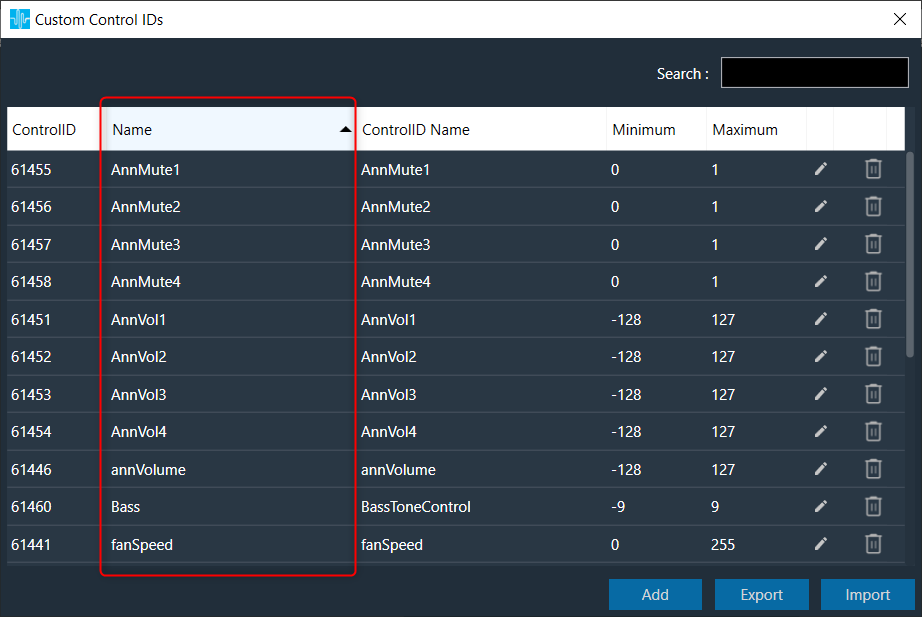
Click on column header it will sort data based on selected column values.
- Navigate to the file location and click Open to import the file
This action will import all the custom control pins from the file (with *.csv extension) in the custom control list.
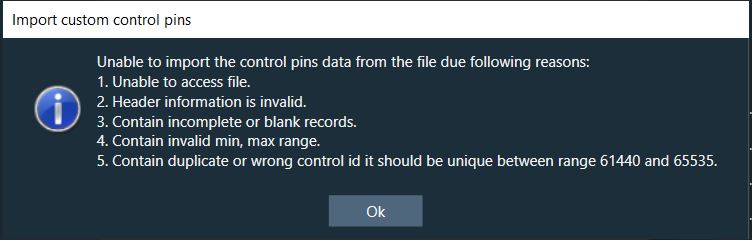
A message will appear if the file is invalid or does not contain the required data.
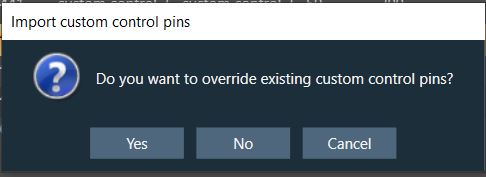
If GTT contains custom control IDs, it will ask for confirmation whether the user wants to overwrite them.
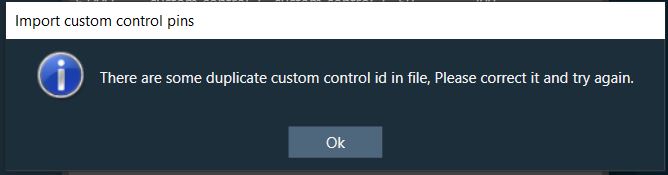
An error message will be displayed if the import file contains duplicate control IDs.