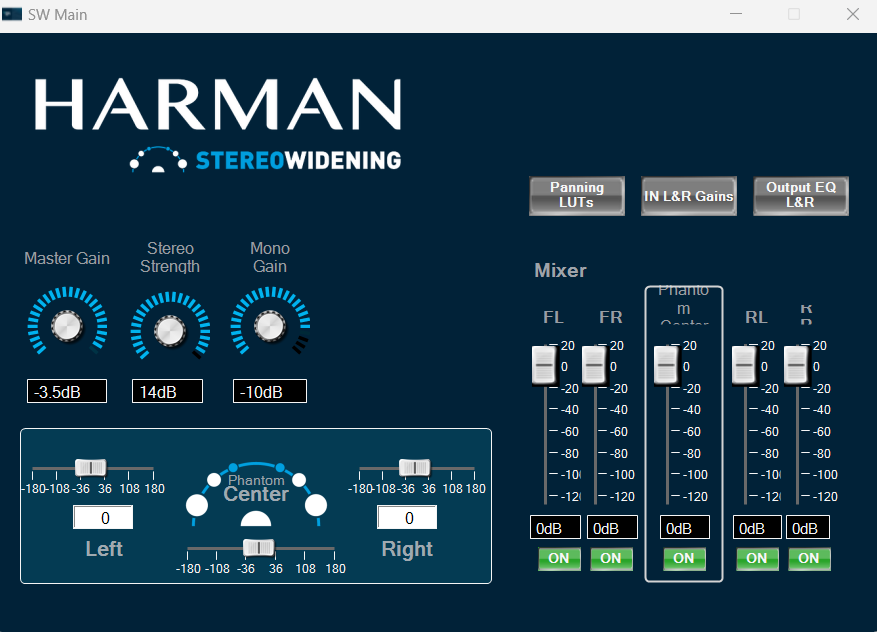
From S+2 release CAOs are released in .cao file format, below section provides overview on panel linking for external control inputs to CAO.
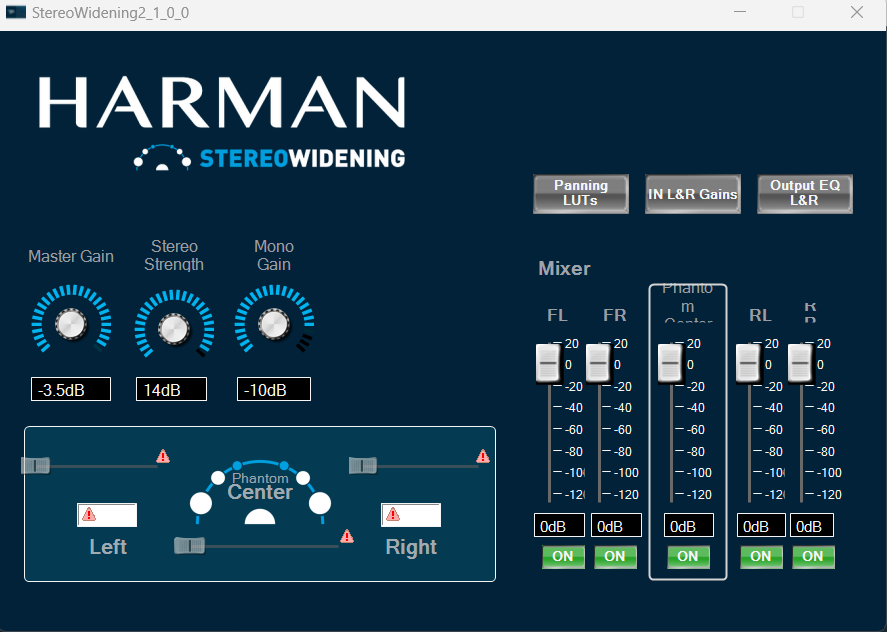
- After importing the CAO, do double clicking on it, Panel will appears like this which is in below fig. Some of parameters are highlighted warning symbol in red mark, user need to link the panel elements with control inputs
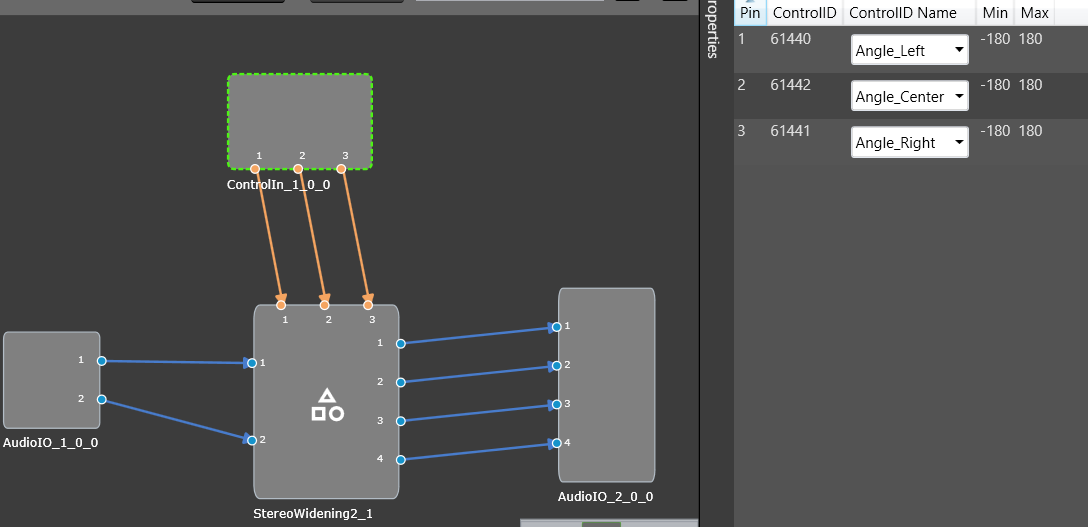
- User need to take the corresponding control inputs pins as same as in mentioned figure and connect the signal to Panel from “Custom Panel to edit gallery”
- Once all the control inputs pins are correctly linked, the warning symbols on the panel elements should no longer appear.