To start working with GTT, a user needs to create a project, which will serve as a container for all the device instances the user might want to subsequently create. There are two options to create a new project:
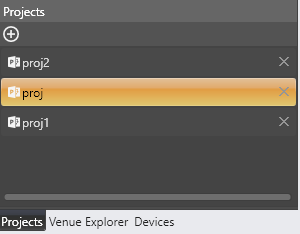
- Go to the Projects tab and click the “+” button.
- Go to the File menu and click the New Project item.
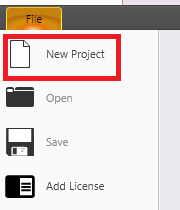
In the windows that shows up, a user can provide the new project’s name and, optionally, its description. The new project gets created once the Create button has been clicked. The previously loaded project (if any) will be closed automatically and all the related data will be persisted.
Properties of an existing project can be modified in the project properties grid at the bottom of the window.

If a user wants to get rid of a project, s/he needs to press the “x” key next to the project’s name in the projects list. This will remove the project and all the device instances it contains. It is not possible to remove a project which is currently open.