- Use GTT S Release version.
- Load the GTT DLL from /Harman/HarmanAudioworX/AudioFrameworkDLLs/ folder
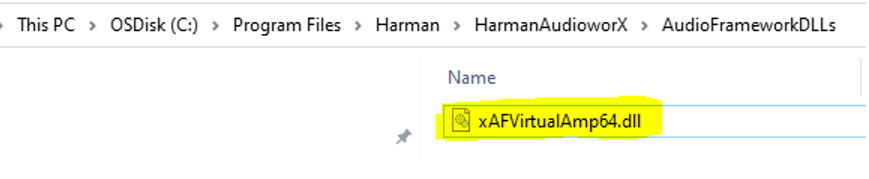
Figure 4.10 – To Select GTT Dll - To connect the device to GTT, open GTT and enter port number 25001 in the AmpSrv settings
- Configure the signal flow as required and click SendSignalFlow to send the signal flow files to the VST3 device
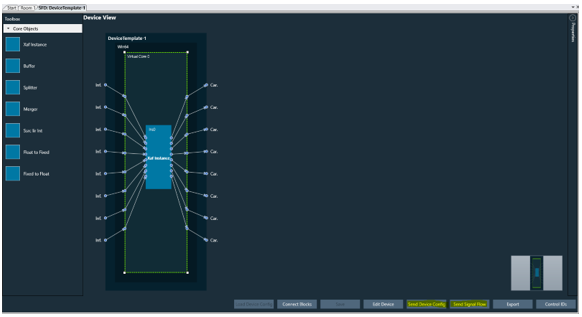
Figure 4.11 – Sending Signal Flow From GTT