- Pre-Requisites:
- Python 2.7
- Cmake version 3.21+, 3.5 confirmed NOT to work
- Microsoft Visual Studio 2017 or later
- Open the command prompt in Administrator mode
- Browse to the external folder
- Run bat to clean up any previous build artifacts
- Run the batch file bat
- Once the build is successful, the library with the external audio object, the VST3 plugin and the corresponding DLL will be copied to the path : public/lib/win64
- The VST3 plugin will also be generated in C:\Program Files\Common Files\VST3
- VST3 Plugin name: vst3,
- If you are building in non-administrator mode, you might see a warning that starts like:
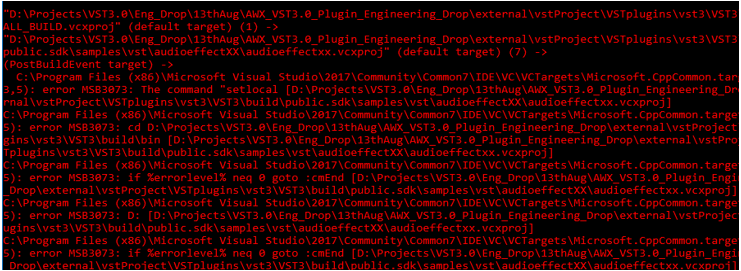
Figure 3. 2 – Warning when opened in Non-Admin mode But this can be ignored. This is a post build script that gets executed after the Plugin and DLL are generated.
- It is recommended not to have long folder names for the build path. CMAKE does not allow the total directory path name to exceed 264 characters