On the Device Designer ribbon bar and select Controller from the context menu.

The Device Controller dialog will be displayed.
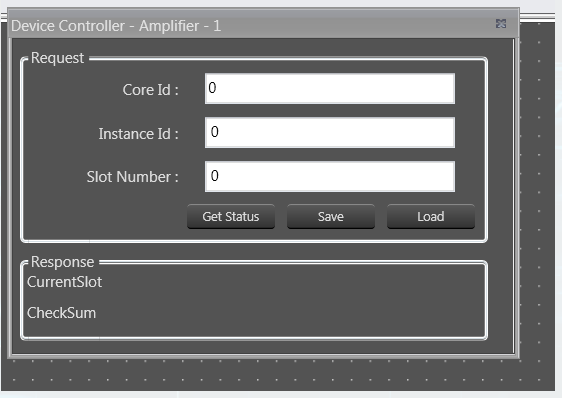
Device Controller Dialog
Enter a valid Core Id and Instance Id and click on Get Status to get the current available slot of the device.
The response from the device will be displayed in the Response section.
Response from Device Controller
If there is any error in the device connection or if any invalid Core Id and/or Instance Id were entered, the error message “Request failed!!!! Please make sure […]” will be displayed.
Click Save to save the current instance data on the device to the memory slot entered.
Click Load to load the data from the memory slot to the device RAM.