There are two ways to open a linking panel.
Right-click on the device which is in the room, and select the Open Linking Window option from the drop-down menu as shown below.
 Opening Linking Panel
Click on the device in the room.
The device view will be shown.
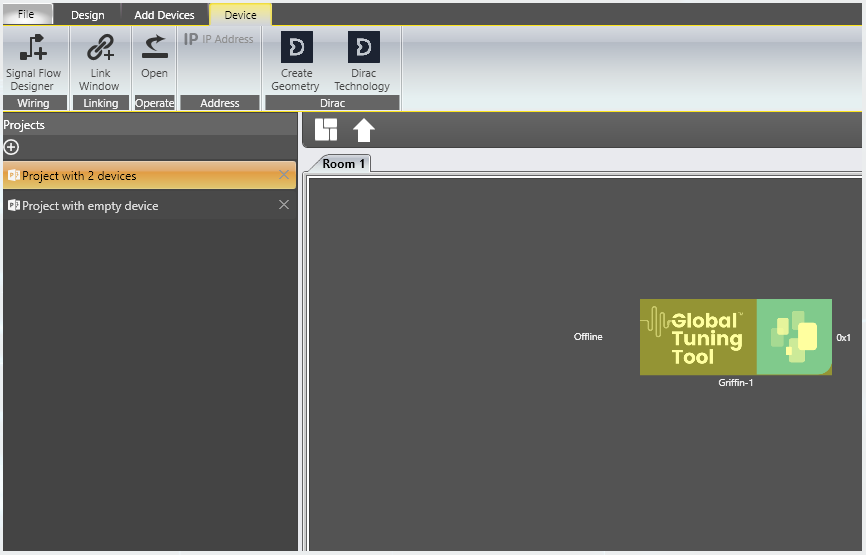 Device View
Select the Device tab from the main ribbon.
Click the Link Window button.