Open GTT for the first time.
User Registration window will be displayed. Enter the mandatory details and register for License request.
Make sure internet connection is available.
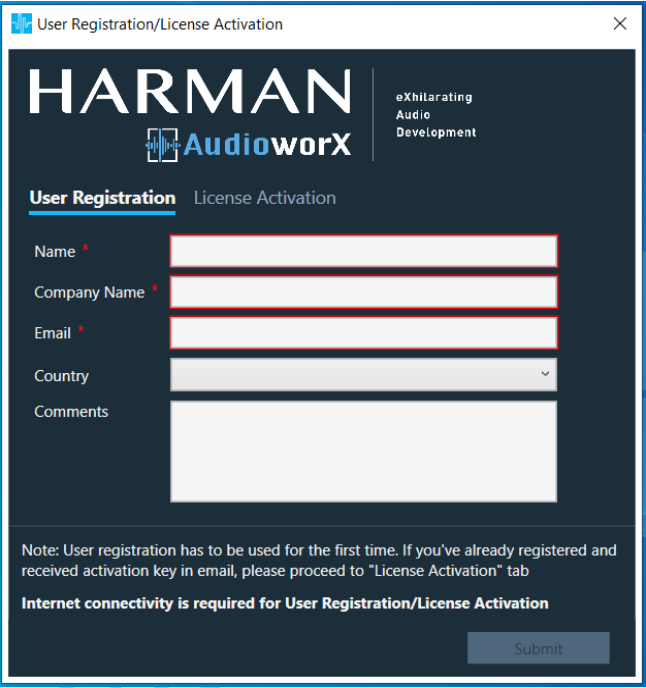
On successful registration following message will be displayed

On receiving the activation key over email, enter activation in “Activation” tab as below
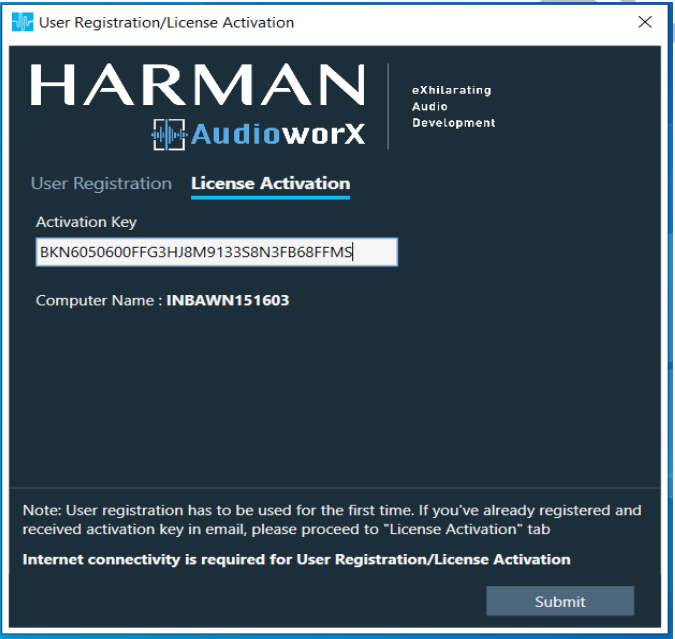
On successful activation, GTT surface will be displayed.
License is bound to user machine. Activation key used on one machine cannot be used on another machine for activation.
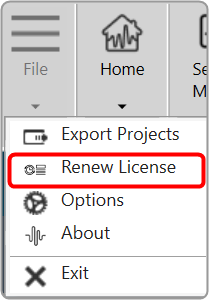
Add a network connection Dialog
Click Cancel.
The Applications Options dialog will be displayed.
Application Options Dialog
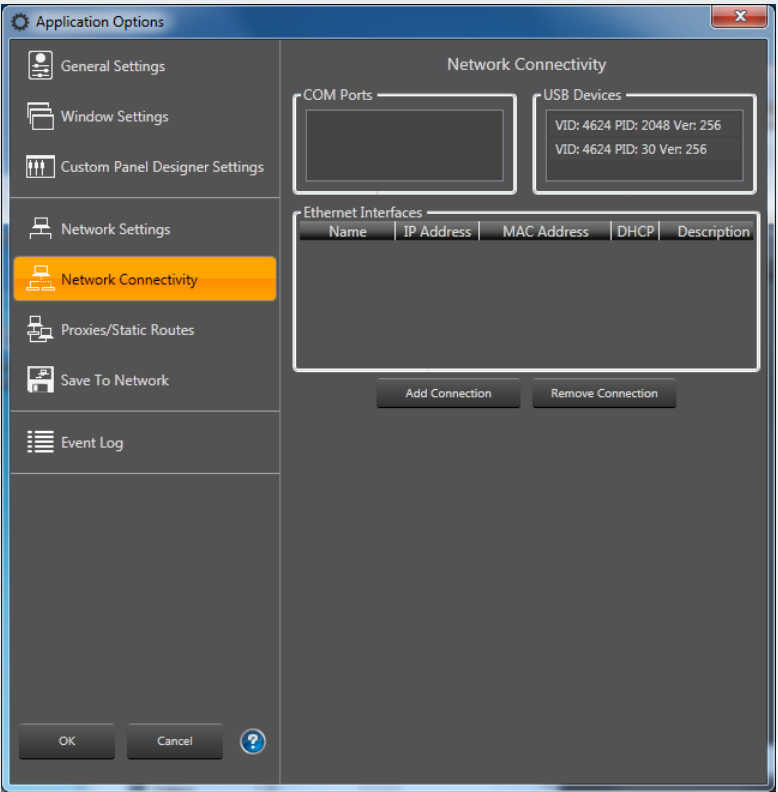
Click Cancel.