User can export and import Audio Configuration, Impulse Response viewer settings and Generator configuration used in Measurement acquisition.
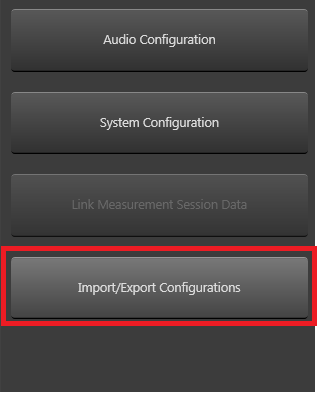
To export configurations, user can use Import/Export configuration button in Measurement Module view which opens Application Options window.
Application Options window with Import/Export settings will looks as follows :
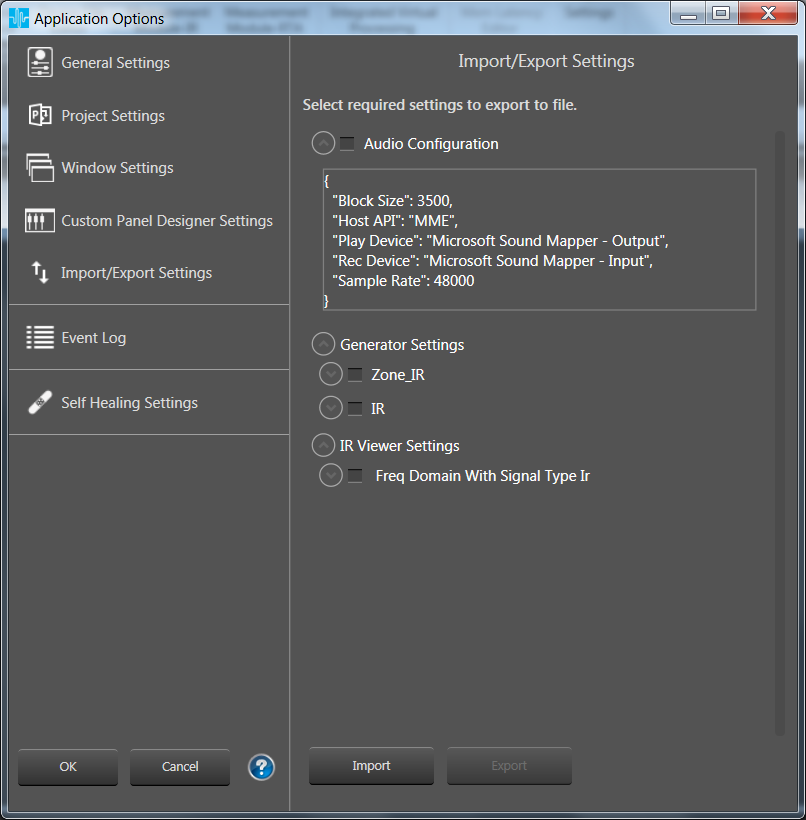
Each settings are grouped with separate category and grouped based on Measurement Type and Signal Type .
Only selected categories will be exported and saved with .gttdSettings file extension [json format].
On Import of *.gttdSettings file , all categories that existed in the file are listed as follows:
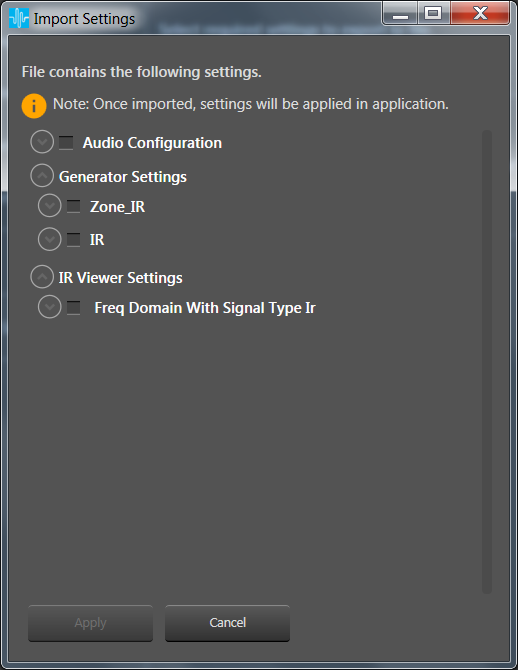
In this window, select categories and click import button. With this all selected settings will be applied to GTT. When you are working with new measurement session , these settings are used for Acquisition or in IR viewer etc based on Measurement Type and Signal type.