The Grain editor view allows modification via slider and textbox of following parameters:
- Volume frequency value
- Volume base and modulation value
- Attack base and modulation value
- Pitch base and modulation value
- Release base and modulation value
- Reverse value
- Size base and modulation value
- Delay base and modulation value
- X-position
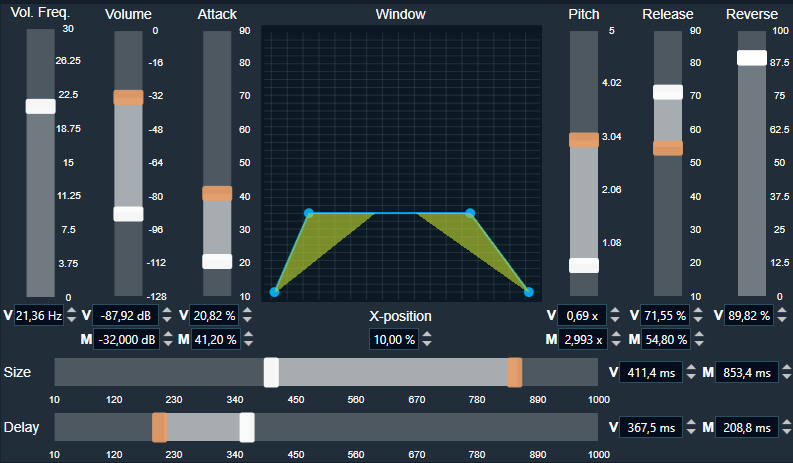
Value ranges are displayed inside a tooltip when hover the mouse over the textbox. When the X-position is changed (ex. by Enter), you can use the Shift key to handle interpolated values.
A chart displaying graphical representation for following parameters:
- Attack base and modulation value
- Release base and modulation value
- Volume base value
Modifying values in Grain Editor are reflected on the selected Grain Marker.