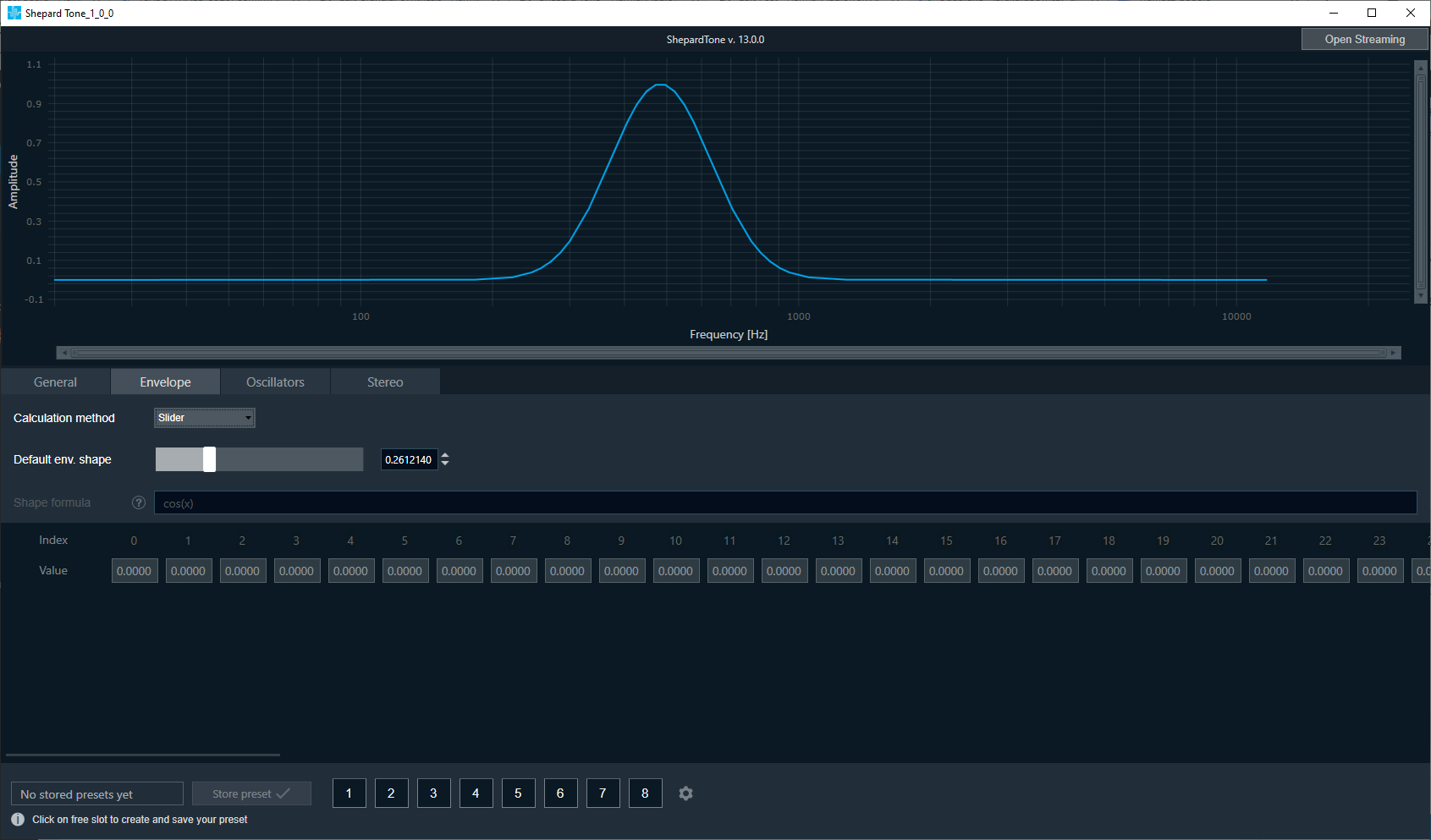
In this tab, the envelope shape can be customized.
The calculation method can be selected from Combobox:
- slider ( setting values with slider in the range from 1E-7 to 1)
- table (based on values typed in the table, table are retained entered values after switching calculation methods and again select to table option)
- envelope shape (based on formula entered by the user which updates values in the table).
- More about the syntax used in env. shape you can find under the help button

- More about the syntax used in env. shape you can find under the help button
The preview chart is updated based on values from the table.
It is possible to copy table values from and to clipboard.