At the very top part of panel actual version of Shepard Tone is displayed.
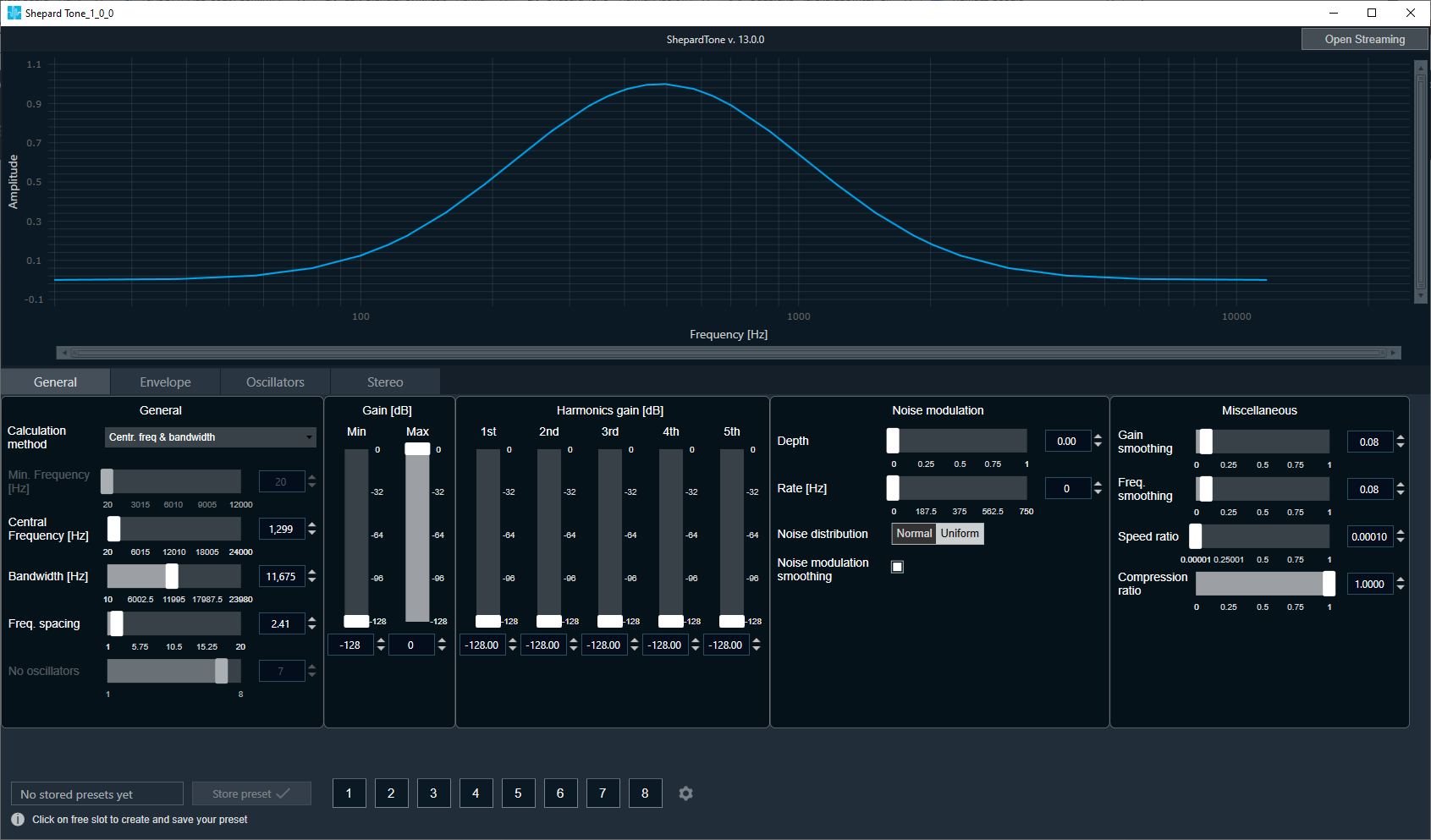
The Shepard Tone panel contains chart (visualizing generated Shepard Tone) and 4 tabs:
– General tab – where all Shepard Tone settings are placed.
– Envelope tab – where envelope shape can be customized.
– Oscillators tab -where it is possible to turn on and off particular oscillators
– Stereo tab (it is only avaliable when number of outputs is greater than 1.) – where stereo Shepard settings are placed.
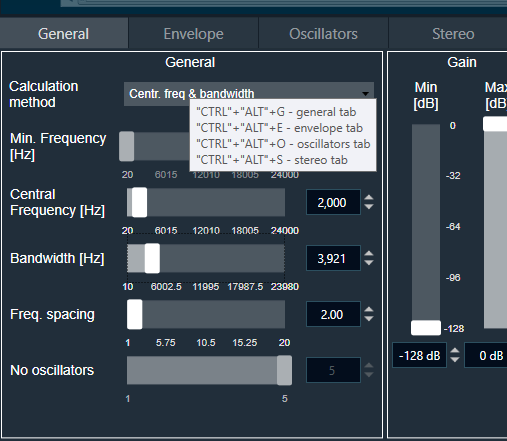
The Shepard Tone is controllable by keyboard shortcuts, which are displayed in tooltips:
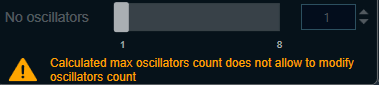
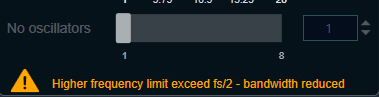
When configuration won’t be correct it will display one of two warnings: