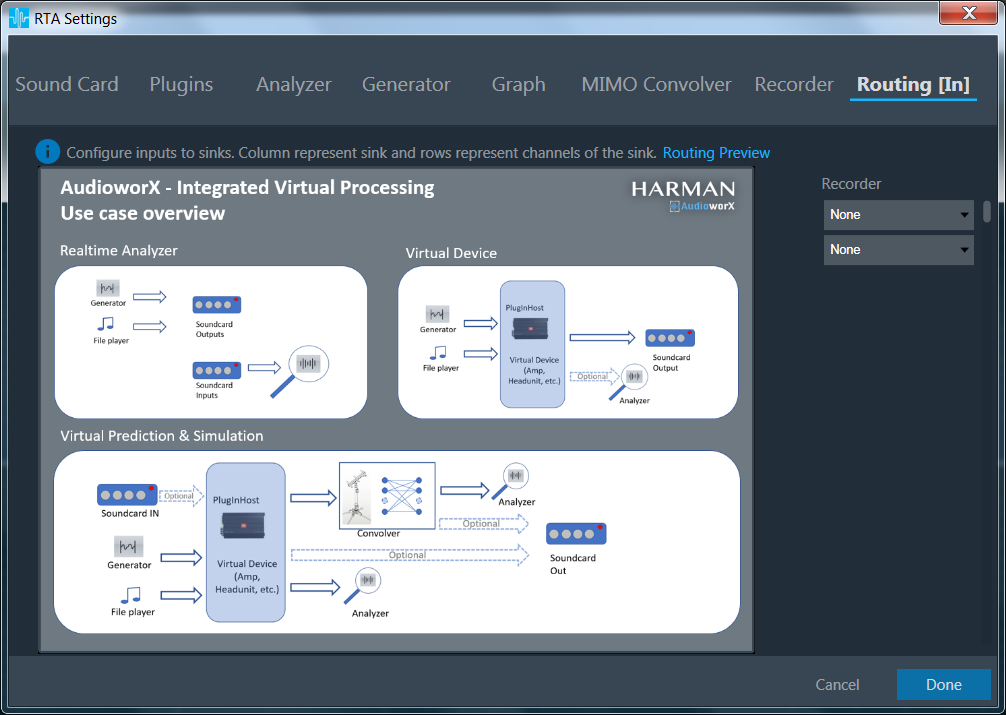
In this dialog the connections to the sound out devices, plugin host and file recorder can be set.
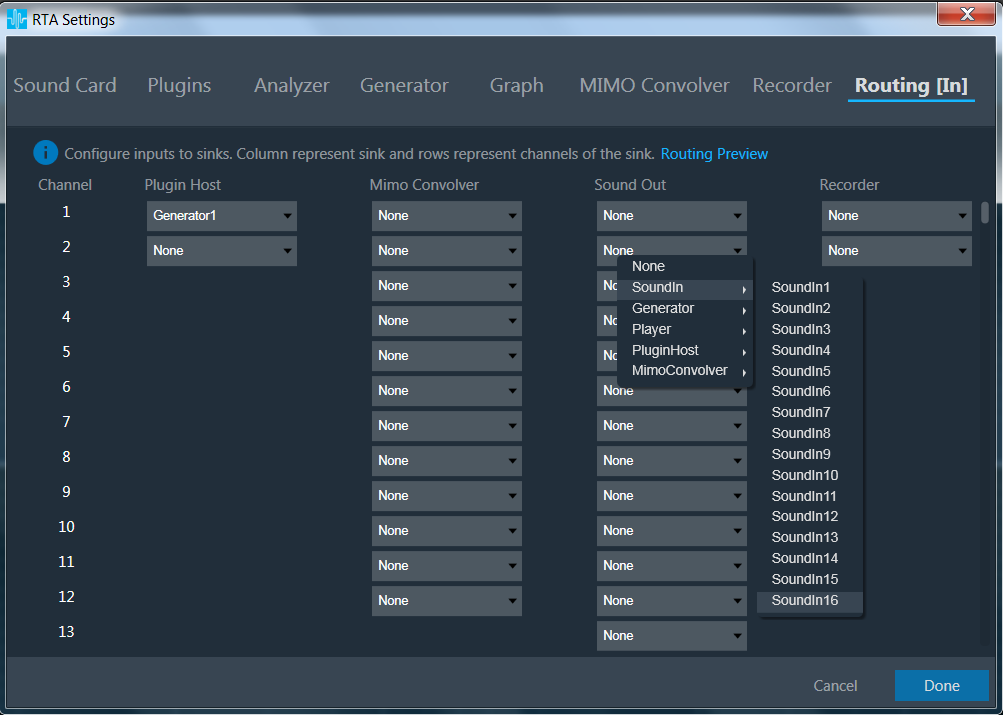
The Sound Out channels 1..16 correspond to the channel pairs which appear at the Streams area in the Sound Card Settings. A click on a control in the Sound Out column opens a context menu where a source can be selected. Currently player as a source is not supported.
On Mouse hover on “Routing Preview”, use case overview will be displayed for better understanding of Routing