Control Router can be launched from SFD.

In the additional parameters section, there is a “Configure…” button responsible for setting the number of Inputs and Outputs of the Control Router:
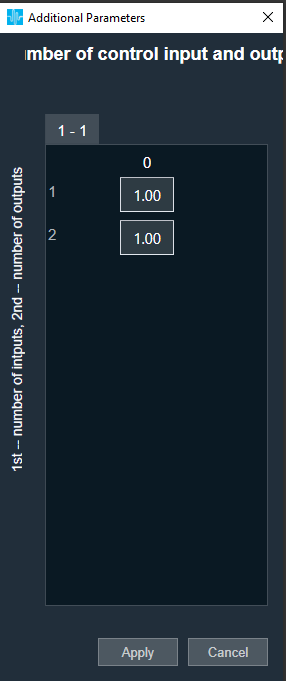
| Configuration parameter | Values |
| Number of Control Inputs | 1-254 |
| Number of Control Inputs | 1-254 |
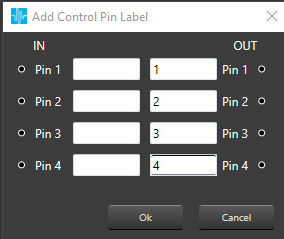
By clicking the right mouse button on Control Router audio object, there is an option to “Add Control Pin Labels“:
It is possible to edit only OUT labels.