A text box is available on the top right corner of the window to search audio objects inside the signal flow designer area.
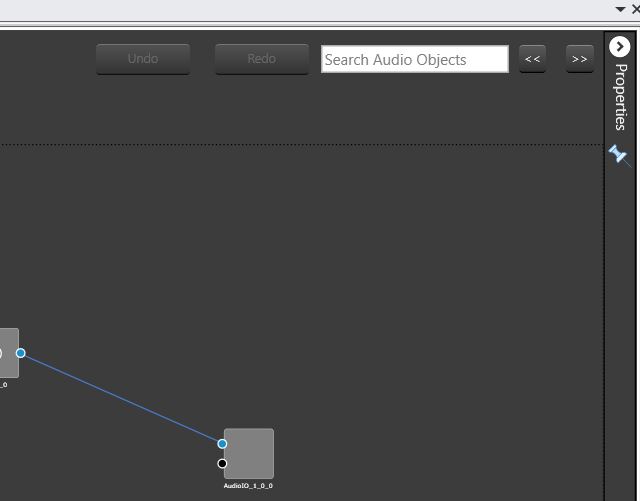
At least 3 characters needs to be inputted to enable the search. The Audio objects search would be performed based on the Display Name of the Audio object. The searched audio objects would be highlighted in yellow color.
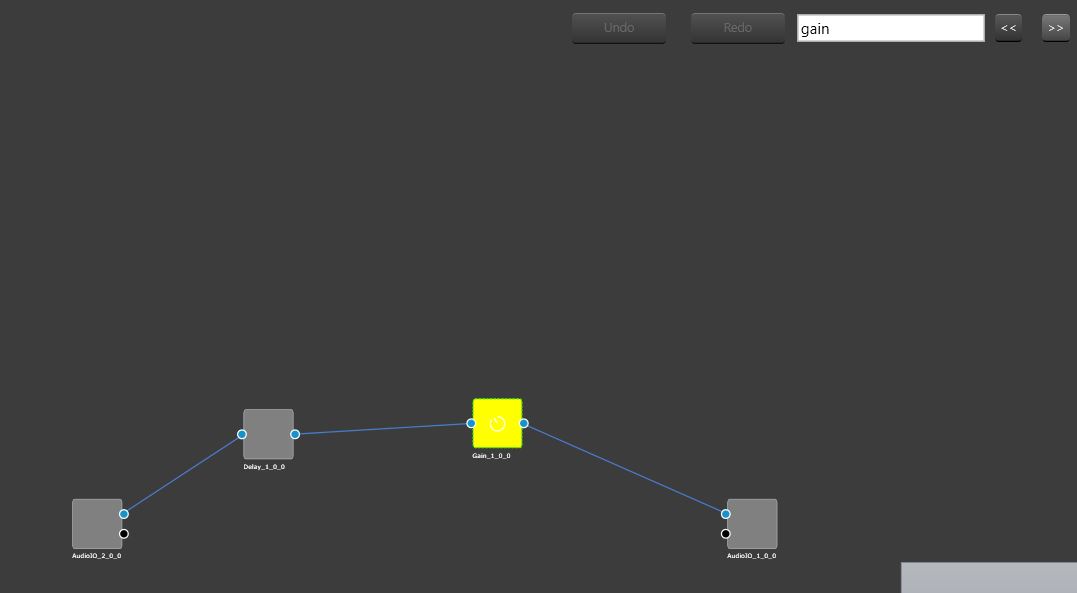
The “<<” and “>>” buttons could be used to navigate between the highlighted audio objects. The highlighted audio object would be re-positioned to the center of the screen after clicking “<<” or “>>” (search buttons).