Overview
Signal flow validates audio objects with currently loaded audio library tool box. Until N-release, if there are any objects that is not in sync with the audio library, GTT will not allow to save the signal flow or send the signal flow to device. User has to replace (delete) manually the current objects within the signal flow, with the toolbox object to pass the validation. In this process, all the connections and tuning data are lost, which have to be redone, thereby resulting in increased effort.
Henceforth, the “Upgrade audio object” feature helps make this process more efficient. User can select the option to upgrade audio object, Application automatically upgrades the audio object to the latest tool box state.
Automatic Upgrade of audio objects
When signal flow is launched by double clicking on the Framework instance in device view, GTT validates all the audio objects that is mismatching with the toolbox and a report is shown with version difference and offers to auto upgrade them based on user choice. If user clicks Yes, then all the audio objects are upgraded automatically to make the version equivalent to toolbox version. If there are any compound audio objects. They have to be manually upgraded.
If user chooses No, the signal flow is launched and user is let to manually upgrade them.
Manually Upgrade an audio object
Below image shows the context menu option to choose “upgrade audio object”. When the audio object is upgraded, there will be messages to guide the user to the next steps.
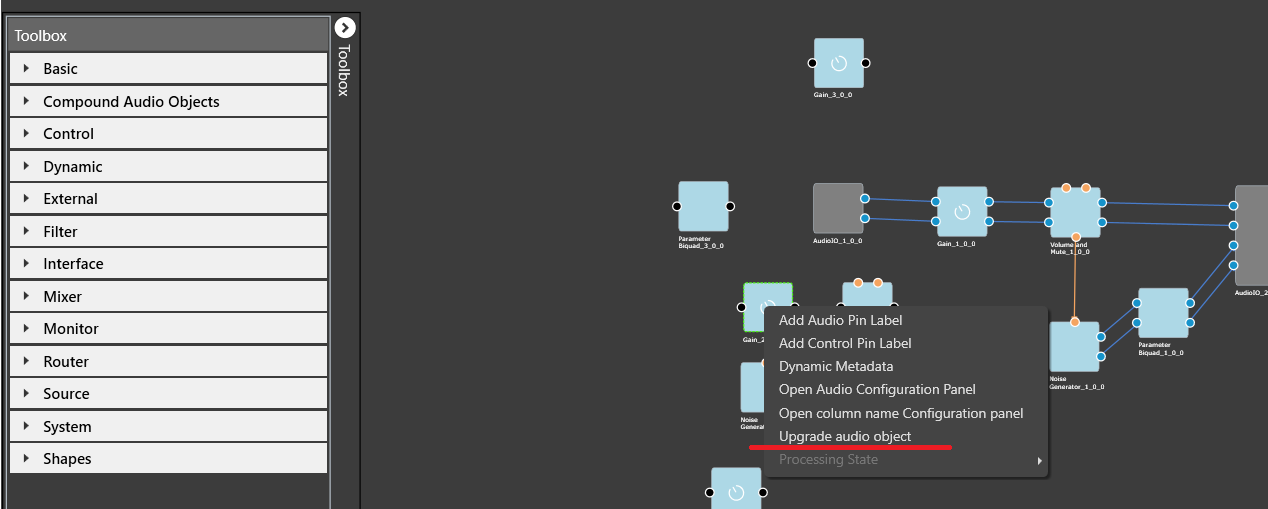
Following properties of audio object will be upgraded:
- Additional variables (added or deleted)
- Modes (added or deleted)
- Audio object properties like input/output, channels, etc
- Tuning version
Audio objects which have Tuning Version major change or with any structural change like additional variables changes will be detected as incompatible and will be highlighted in blue color. Signal flow cannot be saved until all these incompatible AOs are upgraded.
Tuning data and parameter sets will be retained for minor version changes in Tuning version. Major version change will not retain tuning data and parameter sets. Eg: If tuning version of an audio object in the signal flow is 04.00, and in the toolbox the version is 04.01, here only the minor version has changed. Hence the tuning data will be retained. On similar same lines, if tuning version of an audio object in the signal flow is 04.00, and the toolbox version is 05.00, here tuning data will be lost as the AO internal structure has changed.
Once the upgrade has finished, there will be a message to inform user about the tuning data status.
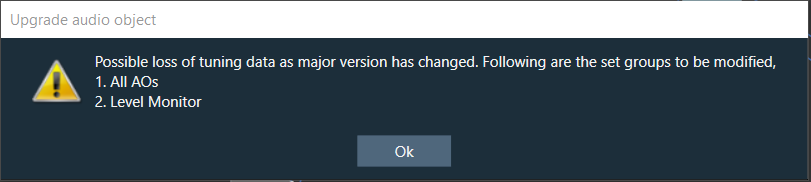
The above message is a caution to user that there is a possible tuning data loss as audio library changed the major version in Tuning version. The set group(s) to be modified will be listed in the message.
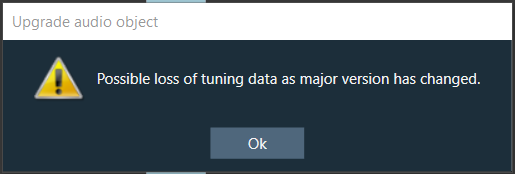
If no set groups are created using the respective audio object, following message will be shown,
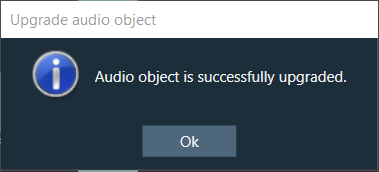
The below message is an information to user about the successful completion of upgrade.
Upgrade Compound Audio Object (CAO)
Compound audio object in the signal flow can also be upgraded. In the case of CAO, minor version change will only upgrade the version number and nothing at all. If there is major version change in the toolbox, then internal audio object will be updated to latest version as per the tool box CAO type. In the cases of major version change and inner objects cannot not be automatically upgraded, CAO will be marked with blue color and user shall take the following steps for the CAO upgrade: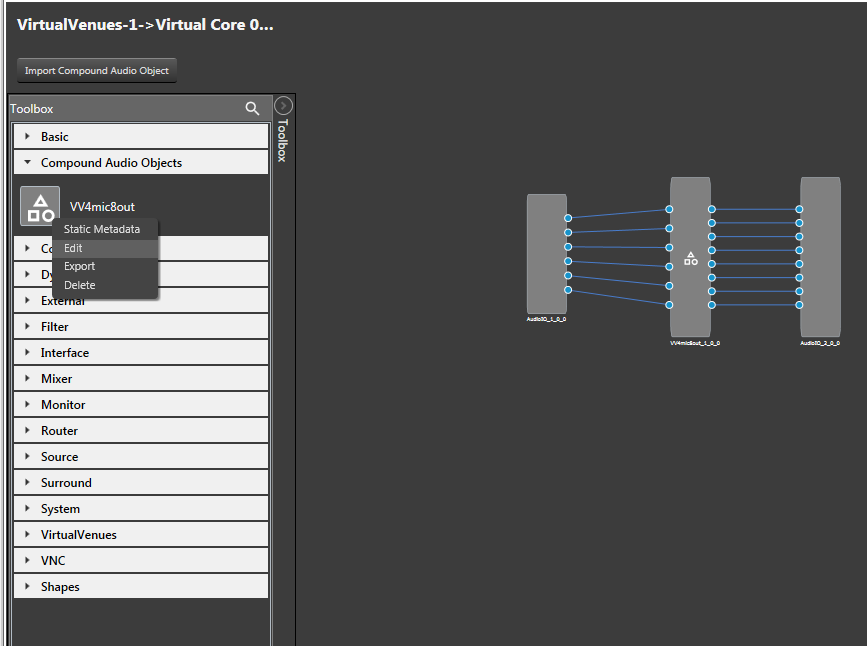
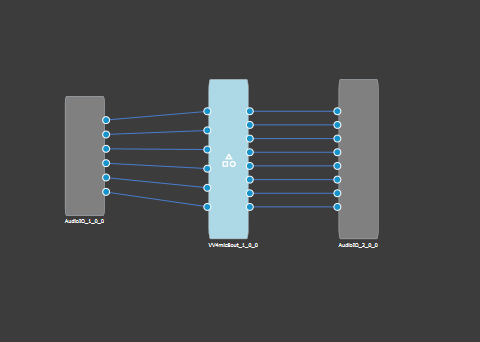
- Enter the edit mode of the CAO, to view the signal flow of the internal audio objects.
- Upgrade the internal audio objects as described in the previous section. Save and Go Back.
- Upgrade the entire CAO.
If the block id is changed form normal format to extended format in the dll, upgrade of block id is not supported.