The properties of an object could be viewed by clicking on the object. On the right side a new panel is displayed that would display the selected object properties.
- Device Properties include Device Name, Hardware and Software version.
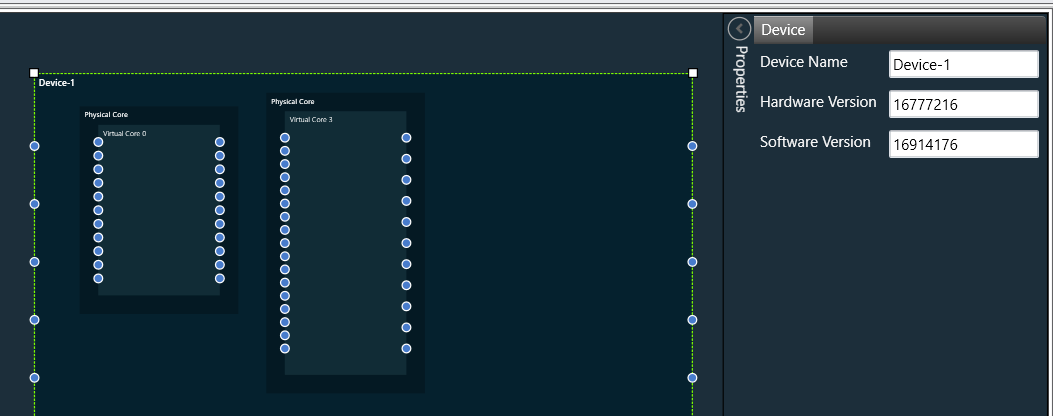
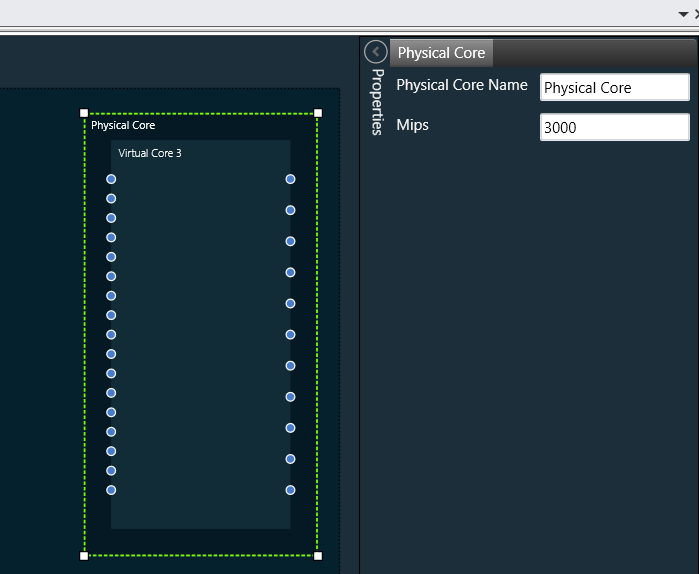
- Physical Core properties include Physical Core Name and Mips
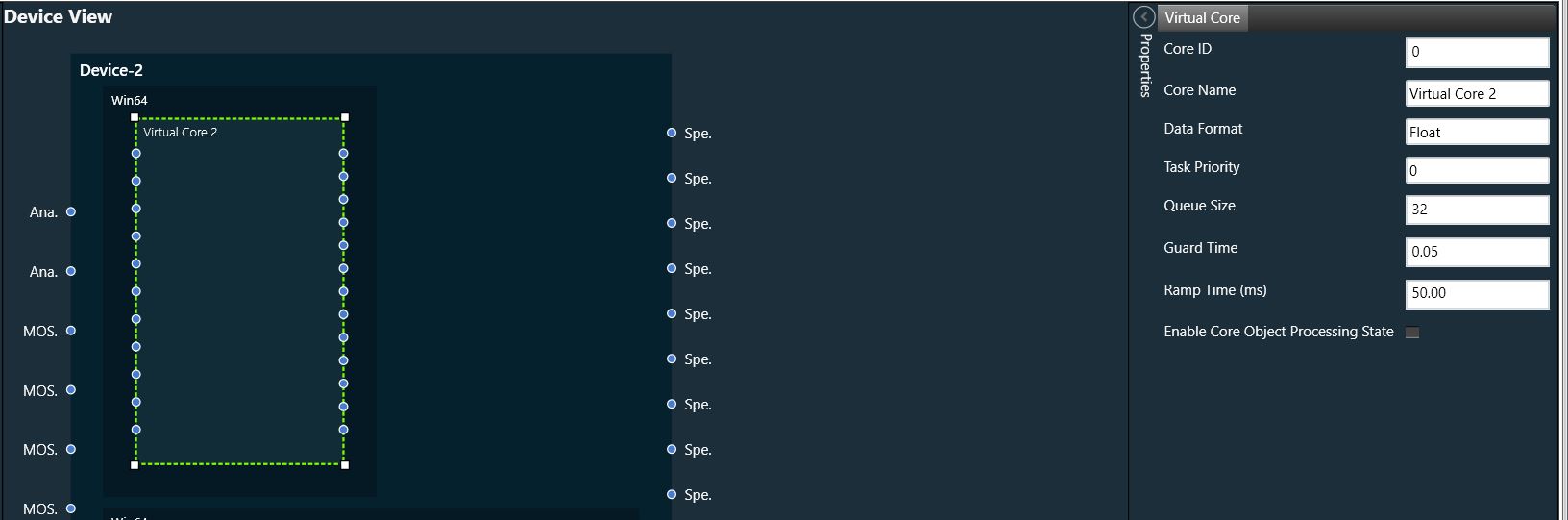
- Virtual Core properties includes :
- Core Id , Core Name, Data Format , Task Priority,
- Queue Size – Size of message queue
- Guard Time – Time to avoid message processing as percent of interrupt time
- Ramp Time – Duration between two processing state (in ms), when Core Object processing state is enabled
- Enable Core Object Processing State – Enables/Disables processing state for Core objects in core
Queue Size and Guard Time will be supported only for Devices with audio library version O release and above or M+2 release and above (in M branch).
Enable Core Object Processing State and Ramp Time will be supported only for Devices with audio library version O release and above
Processing state for Core objects will be applied only if Enable Core Object Processing State was enabled before Send Device Configuration
- Each core object has different properties. For the list of core objects and their properties, please refer the core objects section.